Authentication vs authorization — the difference, and why 401 isn't 403
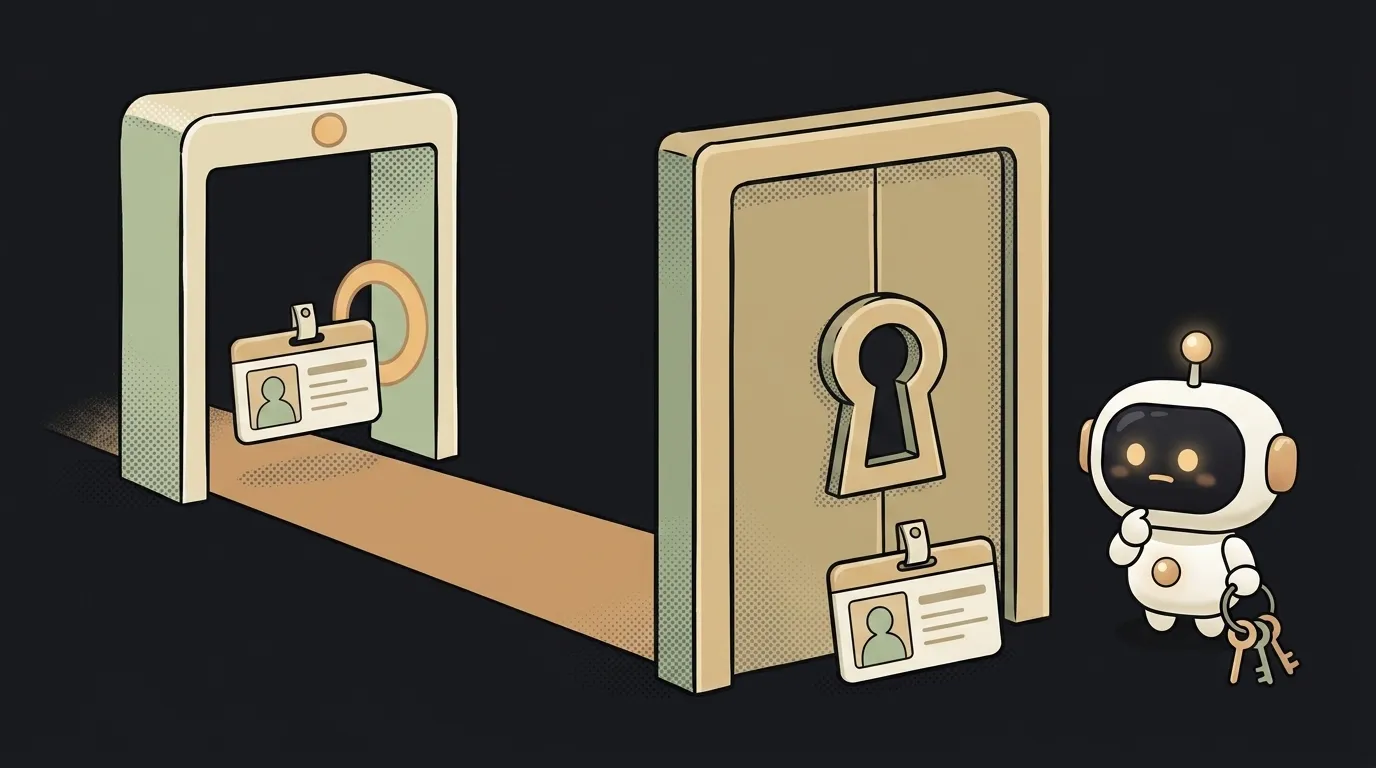
Here's the thing: a server distinguishes two situations that look identical to a beginner.
Error 401 means "I don't know who you are." Error 403 means "I know exactly who you are. And that's precisely why — no." The second one stings a lot more.
Behind these two errors are two words people mix up forever: authentication and authorization. Let's sort them out — so you never confuse them again.
Two questions instead of one
Authentication answers "who are you?". It's an identity check: a password, a code from an email, signing in with Google. The server makes sure you are you.
Authorization answers "what are you allowed to do?". It's a permissions check: can you open this page, delete this record, see this data.
The best analogy is an airport. Passport control is authentication: face matched to document, identity confirmed. But a passport doesn't get you into the business lounge — you need the right ticket for that. The ticket check is authorization. The passport is genuine — and business class is still a no. That familiar 403 feeling.
The table: what's different
| Criterion | Authentication | Authorization | |---|---|---| | The question | Who are you? | What may you do? | | When it happens | Once, at sign-in | On every action | | How it's done | Password, email code, OAuth | Roles and access rules | | Error code | 401 | 403 | | Rejection example | "Wrong password" | "You don't have access to this page" |
The order is always the same: authentication first, authorization second. You can't decide what someone may do before you know who they are.
Why these are two separate jobs
Here's the part worth reading for: adding sign-in to your app means you've done only half the work.
The classic beginner hole looks like this. Sign-in exists, everything's honest: no password — no entry. But the profile page opens at /profile/42 — and a signed-in user changes 42 to 43 in the address bar. Someone else's profile opens.
Authentication works perfectly here: the server knows exactly who it's talking to. It's just that nobody wrote the rule "a user sees only their own data." That's an authorization failure — and these holes are scarier than weak passwords: they're invisible until someone tries.
Check this first in your own projects: sign in and swap someone else's id into the address. If it opens — you have a hole.
A fun detail: sometimes a server answers 404 — "no such thing" — instead of an honest 403. GitHub does this with private repositories: even confirming that someone's repo exists is already a leak. Authorization can hide the very fact that data exists.
Who should set up what
The fork is simple, and the answer is asymmetric.
Don't hand-write authentication. Storing passwords, sending codes, refreshing sessions — it's a task with a hundred sharp edges, and it's been solved for you. Take something ready: Supabase Auth, Firebase Auth, sign in with Google. Under the hood you'll get a JWT or a cookie session — and not writing that yourself is the correct choice.
Nobody will do authorization for you. The rules of "who sees what" are your product's logic: a note is visible to its author only, an article to everyone, the admin panel to you alone. A ready-made library doesn't know your rules. Databases like Supabase have Row Level Security for this — a rule right on the table: "serve rows only to their owner." One policy line closes that profile hole above.
Why is 401 called Unauthorized if it's about authentication?
A historical naming mix-up: the code predates the settled terminology. In practice 401 means "not authenticated" — the server doesn't know who you are and asks you to introduce yourself. For "I know you, but no" there's 403 Forbidden.
Is a JWT authentication or authorization?
By itself — neither: it's a container. The token proves who you are (authentication) and may carry your role inside. But deciding what that role is allowed to do is still the server's job on every request.
Short story-lessons, an agent simulator and daily practice — in our mobile app. Free.