How to detect an element's size change — and why window.resize stays silent
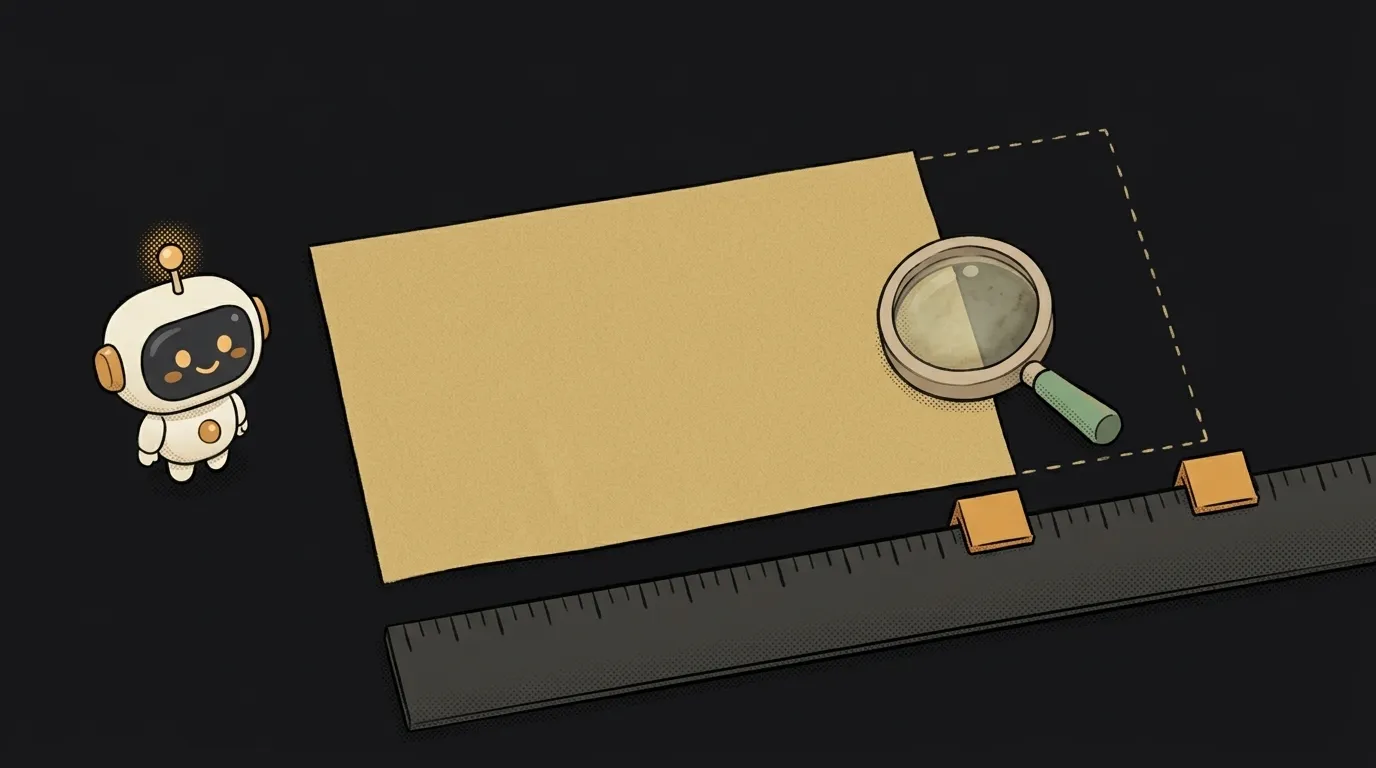
You've got a dashboard: a sidebar on the left, a chart on the right. The chart draws to the container's width. You subscribed with window.addEventListener("resize", ...), tested it — drag the window, the chart adapts. Great.
Then someone collapses the sidebar. The chart's container just got 240 pixels wider. And the chart stayed narrow, with an empty strip on the right.
Here's the thing: the browser window didn't change. Only the window has a resize event. An element can grow because a panel collapsed, text loaded or a font swapped — and no event fires. For that the browser has a separate watcher — ResizeObserver.
What ResizeObserver does
ResizeObserver watches the size of a specific element and calls your function when that size changes. For any reason: the window, a neighbouring block, the content inside.
It works in every modern browser. No library needed.
Step by step: watching a container's size
-
Grab the element you'll watch. Not the window — the actual container your chart depends on:
const box = document.querySelector(".chart-box"); -
Create an observer with a callback. The browser passes it a list of elements that changed:
const observer = new ResizeObserver((entries) => { for (const entry of entries) { const { inlineSize: width, blockSize: height } = entry.contentBoxSize[0]; chart.resize(width, height); } });inlineSizeis the width,blockSizethe height. Why those names and why an array — see below. -
Start observing:
observer.observe(box);An important detail: the callback fires right away, once, with the current size. You don't need a separate "first draw".
-
Pick which size to measure. The default is
content-box— without padding and border. If you need the size includingpaddingandborder, ask for it explicitly:observer.observe(box, { box: "border-box" });And read
entry.borderBoxSize[0]in the callback. If you mix up where content ends and border begins, refresh the box model. -
Don't forget to unsubscribe. When the element leaves the page — in React, that's the cleanup returned from
useEffect— stop observing:observer.disconnect();Otherwise the observer lives on and keeps the element in memory.
In React the whole thing fits into one effect:
useEffect(() => {
  const observer = new ResizeObserver(([entry]) => {
    setWidth(entry.contentBoxSize[0].inlineSize);
  });
  observer.observe(ref.current);
  return () => observer.disconnect();
}, []);
Older examples use entry.contentRect.width. It still works, but it's a leftover from the API's first version. contentBoxSize is newer and can also give you the border-box, so prefer it in new code.
The step where everyone breaks: the console error
One day you'll see this in the console:
ResizeObserver loop completed with undelivered notifications.
It's not a browser bug. Inside the callback you changed the size of the very element you're watching. It changed — another call — you change it again. The browser cuts the loop and defers the remaining notifications to the next frame.
The usual culprit:
new ResizeObserver(([entry]) => {
  box.style.height = entry.contentRect.width / 2 + "px"; // changing what we observe
});
How to fix it:
- Change a different element. Observe the wrapper, size the inner block.
- Defer the change by a frame: wrap the code in
requestAnimationFrame(() => { ... }). The loop breaks. - Ask whether you need JS at all. CSS does a 2:1 ratio by itself:
aspect-ratio: 2 / 1.
The warning is usually harmless — the layout ends up correct. But if it keeps pouring in, your callback is chasing its own tail.
If you're watching many elements — say, every card in a feed — don't create one observer per card. A single ResizeObserver happily watches a hundred elements: call observe for each, and tell them apart in the callback by entry.target.
What you get
Your chart now adapts to its own container, not the window. Collapse the panel, open a side chat, load the legend — it redraws itself. And the code is shorter than with window.resize: no hunting for who changed the width and when.
If the job is purely visual — say, font size or columns should depend on width — try CSS first. For text, responsive font size with clamp works well; for layouts, grid. ResizeObserver is for when JavaScript itself must know the size: charts, canvas, virtual lists.
Why is contentBoxSize an array?
For elements that split into fragments — text across columns, for example. In normal layouts there's always one entry, so [0] is safe.
How is this better than window.resize plus a width check?
resize fires only when the window changes and knows nothing about individual blocks. ResizeObserver reacts to any cause of an element's change and doesn't fire if the size didn't actually change.
Do I need a debounce?
Usually not: the browser calls the callback at most once per frame. A debounce only makes sense if the redraw is very heavy — a server request, say.
Short story-lessons, an agent simulator and daily practice — in our mobile app. Free.
Read next

Why my page jumps when a modal opens — and why you can't see it on a Mac

Why my numbers jump when they change — the timer jitters and the text next to it moves