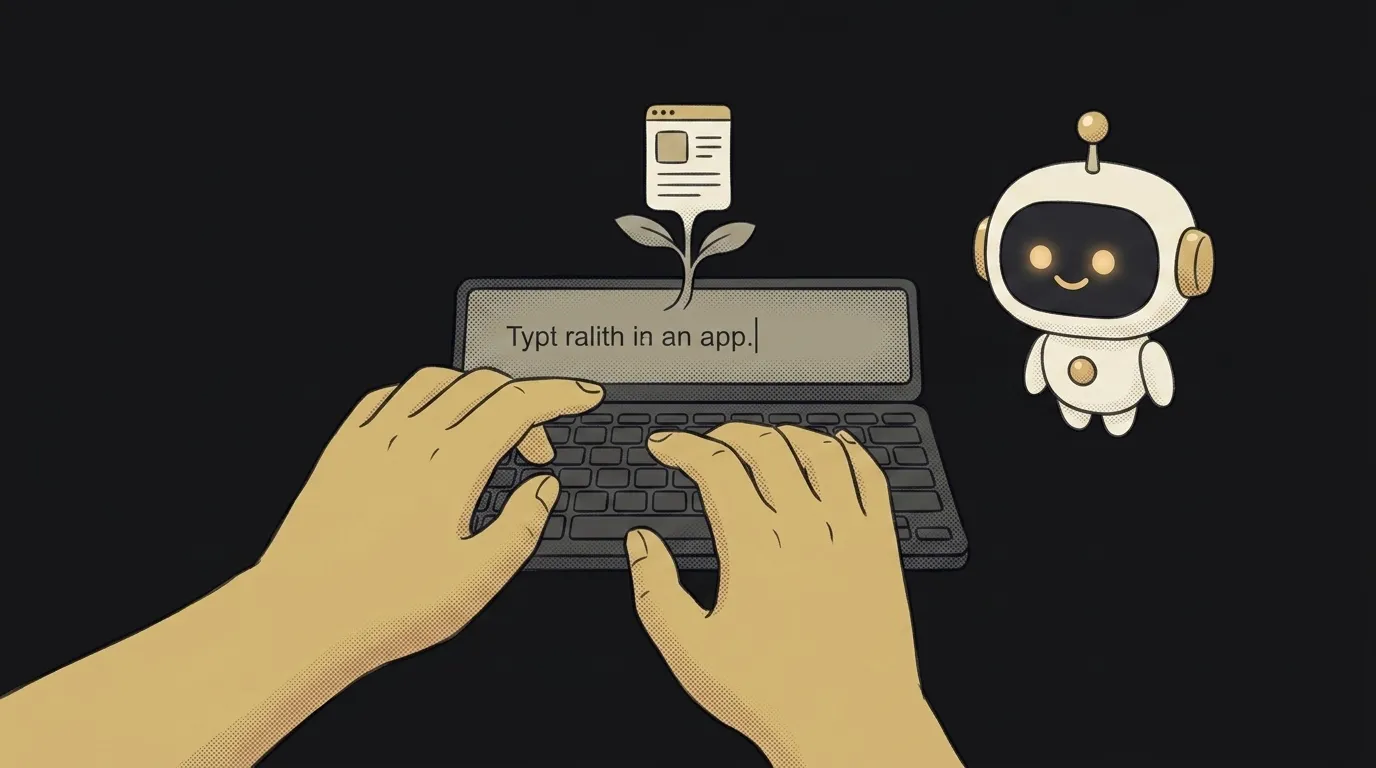
5 beginner mistakes in vibe coding — and how to skip them
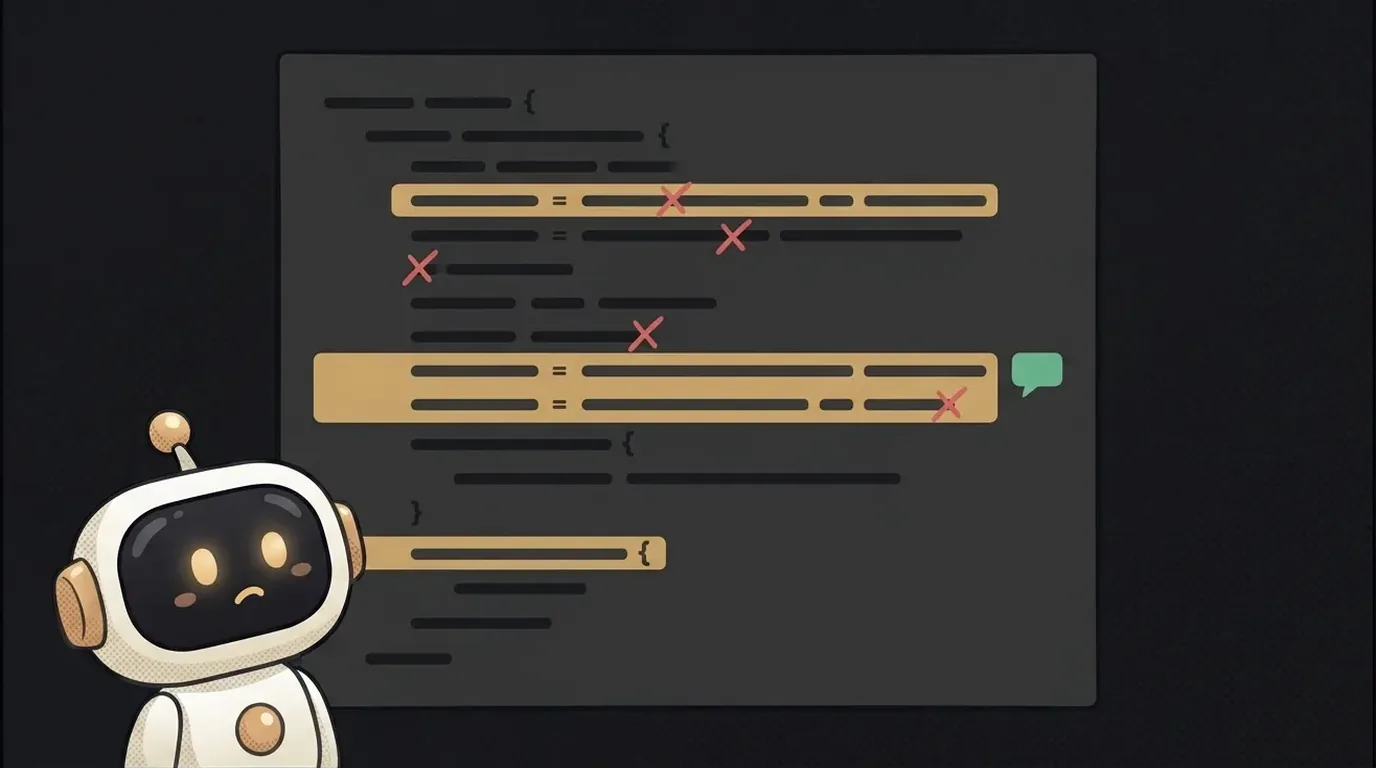
The most common beginner mistake in vibe coding isn't even technical. It's in your head.
You open the editor, watch the agent write code on its own, and something clicks: “oh, it's a wizard, it'll do everything for me.” But the agent isn't a wizard. It's a sharp junior: fast, eager — but it can't read your mind, and without a clear brief it starts guessing.
Almost every other rake grows out of that one. Let's walk through five in a row — and how to step around each.
Mistake 1. Asking for too much at once
Beginners often start with the dream: “build me a social network” or “a workout app with all the features.” The agent takes it on, spits out a pile of code — and it either doesn't work, or works wrong, and you can't tell where it broke.
It's like handing a junior “the whole project” in one sentence. They drown, and you go down with them.
Do this instead: cut it into pieces. One page first. Then one button on it. Then one action behind that button. A small finished chunk is something you can actually check — and you see right away whether it works.
Mistake 2. A vague prompt
“Make it look nice.” “Add a proper form.” “Fix it, something's off.” Sounds like a task, but the agent has nothing to grab onto — so it guesses. And it doesn't guess what's in your head.
Here it is on one task — a feedback form:
Add a form to the page.The difference isn't length. The strong prompt has context (where to add it), contents (what fields) and constraints (how it behaves). There's nothing left for the agent to guess — and it lands on the first try.
Mistake 3. Trusting blindly and not reading the result
The agent writes so confidently that you just want to keep clicking “next.” But it can be wrong — and sometimes confidently so: it'll invent a function that doesn't exist, or break something that just worked. That's called a hallucination.
If you're not looking at what it produced, you'll be the last to learn it broke — once three more layers have piled on top.
Do this instead: a quick check after every step. Run it. Click the button. Glance at the code, even if you don't follow every line. Noticing that “done” and “works” are two different things — that's on you.
Mistake 4. Not iterating in small steps
The flip side of the first mistake. A beginner writes one giant prompt with ten edits at once: “change the color, add a menu, fix the form, align the footer.” The agent does it all in one go — and if something breaks, good luck finding which of the ten edits did it.
Do this instead: one edit, one step. Changed the color — check. Added the menu — check. Yes, it feels slower. In practice it's faster: you don't burn half an hour hunting for what slipped.
Mistake 5. Giving up after the first wrong answer
The agent gives you the wrong thing — and your hand reaches to close the tab: “this vibe coding stuff doesn't work.” But that's a normal moment in the process, not a failure. Even with a real junior, you'd say what to fix — not fire them after the first draft.
Do this instead: don't start over — clarify. Say what's off and what you expected: “the button's there but it won't click,” or “the list shows up, but in reverse — newest should be on top.” Often one clarifying line is all it takes for the agent to land it.
Short story-lessons, an agent simulator and daily practice — in our mobile app. Free.
Notice the pattern? Four of the five are the same thing: treat the agent like a junior, not a wizard. Give a clear brief, cut it into pieces, check the result, clarify instead of “starting over.”
Get this rhythm down on a small project, and the big ones stop being scary. They're just the same loop, repeated a few more times.
Read next
How to rename a variable across your whole project — without breaking things that just look similar
How to find code in a big project — search for what's on screen
No-code or vibe coding — which one to pick as a beginner in 2026
What is vibe coding — and how to start as a beginner
Agents now write code “by vibe” — and it changes the rules