What is 2FA — and why it saves you even after your password is stolen
Here's an uncomfortable truth: your password has probably already leaked. Not because of you — some service you signed up for got hacked and its database was dumped. Passwords from those leaks get bundled into huge lists and tried against other sites in bulk.
And this is where it gets interesting. If you have 2FA (two-factor authentication) on, an attacker with your password still hits a wall. Because a password is only half the key. Let's unpack why the other half matters so much — and how to turn it on in five minutes.
What 2FA means in plain words
2FA is when logging in needs two different things, not one.
A normal login is a single factor: you know the password. The problem is that "knowing" can be stolen — passwords get shoulder-surfed, guessed, pulled from leaks. One secret, one point of failure.
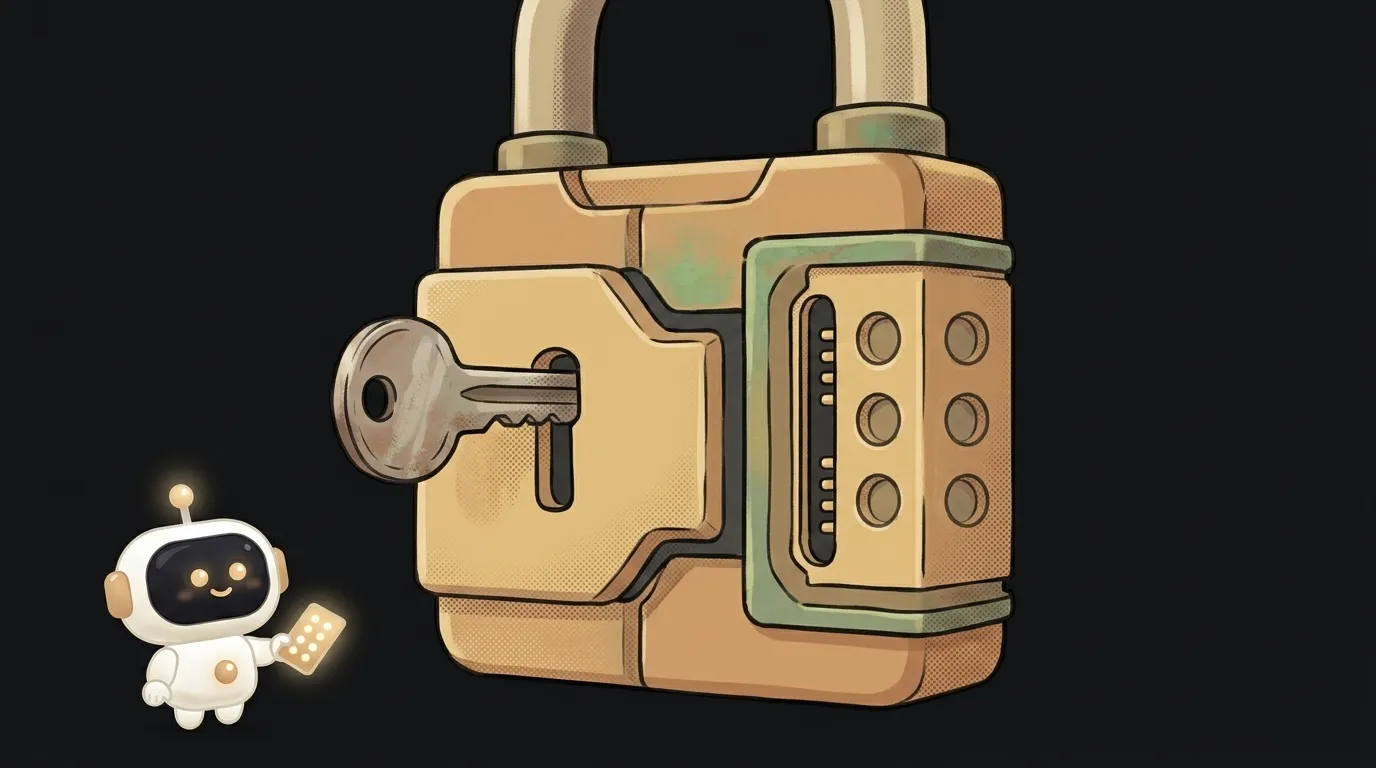
Two factors means something you know (the password) plus something you have (your phone). You need both to get in. Stealing the password isn't enough — the attacker also needs your phone, in hand, right now. And they don't have it.
A real-life analogy: to pull cash from an ATM, knowing the PIN isn't enough. You also need the physical card. A PIN without the card is useless, and so is the card without the PIN. That's two factors.
How it works: a code that lives 30 seconds
The most common kind of 2FA is a six-digit code from an authenticator app (Google Authenticator, Authy, or one built into your password manager).
When you turn 2FA on, the service shows you a QR code. You scan it with the app — and now you and the service share a secret that's never sent anywhere again. From then on, the app computes a new six-digit code every 30 seconds from that secret plus the current time. The server computes it the exact same way — and the codes match.
The magic is that the code is one-time and temporary. Even if someone glances at your code right now, it's dead in half a minute. And that code isn't in the leaked password database — it can't be, because it's generated on the fly.
Under the hood this is a close cousin of how a server checks a session token: both sides can compute the same value, and the match itself is the proof.
Why SMS is the weakest option
Many services offer to text you a code. That's better than nothing, but it's the weakest form of 2FA — here's why.
There's an attack called SIM-swap: a scammer convinces your mobile carrier to reissue your number onto their phone. After that, all your texts — including 2FA codes — go to them. It sounds exotic, but it's a real and widespread scheme.
An authenticator app can't be fooled this way: the secret lives only on your phone and can't be "reissued" by a carrier. So the rule is simple:
- Authenticator app — a solid default.
- Hardware key (YubiKey, passkey) — the maximum, for critical accounts.
- SMS — only if there's no other option.
Where to turn it on right now
Don't put it off — it's five minutes per account. Start with the ones whose loss topples everything else:
- Email. This is the master account: everything else is recovered through it. Protect it first.
- GitHub (or wherever your code lives) — especially if you build apps.
- Bank and payment services.
- Social accounts people get messages from in your name.
Look in settings for "Security" → "Two-factor authentication." And immediately save the backup codes the service shows you: that's your spare way in if you lose your phone. Without them, recovery turns into pain.
If you're building your own app, adding 2FA for your users is worth it too, and it usually comes packaged with your login system. The full list of what to check before you publish is in our security checklist.
FAQ
What if I lose the phone with my authenticator?
That's exactly what the backup codes are for — the ones the service shows when you enable 2FA. Save them in your password manager or print them. Another option is a cloud-synced authenticator (Authy, password managers): then your codes move to a new phone with your account.
Is 2FA the same as a password manager?
No, but they're friends. A password manager stores and fills the password itself (the first factor). 2FA adds a second factor on top. Many managers do both, which is convenient — though for your most critical accounts it's better to keep the second factor separate.
Doesn't it make logging in much harder every time?
Not as much as you'd think. Most services remember a trusted device and don't ask for the code every time — usually only on a new device or browser. A couple of extra seconds once a month versus a hijacked account is a fair trade.
Short story-lessons, an agent simulator and daily practice — in our mobile app. Free.
Read next
What is SSH — how to log into someone else's computer without a password in the open
What is hashing — why a website doesn't know your password
What is a race condition — the bug that shows up only sometimes

Docker or a virtual machine — the difference, and what a beginner should pick
What is WebSocket — and why a chat updates itself without a page reload