What is latency — why AI feels slow even when the model is fast
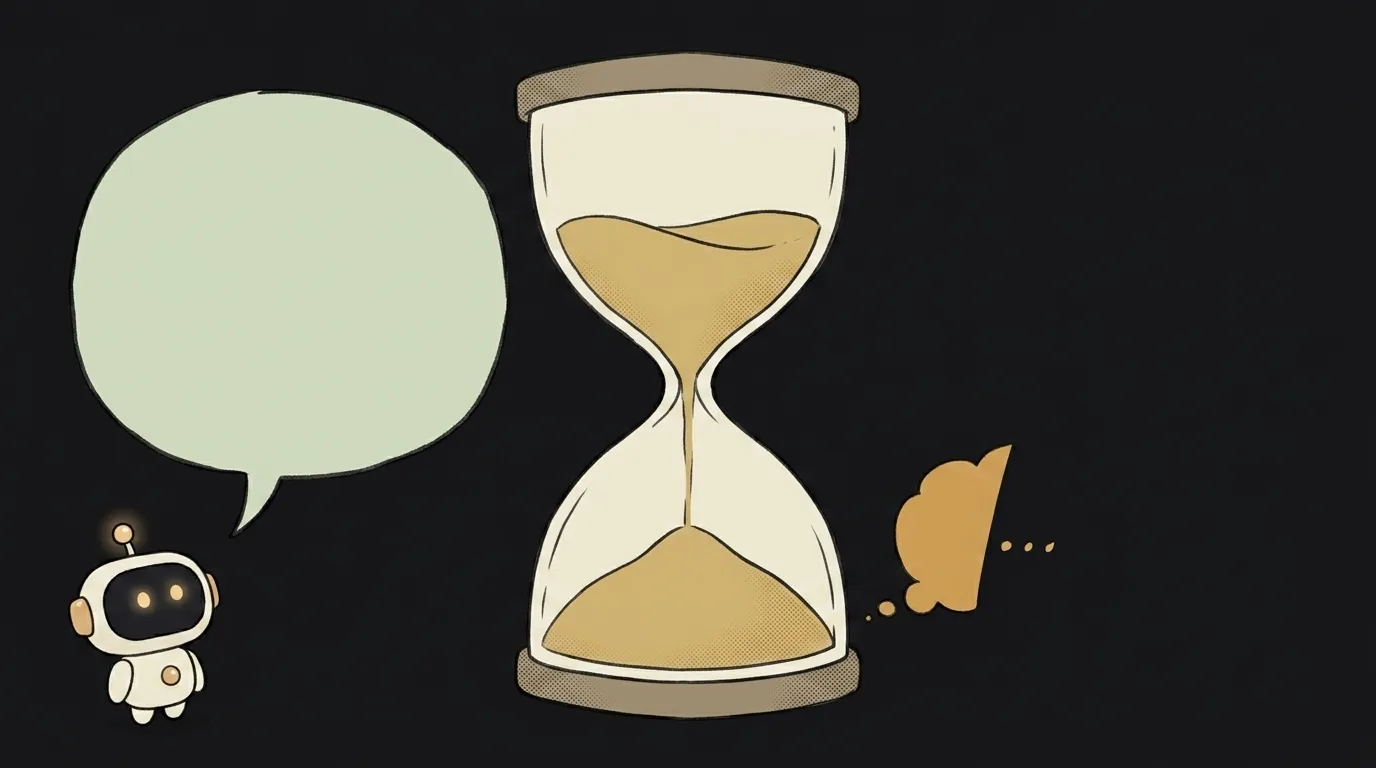
Here's a surprising thing: when AI feels slow, it's almost never because the model is weak or "overloaded". It's about how long you wait for the first word. That's exactly why a big, "slow" model can feel faster than a small one. Let's unpack what latency is and where your seconds actually go.
What latency means in plain words
Latency is the pause between "I hit send" and "the answer starts moving". Not typing speed, not server horsepower — just the wait.
Analogy: a waiter in a café. Latency isn't how fast they carry the plates; it's how long you sit at an empty table before they even come over. Even if everything arrives in a minute after that, those first empty minutes are what annoys you.
AI is the same. You send a request and stare at a blinking cursor. That silence is latency.
Two latencies, not one
Here's the secret that confuses everyone. An AI reply has two different latencies, and people mash them into one word: "slow".
- Time to first token — you send the request and wait for the model to "think" and produce the very first character. That's the cursor silence.
- Output speed — how fast the words keep coming once the answer has started.
The difference is huge. A model can start replying in half a second and then type calmly — feels instant. Or it can go quiet for five seconds, then dump everything at once — and that's maddening, even though the total came out the same.
Why does the model go quiet at the start? While it reads your request and prepares the answer — that's the work called inference, running your text through the model. The longer your prompt and the bigger the model, the longer that pause.
Why streaming "speeds up" the answer without speeding anything up
Now the trick. There's a technique that makes an answer feel faster without speeding the model up at all. It's called streaming — showing words as they're ready instead of waiting for the whole reply.
Compare two cafés. In the first, the waiter waits until every dish is cooked and brings one giant plate — you sit hungry. In the second, they bring each dish as it's done — and you're already eating. Same food, same cooking time. But the second feels faster.
Streaming is that second waiter. The model thinks for exactly as long, but you see it "moving" on the first word. The silence is gone — and the irritation with it. That's why almost every AI chat types the answer in front of you: not for looks, but to kill the feeling of latency.
What affects latency (and what you can do)
If you're building your own AI app, latency is something you can steer. The main levers:
- Request size. The longer the prompt, the longer the model reads it before replying. Don't stuff the whole conversation in when three lines will do.
- Model size. A big "smart" model thinks longer than a small one. For simple tasks, pick a lighter model — noticeably faster.
- Answer length. Ask for a novel, wait for a novel. Cap the output when you need a short summary.
- Streaming. Turn it on and the user stops staring into the void. It's the cheapest way to "speed up" an app.
Nice bonus: a shorter request and a smaller model are also cheaper. There's a separate breakdown on how to cut your AI costs — latency and price pull in the same direction.
Is latency the same as internet speed?
No, though they're related. Part of the latency is the trip to the server and back (internet matters there). But the main AI pause is the model "thinking", not the road. Even on a fast connection a big model will think for a second or two. Internet fixes only a slice of the problem.
Why does the same request sometimes answer faster, sometimes slower?
Model servers get loaded unevenly. At peak hours there's a queue — and your time to first token grows, even for the same request. That's normal: you share the hardware with thousands of others. If latency is critical for your app, that's one more reason to pick a lighter model — shorter queue, faster thinking.
Short story-lessons, an agent simulator and daily practice — in our mobile app. Free.
Read next

What is a string in programming — and why "5" and 5 aren't the same

What is return and a return value — and why console.log returns nothing

What is a boolean — and why the string "false" is actually true
for loop or map — which to use, and why await inside map doesn't wait

What is scope in programming — and why a variable is "not defined" when it's right there