What is SEO — and why nobody finds your finished site
Here's the annoying part. You built a site, it works, you send the link to a friend — great. Then you google your project's name and… nothing. Not on page one, not on page five. As if the site didn't exist.
That's not a bug. Google just doesn't know your page is there or what it's about yet. SEO is the work of making search engines find your site, understand it, and show it to the right people. It's not dark magic for agencies — you do half of it yourself in an evening.
How search finds you at all
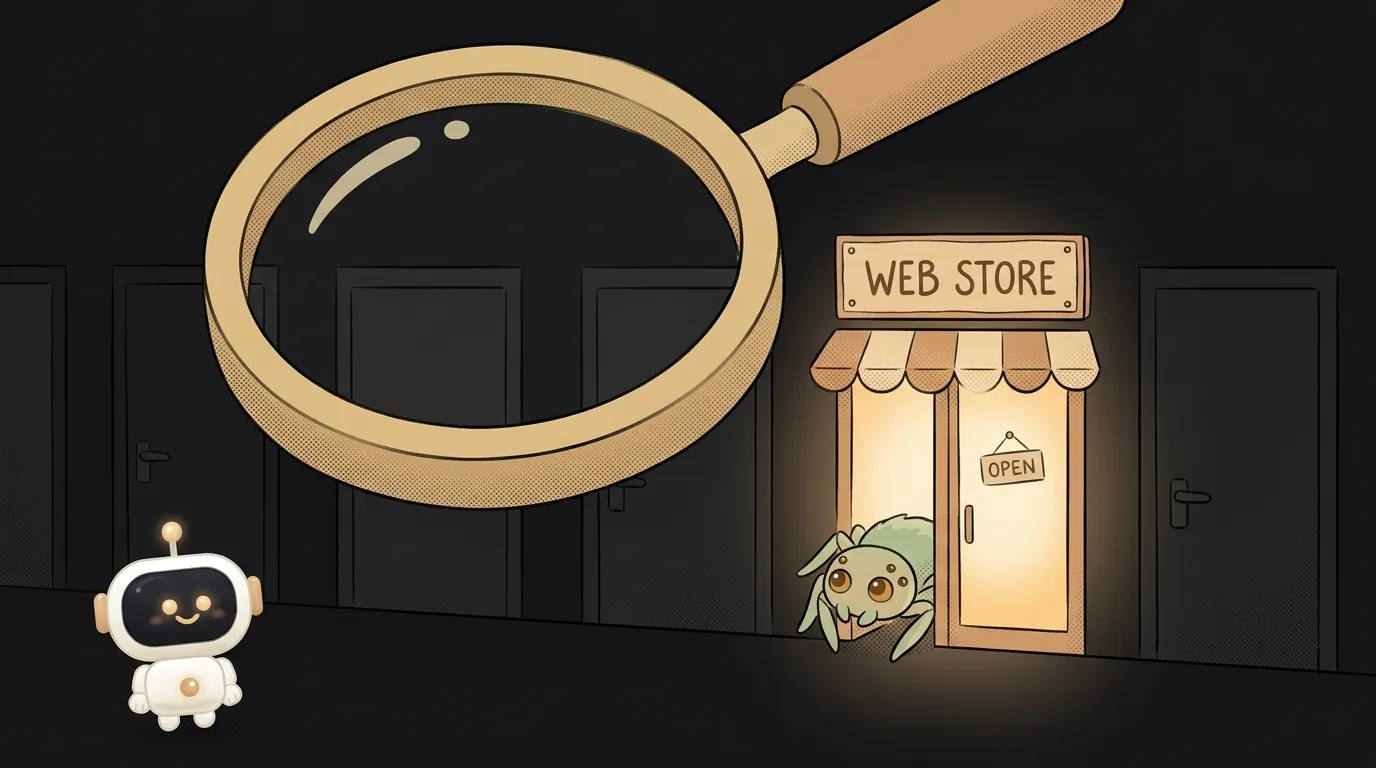
Google has a robot — called a "crawler" or "spider." It walks the web following links, reading pages like you read articles. Finds a new one — adds it to its huge catalog (the index). When someone searches, Google doesn't re-scan the whole web; it looks in that catalog and picks the best match.
Two conclusions follow, and they explain everything:
- If nobody links to your site and you didn't submit it anywhere — the spider may simply never learn it exists.
- If the spider visited but didn't understand what the page is about — it won't show it for the right query.
SEO solves both: help the spider arrive, and help it understand.
What the spider reads on a page
This is where beginners are surprised. The spider doesn't look at pretty design — it reads text and the labels in the code. The key ones:
- Page title (
title) — the blue link in search results. - Description — the grey text under the link.
- Headings in the text (
h1,h2) — how it grasps structure. - The text itself — does it contain the words people search for.
Those code labels are called meta tags — a whole topic of their own. Short version: they're invisible on the page, but they're exactly what a person sees in search before clicking. An empty or junk title is a shop with no sign.
Why this matters to you
Without SEO you have exactly one way to bring people: personally send the link to each of them. That doesn't scale. With SEO it works like this: a person googles "water tracker for iphone," you happen to have an app for that — and they find you on their own, for free, the moment they need it. Search brings people who already want what you made.
For a side project that changes everything. Set it up once and the site quietly brings visitors for years while you sleep.
Where to start — three moves for one evening
No agency needed. Here's the minimum that gives 80% of the result:
- Write a human
titleanddescriptionfor each page. Not "Home," but "Water tracker — reminds you to drink every hour." Inside, use the words a person would actually type into search. - Add the site to Google Search Console (and Yandex.Webmaster for the RU web). It's free. You literally tell the engine "hi, here's my site, here's a map of pages" — and the spider shows up in hours, not weeks.
- Drop a couple of links to your site from places you already are: a social profile, GitHub, a chat. That's how the spider first arrives.
That's a pre-launch checklist in miniature — just the visibility part of it.
FAQ
Do I have to pay for SEO?
No. Basic SEO is free: titles, descriptions, registering in Search Console — all done by hand in an evening. You pay for ads and for specialists when the site is large. A side project doesn't need that.
How fast will the site appear in search?
If you added it to Search Console — usually a couple of days to a couple of weeks. Without that you can wait months or forever. So the first step is always: tell the engine the site exists.
How is SEO different from ads?
Ads — you pay and you're shown now; stop paying and you vanish. SEO — you invest effort once and the site brings people for free, for a long time. Ads are renting; SEO is owning a house.
When you deploy your first project, don't stop at "it works." Spend another half hour so people can find it — otherwise the most common fate of a finished site is silence.
Short story-lessons, an agent simulator and daily practice — in our mobile app. Free.
Read next
What is SSH — how to log into someone else's computer without a password in the open
What is hashing — why a website doesn't know your password
What is a race condition — the bug that shows up only sometimes

Docker or a virtual machine — the difference, and what a beginner should pick
What is WebSocket — and why a chat updates itself without a page reload