What is serverless — and why "no server" actually has a server
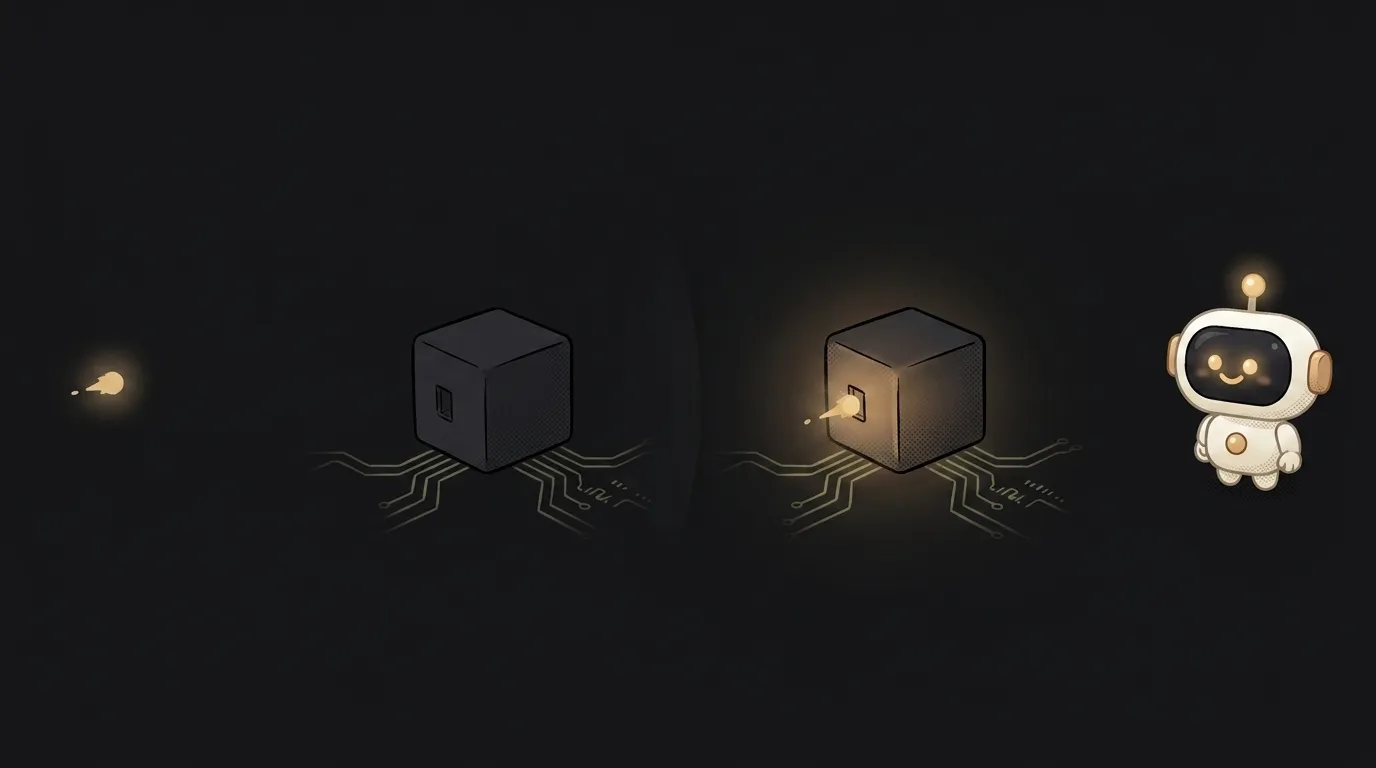
The word throws you off from second one: serverless — "no server." But there is a server, and you can't do without it. Here's the real meaning hiding behind the bad name: there is a server, it just sleeps until called — and you pay only for the milliseconds it actually ran. Not a round-the-clock rent, but per call.
That changes the rules for a beginner: you can ship a backend nobody uses yet and pay zero for it. Let's see how that works.
What serverless means, in plain words
A regular server is like a rented apartment: you pay for it every month, even when you're away and it sits empty. The server runs 24/7 waiting for requests, even when there are none.
Serverless is like a taxi. You don't keep a car around — you call one when you need to go somewhere and pay for that specific ride. A request comes in, the provider instantly spins up your code, runs it, returns the answer, and shuts it down. No requests — nothing runs, the meter is off.
Your code in this model is small functions: "accept the form," "verify the payment," "return the list." Each wakes for its own call. That's why these are often called functions: Vercel Functions, Netlify Functions, Cloudflare Workers, Supabase Edge Functions, AWS Lambda — all serverless.
How it works under the hood
A server physically exists, of course — it's just not yours and not dedicated to you forever. The cloud keeps a shared pool of machines and spreads calls across them:
- A request hits your function.
- The cloud finds a free machine and, in a fraction of a second, runs your code there.
- The code runs (usually with a limit — say, a few seconds) and returns a response.
- The machine is freed up for other calls.
Because the code isn't running constantly, serverless handles load on its own: a thousand requests at once and the cloud spins up a thousand copies of the function in parallel. You don't "buy more capacity" by hand. That's automatic scaling.
Why this matters for you
Three reasons serverless is a common pick for a first project:
- Pay per use. A pet project called a couple of times a day costs zero on a free tier. With a rented server you'd pay for 24 hours of idling.
- No admin work. No OS updates, no hardware tuning, no "the server went down at night." The provider handles that.
- Easy to deploy. Often it's literally a folder of functions: drop a file, get a working endpoint.
But there's an honest downside — the cold start. If a function hasn't been called in a while, the machine has "cooled," and the first request waits an extra fraction of a second while the code spins up again. For most apps that's unnoticeable. But if you need instant response on every single request without exception, keep it in mind.
When to pick serverless, and when not
Serverless shines when load is spiky: empty one moment, a rush the next. It's worse when you need a process that runs continuously and holds state in memory (a game server, a long-lived connection). Then a regular rented machine is simpler. For a typical vibe project — a site, a bot, a form, a light REST API — serverless almost always wins on cost and nerves.
Is serverless really server-free?
No. There is a server; you just don't manage it or rent it whole. The cloud spins machines up and down for your calls on its own, and "serverless" means "no servers you think about," not "no servers at all."
What is a cold start, and is it scary?
A cold start is the delay on the first request after a pause, while the cloud spins your function back up. It's usually a few hundred milliseconds, and the user doesn't notice. It only becomes a problem in the rare cases where a steadily minimal latency on every call matters.
How much does serverless cost a beginner?
Usually zero to start. Vercel, Netlify, Cloudflare, and Supabase have free limits that cover a demo and your first users. You start paying only when calls pile up — and you pay for real load, not for idle time.
Short story-lessons, an agent simulator and daily practice — in our mobile app. Free.
Read next

What is SSH — how to log into someone else's computer without a password in the open

What is hashing — why a website doesn't know your password

What is a race condition — the bug that shows up only sometimes

Docker or a virtual machine — the difference, and what a beginner should pick

What is WebSocket — and why a chat updates itself without a page reload