Why WebGPU isn't available in my browser — three causes and the fix
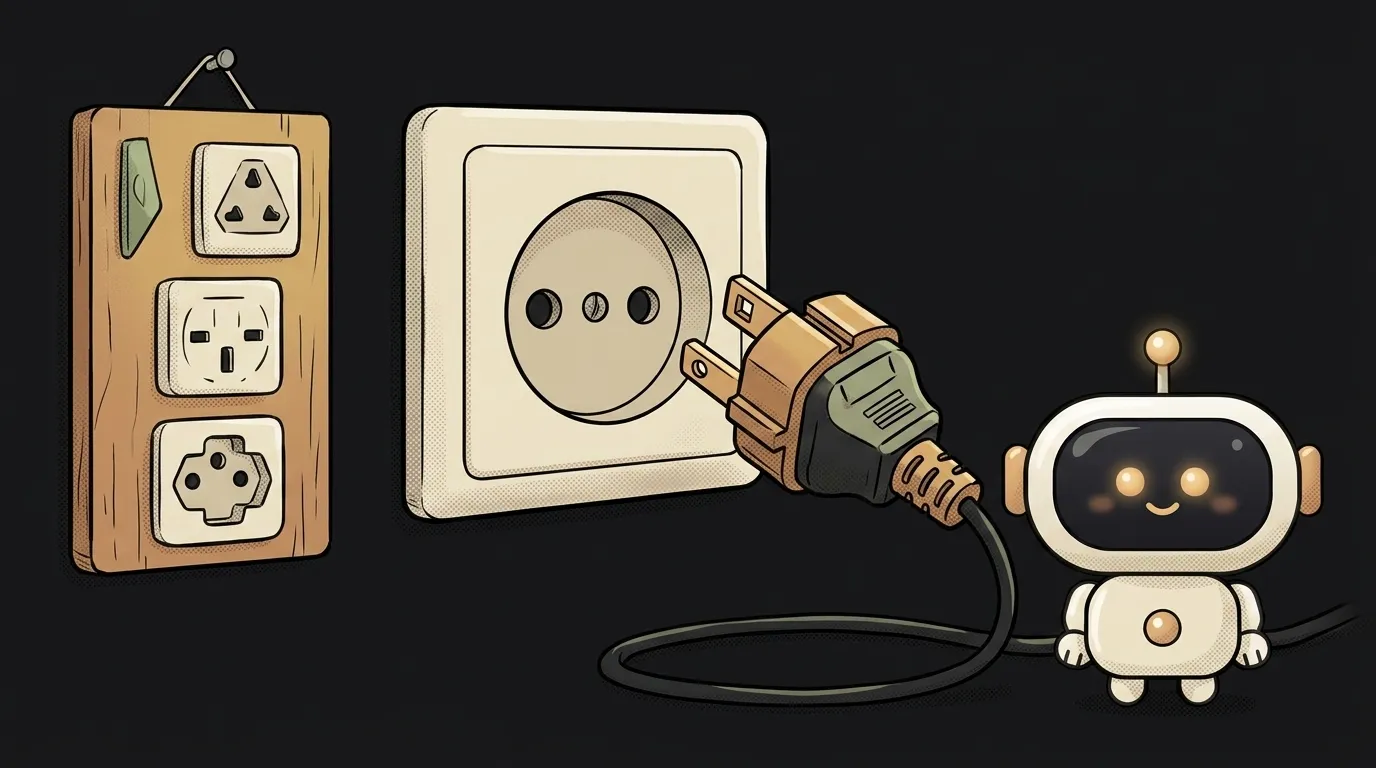
The symptom is familiar. Everything works for you, you're pleased. You send a friend the link — "I get a white screen." Their console shows either Cannot read properties of undefined (reading 'requestAdapter') or an empty adapter.
The trap here: WebGPU isn't unlocked by a fresh browser, but by three things lining up — the protocol, the browser-plus-operating-system pairing, and the specific graphics card. A brand-new browser may not help.
First, work out what actually broke
Two different failures look almost identical. Tell them apart with the first line in the console:
console.log("API:", !!navigator.gpu);
const adapter = navigator.gpu && (await navigator.gpu.requestAdapter());
console.log("adapter:", adapter);
API: false— the browser doesn't know about WebGPU at all. That's causes 1 and 2.API: truebut the adapter isnull— the API exists, the browser just didn't hand over a GPU. That's cause 3.
This is exactly why a one-line check is the most common mistake. Code like if (navigator.gpu) waves through everyone who's about to get null anyway, and the crash lands one line later.
Cause 1. The site isn't served over HTTPS
The most common and the most annoying. WebGPU is only available in a secure context. Open the page as file://, or over plain http:// from a local network IP, and navigator.gpu simply doesn't exist.
How to check: run console.log(window.isSecureContext) in the console. If it's false, there's your answer.
How to fix: locally, work through http://localhost (it counts as secure by default); in production, HTTPS only. Testing from a phone over a local IP? Set up a tunnel with a certificate, or you'll spend the evening debugging a problem you don't have.
Cause 2. The browser and OS pairing
This is where most of the "but I'm on the latest version" cases live. WebGPU support depends not just on the browser but on the system underneath it:
- Chrome and Edge — since 113, on Windows, macOS and ChromeOS. On Linux — only since 144, and only on Intel Gen12 GPUs or newer.
- Chrome on Android — since 121.
- Safari — since 26, iPhone and iPad included.
- Firefox — since 141, but on Windows only. Off by default on macOS and Linux, unsupported on Android.
So Firefox on a Mac — newest, updated, beloved — will not give you WebGPU. And that's not the user doing something wrong.
How to check: ask them to open the link in Chrome. If it works there, it's the pairing, not your code.
How to fix: you can't fix it on their machine, only plan for it. Show anyone on Firefox outside Windows an honest fallback mode instead of a blank page.
Cause 3. The browser refused to give an adapter
Here navigator.gpu exists but requestAdapter() returns null. Per spec the method throws no exception — it simply answers "no suitable GPU", and the browser makes that call itself.
Typical situations: a very old card or driver, a virtual machine without graphics acceleration, a GPU on the browser's blocklist, power-saving mode, remote desktop.
How to check: in Chrome open chrome://gpu — it shows which capabilities are disabled and why.
How to fix: try compatibility mode. It exposes a reduced subset of WebGPU but works on older graphics interfaces:
let adapter = await navigator.gpu.requestAdapter();
if (!adapter) {
  adapter = await navigator.gpu.requestAdapter({ featureLevel: "compatibility" });
}
If that doesn't help, this user has no web-capable GPU. Full stop.
What to write so this stops happening
One rule: WebGPU is an accelerator, not a foundation. The fallback is CPU computation through WebAssembly:
const adapter = navigator.gpu && (await navigator.gpu.requestAdapter());
const device = adapter ? "webgpu" : "wasm";
That's how every working library for AI in the browser is built: fast on a GPU, slower without one, working either way. A user without WebGPU gets a functioning page rather than "your browser is not supported".
One more small thing that bites: don't cache the check result forever. People switch a laptop to integrated graphics, update the browser, or open your page from a different machine.
I'm on the latest Chrome — why does it still fail?
Most likely you're on Linux. Chrome only enabled WebGPU there from version 144, and only on Intel Gen12 GPUs or newer — on anything else it's absent regardless of version number.
Will browser flags help?
For you, yes; for your users, no. Turning on dom.webgpu.enabled in Firefox or experimental flags in Chrome is fine for testing a hypothesis, but you can't build a product on it — no visitor is going to flip flags.
How do I know it's WebGPU and not my code?
Open the console and run those two lines from the top of this article on your own page. If navigator.gpu exists and the adapter comes back as an object, WebGPU isn't your problem — look further into model loading, file paths, or the cache.
The AI Architect 2027 course: step by step from computer basics to your own app and first customers. 543 short lessons on your phone.
Read next

Why SSH still asks for a password when your key is set up — 3 causes

How to set up ~/.ssh/config — short server names instead of long commands

Why does SSH disconnect on its own (Broken pipe) — three causes and how to fix them

How to read command help (--help and man) — and find your version's flags in a minute

Why Ctrl+C doesn't stop a program — and how one except line causes it
