How to deploy your first app with no code — it's just giving it an address on the internet
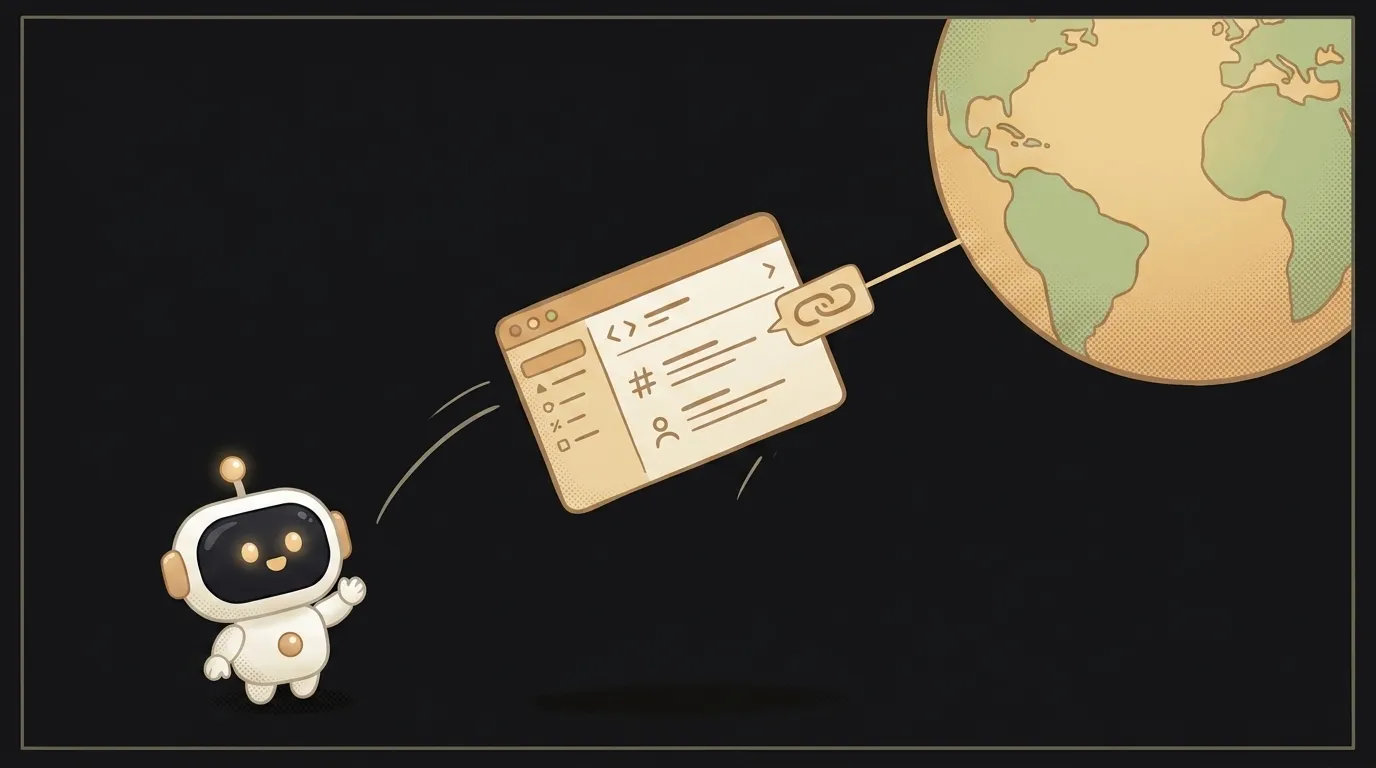
The word "deploy" scares beginners more than anything. It sounds like you need a server, some settings, and a degree in computer science.
So here's the honest version. To deploy is simply to give your project an address on the internet. A link anyone can open: a friend, your mom, a client. That's it.
And the best part: a modern agent does this for you. You say "publish it" — and a couple of minutes later you're holding a live link.
While the project lives only on your machine, nobody sees it
Here's the whole catch. You built a page, and it opens on your computer. That's like writing a letter and leaving it on your own desk — it exists, but no one except you can read it.
For others to see the page, it has to sit somewhere that's always on and reachable from the internet. Your laptop won't do: close the lid, and the link dies.
Putting it "somewhere always reachable" is exactly what deploying is.
Hosting and address, in plain words
Two words you'll need here. There's no skipping them, but they're simple.
- Hosting — someone else's computer that never turns off and sits on the internet for one purpose: to store websites. You move your project onto it, and the page is available around the clock, even while your laptop sleeps.
- URL (address) — the link people use to find the page. Something like
my-page.example.com. It's like a home address: for guests to come over, the house needs an address.
This all used to be set up by hand, and it was enough to break a sweat over. Today there are services that take your project and put it online in one click — hosting and address handed to you automatically. And an agent knows how to press that "button" for you.
How it actually goes
No code. Here's the honest beginner route:
- Get the project working on your end. Let it be one simple page that opens and doesn't crash. Leave the fancy stuff for later.
- Ask the agent to publish it. In plain words: "put this project online and give me the link." It'll pick a suitable free host and do the steps for you.
- Confirm if it asks. Sometimes the agent will ask permission or offer to sign you into a service — that's normal, just say yes. It's walking you through it.
- Get the link and open it on your phone. This is the moment of truth: a page that lived only on your machine now lives on the internet.
A tip: the first thing to do is send the link to someone and ask them to open it on their own phone. If it opens for a friend, it really worked — it's not just "works on my machine".
Why this matters to you
Before deploying, a project is a draft in a drawer: it sort of exists, but there's nothing to show. After deploying, it has an address, and you can send the link to anyone.
It's a small but real milestone. Cross it once, and the word "deploy" stops being scary for good. From then on you'll ship every next project on autopilot: build it, say "publish", send the link.
Short story-lessons, an agent simulator and daily practice — in our mobile app. Free.
Read next

Why an API returns 401 — and how it differs from 403: 3 causes

How to set up a cron job — so your script runs itself, on schedule
Why images aren't loading on my site — 3 causes, starting with letter case

How to read an error message — the three-line method instead of panic

Why your cron job isn't running — and how to make cron confess