How to read an error message — the three-line method instead of panic
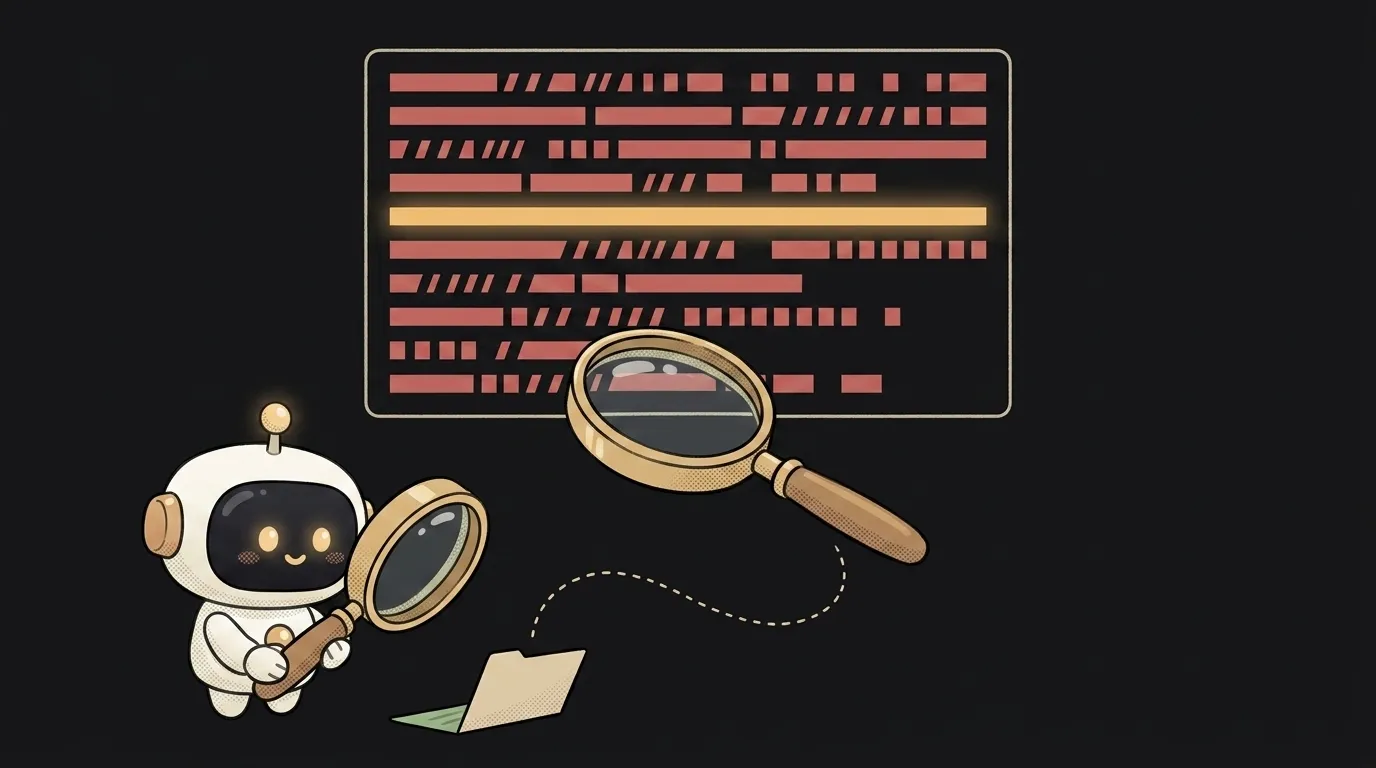
A red wall of text in the terminal looks like a verdict. Here's what changes everything: an error isn't the computer yelling — it's a letter addressed to you. It always contains three useful lines: what happened, where it happened, and how the program got there. Everything else is service noise. Learn to pick out those three lines, and most errors stop being a mystery before you even call the AI for help.
Let's work through a live example — a typical Node.js error:
TypeError: Cannot read properties of undefined (reading 'map')
    at renderList (/app/src/components/List.js:12:20)
    at App (/app/src/App.js:8:10)
    at renderWithHooks (/app/node_modules/react-dom/...)
1. Find the real error — there may be several
Errors love cascading: one real error spawns three or four secondary ones, and the whole screen turns red. Always fix the first one in time — the rest often vanish on their own.
Where to look depends on the language, and it's worth memorizing once: in JavaScript and Node.js the essence is in the first line of the block, with the call chain trailing below. In Python it's the other way around: the traceback reads top-down, and the essence is in the very last line. Scroll the output and find the line shaped like Type: description — that's the one.
2. Translate the "Type: text" formula into human
The first line always has the same structure: ErrorType: what exactly is wrong. In our example:
TypeError— an operation was applied to an unsuitable value.Cannot read properties of undefined (reading 'map')— something turned out to beundefined, and the code tried to read itsmapproperty.
Translation: "you called .map() on a variable that holds nothing." No longer a mystery — a concrete question: why is it empty?
3. Find YOUR file in the stack
The at ... lines are the stack trace: the chain of calls the program went through before crashing. It reads top-down — from the crash site back toward the start. Simple rule: skip everything from node_modules and third-party libraries; look for the first line with your own file.
Here it's List.js:12:20 — file, line 12, column 20. The library is almost never guilty; what your code passed into it is.
4. Go to the line and predict the answer before fixing
Open List.js:12. There's something like items.map(...). Now, the small habit that levels you up faster than anything: state a hypothesis first, verify second. "items is undefined. Where does items come from? Props. Who passes them? App. And the data there loads from the network — so on the first render it isn't there yet."
That's nearly a diagnosis, and you made it yourself just by reading the letter to the end.
5. Can't see the cause — add eyes
If the hypothesis doesn't come together, put console.log(items) right before the failing line (print in Python) and run again. Look at what's actually in the variable, not what "should be" there. If the error lives on the server, the same picture shows up in the logs.
6. Now bring in the AI — with the right package
The most common beginner mistake is pasting a single line — "TypeError what do I do" — into the chat. The model will be guessing. Assemble a three-part package instead:
- The full error, stack trace included.
- The code around the failing line — the function where it fires, plus the place the data comes from.
- What you were doing: "crashes on first page load; works after a refresh."
With a package like that, the model usually nails the cause on the first try — how to run that dialogue is covered separately.
What you get
That red wall folds into three lines: TypeError → "empty where a list was expected" → List.js:12. Diagnosis: the data hasn't arrived yet. Treatment: an if (!items) return null guard or a default value. Two minutes — and they're your two minutes, not "the AI changed something and it kind of works now."
What order do I read Python errors in?
Bottom-up: the last line is the essence (ValueError: ...), above it is the call chain. Look for your own crash site in the lowest trace lines that mention your files.
Why does the error point at a line where everything looks fine?
The line is honest: the crash happened right there. But the cause usually sits upstream — a bad value arrived from somewhere else. The line in the error is where the search starts, not where it ends.
Short story-lessons, an agent simulator and daily practice — in our mobile app. Free.
Read next
Why your download link opens the file instead of downloading it — 3 causes
How to make font size responsive — and why font-size in vw breaks zoom
Why fetch returns stale data — 3 caching causes and how to fix them
How to calculate the number of days between two dates in JavaScript — and why you get one day too few
Why changing one item changes all of them — three causes and fixes