Don't regenerate the clip — just say what to change in it
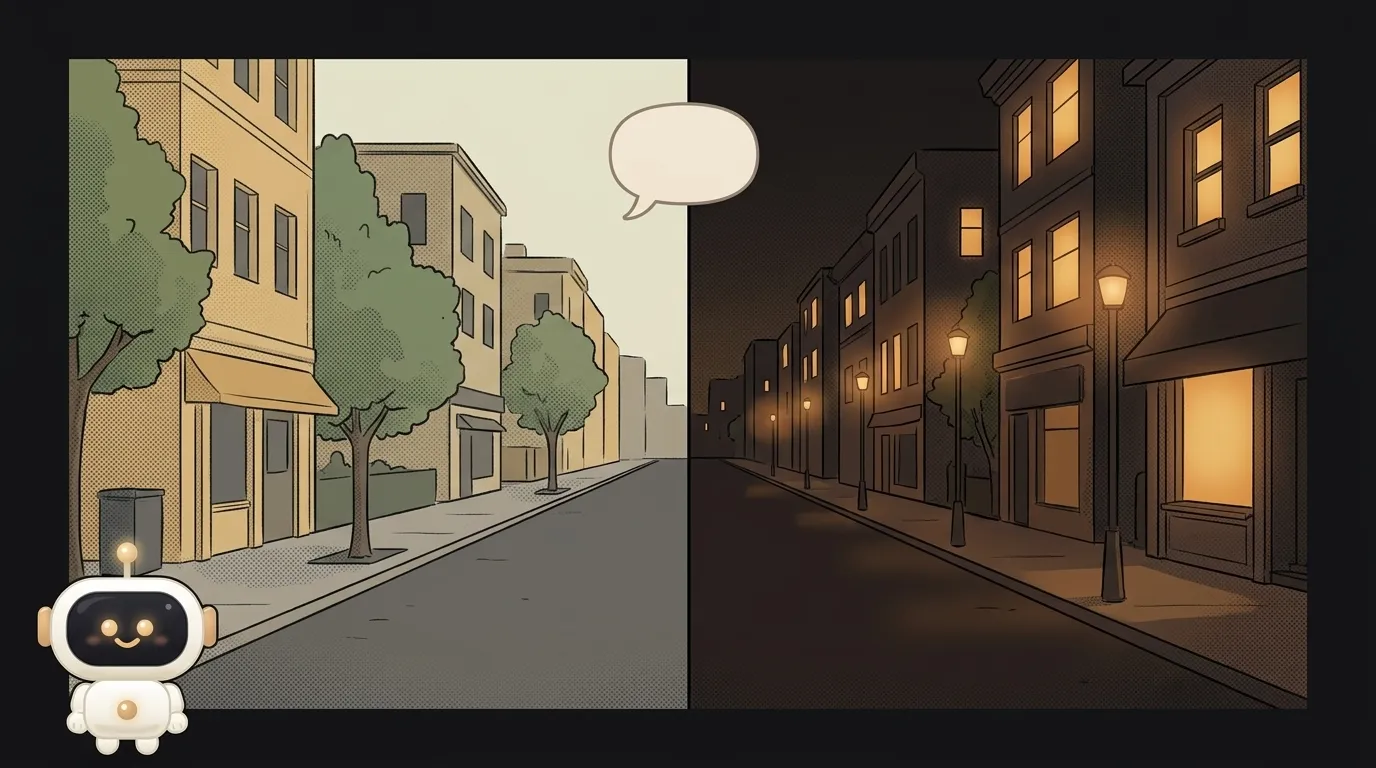
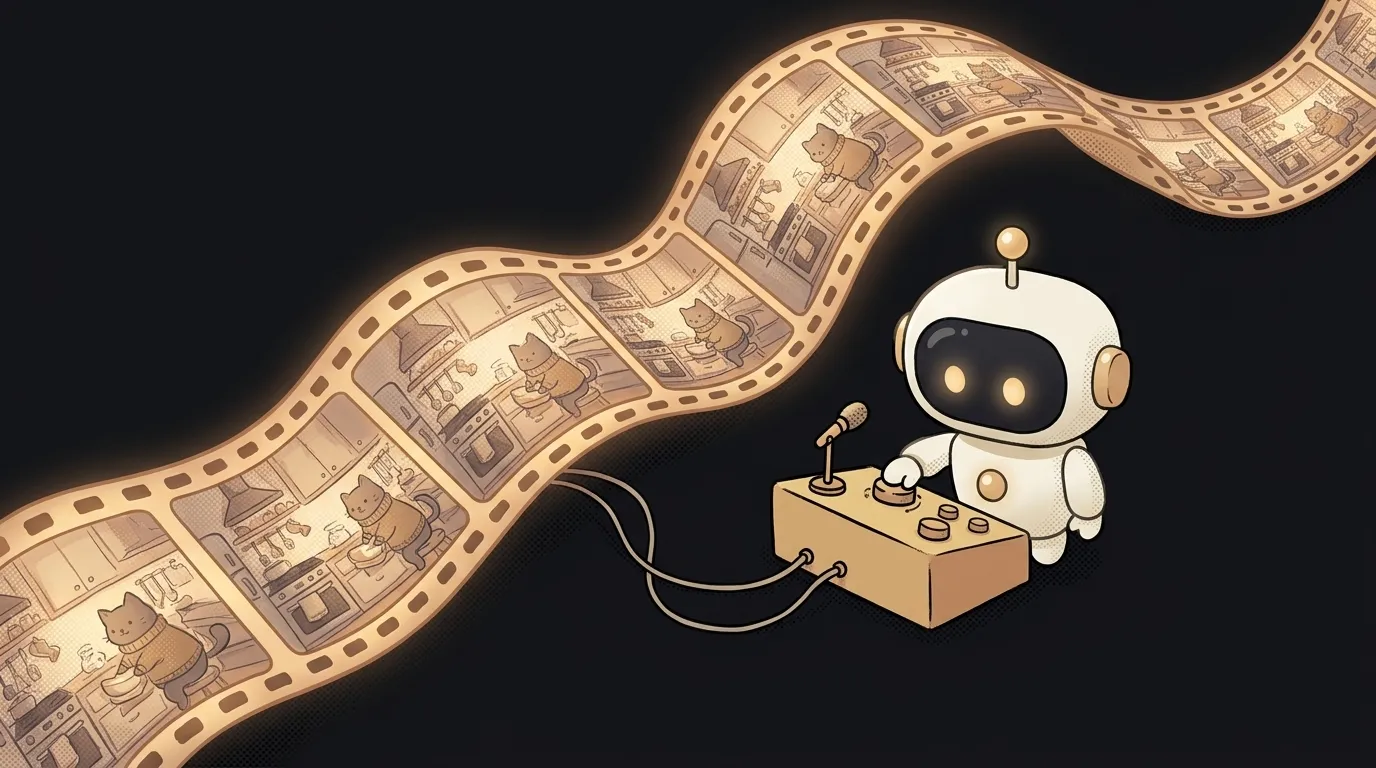
Here's the one-line idea: you've got a short clip — an animated photo of your street, a five-second demo of your project. You want it to be night, not day. You type one phrase: "make it night." And only the sky changes. The cat, the angle, the camera move — all as they were.
This isn't "build a clip from one phrase" — that one already works. This is about editing something you already made: change one detail without losing the whole frame.
Why this just became possible
Editing AI video used to be blunt: don't like a detail — generate the whole thing again. And you get a different clip. Different cat, different light, different motion. Fix one thing, break ten.
On June 30, 2026 Google opened Gemini Omni Flash in the API — a model that edits video by conversation. The key word is "remembers." Straight from Google's docs: "the model remembers the video context, applying your changes while preserving elements you did not mention." Each edit references the prior result. Say "add a slow zoom" and it adds a zoom, it doesn't reshoot the scene.
What you'll learn
Small project, but you touch the useful stuff right away:
- Call a model over an API — the same Gemini key. Send an idea → get a clip.
- Keep state across turns — each edit references the prior response (
previous_interaction_id). That's how the model "remembers" the clip. - Animate a photo — the input can be a still, not text, and it starts moving.
- Count by the second — video runs about $0.10 per second. Good to feel the cost of a request.
A ready starter prompt
The trick isn't the first prompt — it's the edit. A bad edit asks to "redo it" and you lose the frame. A good one names one thing and forbids touching the rest.
redo it, just make it better and prettierThe weak version is a gamble: the model rebuilds the scene its own way. The strong one sets boundaries, and only what you named changes.
What you'll end up with
You had a daytime photo of your street. Now it's a five-second clip with a slow zoom across it — and on the second edit, sunset. Same house, same angle, but cinematic. And you built it with phrases, not in an editor.
Honest about the limits: clips are short (3–10 seconds), quality is preview-grade, and each one carries an invisible SynthID mark that it's AI. For a weekend project, exactly right.
Weekend plan
- Friday night. Grab a Gemini key, open AI Studio, and make one clip from text. Then change a detail in it with one phrase. That's the "whoa" moment.
- Saturday. Wrap it in a tiny app: a "make a clip" field + a "what to change" field. The button sends an edit that references the prior response.
- Sunday. Let it animate your photo, and save the edit history so you can roll back.
Start with one edit on one clip. A chain of five changes comes later — first, get "change one thing, everything else stays" working.
Short story-lessons, an agent simulator and daily practice — in our mobile app. Free.
Read next
47 vacation clips — and an agent cuts them into a video on the beat
Build a “send as-is” button — a model that hands you the email, not advice about it
A song where you change one chord — instead of spinning the generator again
The clip is already rolling — and you call out what happens next

A web page that watches your camera live — 30 frames a second, offline, no server