How to split an array into chunks in JavaScript — without hitting a 429 from the API
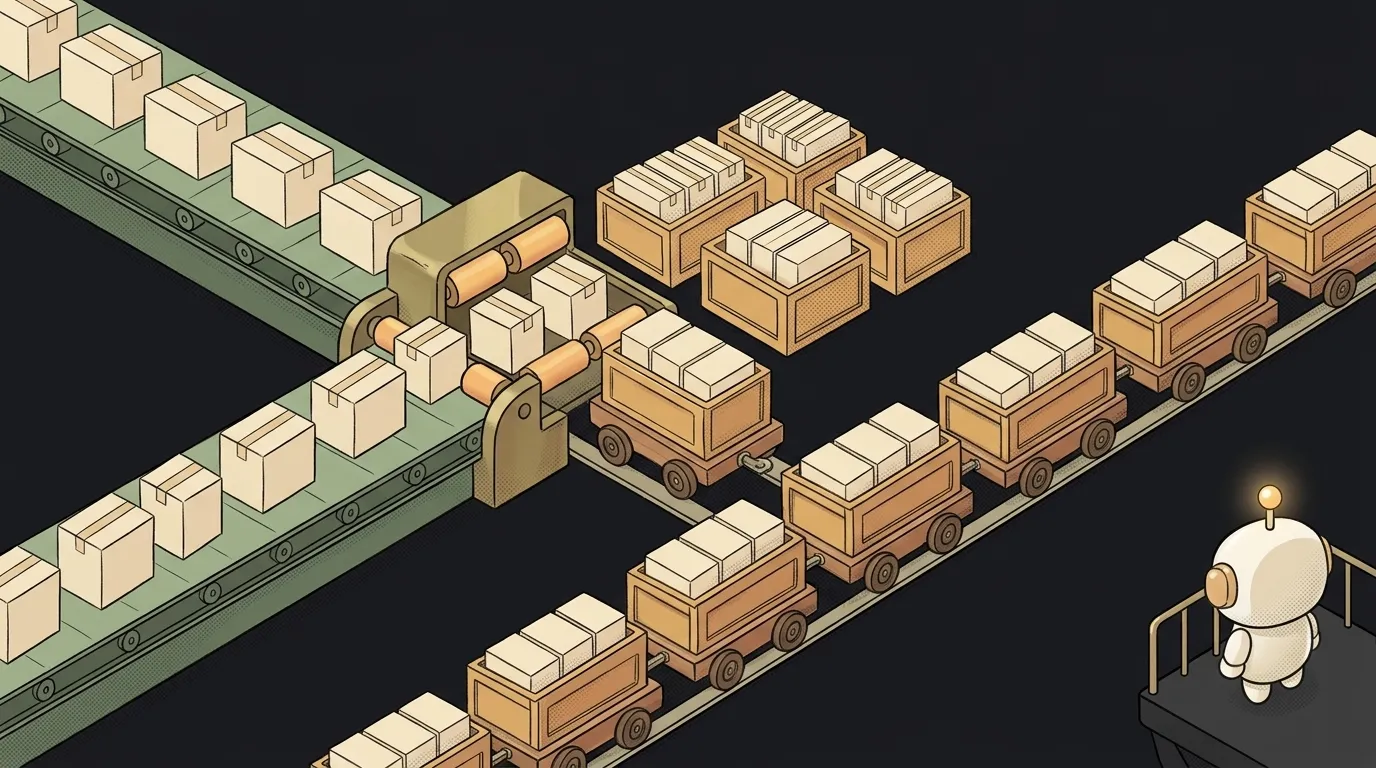
You have 500 products. You want the AI to write a description for each. Your AI assistant suggests a one-liner:
const results = await Promise.all(products.map(p => generateDescription(p)))
You run it. The first few dozen descriptions arrive. Then — a wall of 429 Too Many Requests errors. You sent 500 requests in one second, and the API throttled you. That's a rate limit, and almost every service has one.
The fix is one technique: split the array into batches and send them one after another. Let's build it step by step.
Step 1. Write a chunk function
JavaScript has no built-in method that cuts an array into pieces. But it's three lines:
function chunk(items, size) {
  const parts = []
  for (let i = 0; i < items.length; i += size) {
    parts.push(items.slice(i, i + size))
  }
  return parts
}
How it works:
- The counter
ijumps not by 1 but bysize: 0, 3, 6, 9… slice(i, i + size)cuts a piece fromito the next jump.- If fewer items are left at the end,
slicejust returns what's there — no error.
Check it:
chunk([1, 2, 3, 4, 5, 6, 7], 3)
// [[1, 2, 3], [4, 5, 6], [7]]

chunk([], 3)
// []
We ran this in Node 22 — that's exactly the output. The last batch is shorter; an empty array gives an empty list of batches.
Step 2. Send batches one at a time
Now the key part. Inside a batch, requests run in parallel; the batches themselves run strictly one after another:
const results = []

for (const part of chunk(products, 10)) {
  const done = await Promise.all(part.map(p => generateDescription(p)))
  results.push(...done)
}
The for...of + await pair does the work. The loop won't move to the next batch until the current one finishes. At any moment there are at most 10 requests in flight.
⚠ Don't swap for...of for forEach. forEach doesn't wait for the await inside — and all the batches fly out at once again.
Step 3. Add a pause between batches
Many APIs count the limit "per minute". Then capping simultaneous requests isn't enough — you also need to let the server breathe:
const sleep = ms => new Promise(resolve => setTimeout(resolve, ms))

for (const part of chunk(products, 10)) {
  const done = await Promise.all(part.map(p => generateDescription(p)))
  results.push(...done)
  await sleep(1000)
}
How to pick the numbers: open the API docs and find the limit. Say 60 requests per minute — that's batches of 10 with a pause of about 10 seconds. Better to start cautious and speed up than to keep hitting 429.
Step 4. Don't lose a whole batch to one error
Promise.all fails entirely if even one request fails. Nine finished descriptions vanish because of the tenth. Use Promise.allSettled — it waits for all of them and tells you how each one ended:
for (const part of chunk(products, 10)) {
  const settled = await Promise.allSettled(part.map(p => generateDescription(p)))
  settled.forEach((r, i) => {
    if (r.status === 'fulfilled') results.push(r.value)
    else failed.push(part[i])
  })
  await sleep(1000)
}
We checked: in a batch of three where the second request threw, allSettled returned fulfilled, rejected, fulfilled. The other results are intact. The failed products sit in failed — you can run them again.
What you get
- 500 products go out in batches of 10.
- Zero 429 errors, because you stay within the limit.
- One failure doesn't break the rest — you have a list of what to retry.
- Predictable speed: 50 batches with a one-second pause — about a minute plus response time.
The same chunk helps without any API too: lay out cards in rows of three, show a list page by page, write to a database 100 rows at a time.
Two traps in AI-written code
Size 0 freezes the tab. chunk(items, 0): the counter adds zero and never reaches the end. That's an infinite loop. Add a guard at the top of the function: if (size < 1) throw new Error('size must be greater than 0').
splice empties the original array. Sometimes the AI chunks like this:
while (items.length) parts.push(items.splice(0, 10))
The batches come out right. But splice cuts the elements out of items — and after the loop the original list is empty. We checked: a five-item array became [] after such a loop. If your code touches items again later, that's where the empty array comes from. Use slice — it doesn't touch anything.
Is there a built-in chunk in JavaScript?
No built-in one. There's _.chunk in the lodash library that does the same thing. But you don't have to pull in a dependency for a three-line function.
What batch size should I pick?
Look at the API's limit. No limit — start with 5–10 simultaneous requests. More rarely helps: the server still processes them at a limited speed.
The AI Architect 2027 course: step by step from computer basics to your own app and first customers. 543 short lessons on your phone.
Read next

Why SSH still asks for a password when your key is set up — 3 causes

How to set up ~/.ssh/config — short server names instead of long commands

Why does SSH disconnect on its own (Broken pipe) — three causes and how to fix them

How to read command help (--help and man) — and find your version's flags in a minute

Why Ctrl+C doesn't stop a program — and how one except line causes it
