Why my loop never stops — and the tab freezes solid
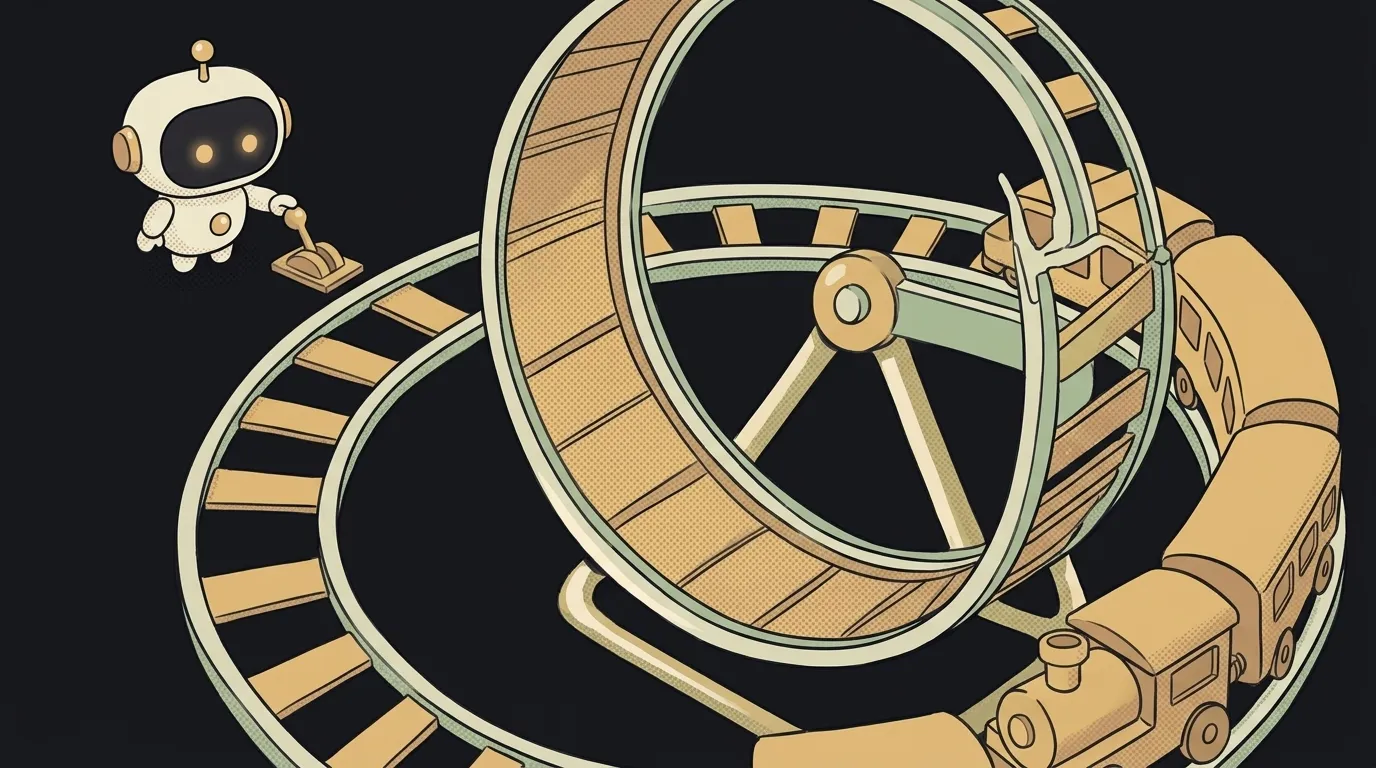
The symptoms come in two kinds, and both are scary.
The first is loud. You click a button and the tab freezes. No clicks, no scrolling, the laptop fan takes off. After ten seconds or so, the browser asks: "Page Unresponsive. Wait or exit?"
The second is quiet. Everything seems to work. But in the Network tab, requests keep flowing — hundreds, thousands. The server takes them nonstop, and your API bill grows.
Both are an infinite loop. The code spins in a circle and never finds the exit. A loop has to stop at some step — and here the stop condition never arrives. Below are the three most common causes. The first is the most common in AI-written code, and it doesn't even look like a loop.
Cause 1: a useEffect that restarts itself
If you're on React, start here. This is the "quiet" symptom.
useEffect is code React runs after it draws the screen. If it changes state inside, the screen redraws. After the redraw, the effect runs again. It changes state again. And so on forever.
useEffect(() => {
  fetch("/api/orders")
    .then(r => r.json())
    .then(data => setOrders(data))
})   // no dependency array — runs after EVERY render
How to check. Open the Network tab in developer tools. If the same request repeats nonstop — that's it. Sometimes React tells you itself in the console: Maximum update depth exceeded.
How to fix. Add a dependency array as the second argument. An empty [] means "run once, when the screen appears":
useEffect(() => {
  fetch("/api/orders")
    .then(r => r.json())
    .then(data => setOrders(data))
}, [])
A sneaky version of the same problem: the dependency array holds an object that gets recreated on every render. To React, it's a "new" thing each time — so the effect restarts again. The fix is to put a simple value in the dependencies: user.id, not the whole user.
Cause 2: a condition that never turns false
The classic, and the main culprit behind the "loud" freeze. A while loop spins as long as its condition is true. If nothing inside changes that condition, it spins forever.
let page = 1
while (page <= totalPages) {
  loadPage(page)
  // forgot page++ — page stays 1 forever
}
Relatives of this bug: a counter going the wrong way (i-- instead of i++), or a condition comparing against the wrong number.
How to check. While the tab hangs, open developer tools and hit pause in the Sources panel (the F8 key). The browser stops the code on the exact line where it's spinning. Look at the loop's condition and find what's supposed to change it.
How to fix. Add the change that moves you toward the exit: page++. As insurance, a guard helps — a maximum number of steps after which the loop exits no matter what:
let guard = 0
while (page <= totalPages && guard < 1000) {
  loadPage(page)
  page++
  guard++
}
Cause 3: the list grows while you walk it
Rarer, but sneakier. The loop walks an array, and something inside adds to that same array. Every step pushes the finish line further away.
for (let i = 0; i < tasks.length; i++) {
  if (tasks[i].repeat) {
    tasks.push({ ...tasks[i] })   // length grows every step
  }
}
How to check. Look inside the loop: is there a push, an unshift, or any addition to the very list the loop is walking?
How to fix. Put new items in a separate list, then combine them:
const extra = []
for (const task of tasks) {
  if (task.repeat) extra.push({ ...task })
}
const all = [...tasks, ...extra]
How to hunt when you don't know which cause it is
Go in order. The Network tab is full of identical requests — cause 1. The tab is frozen solid — hit pause and look at the while or for on that line — causes 2 and 3. And if you want help, show the AI the exact line where the pause landed and ask: "what in this loop is supposed to change the exit condition?" That question has a concrete answer, unlike "fix the freeze."
Why did the loop freeze for me when the AI's example worked?
Usually it's the data. On a three-item test list, the loop has time to finish. On real data, the exit condition may simply never match — say, the loop waits for status "done" and the server sends "completed".
Can an infinite loop break anything?
The browser tab, yes — you'll have to close it. But if the loop sends requests, it can burn through an API quota or money on a paid service. So catch cause 1 before you ship.
Short story-lessons, an agent simulator and daily practice — in our mobile app. Free.
Read next

Why my array is empty — and why there's no error

Why your AI agent edits the wrong file — three causes and how to check each

How to write an Agent Skill (SKILL.md) — in one evening, no code

Why my tests pass locally but fail in CI — 3 real causes
Refactor or rewrite — and why the agent always votes for the rewrite