No space left on device — why the disk is "full" when there's room left
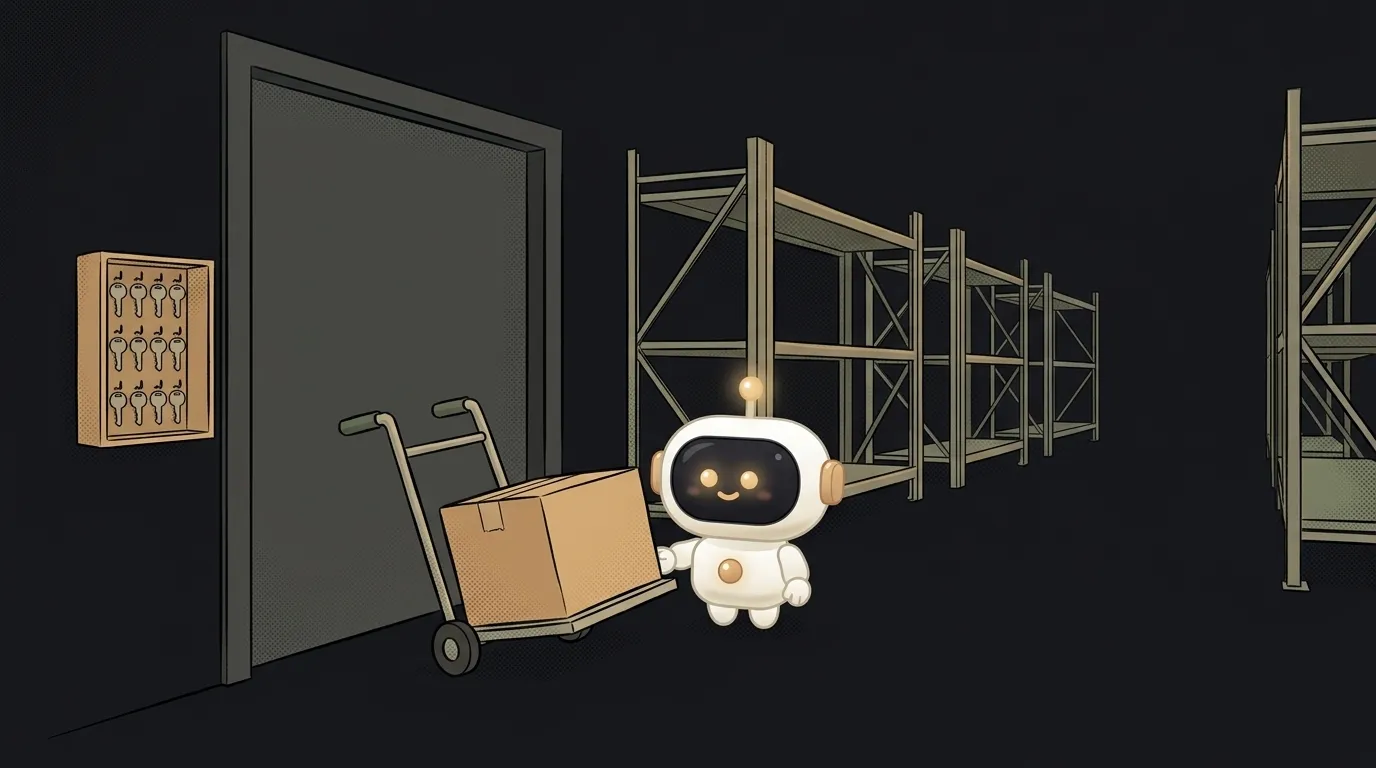
df says 0% used. And writing fails with No space left on device.
I reproduced this on a small disk. It had a megabyte of room and nothing in use. The twentieth file couldn't be created. The system isn't lying. "Space" just isn't one number, it's several separate supplies. Any of them can run out.
Here are the causes, most common first.
The disk really is full
How to check. Look at the Use% column for the disk you're writing to:
df -h
If it says 100%, find what ate the space. This walks the folders and lists the heaviest last:
du -xh --max-depth=1 / 2>/dev/null | sort -h | tail -15
The -x flag keeps it from wandering onto other disks. Go into the largest folder and repeat.
How to fix it. The usual suspects:
- Logs. Check
/var/log. If the systemd journal is growing:sudo journalctl --vacuum-size=200M. - Docker. It quietly piles up images and layers. Look first:
docker system df. Then clear what's unused:docker system prune. It leaves volumes alone without--volumes, so container data stays. - Caches and builds.
~/.cache,node_modules,distfolders, downloaded models. One model can easily take 20 GB.
If df shows 95% and only a regular user failed, that happens too. On ext4 part of the disk, usually 5%, is reserved for root.
You ran out of inodes
This is the case from the opening. Every file, even an empty one, takes an entry in the file table. That entry is called an inode. On ext4 their number is set when the disk is created and doesn't grow later. Like a coat check with plenty of hangers and no tokens left.
How to check. The -i flag shows inodes instead of bytes:
df -i
Mine looked like this:
Filesystem  Inodes  IUsed  IFree  IUse%
tmpfs           20     20      0   100%
100% used with completely empty space. So the culprit is lots of tiny files.
How to fix it. Find the folder with the most files:
du --inodes -d1 / 2>/dev/null | sort -n | tail -15
Usually it's a package cache, sessions, queued mail or abandoned node_modules. Delete the extras and inodes free up right away.
A file was deleted but a program still holds it
Logs ballooned, you deleted the file, and no space came back. The reason is that a program still has it open. While at least one descriptor is open, the data stays on disk.
I tested it. I wrote 880 KB to a file on a 1 MB disk and deleted it without closing:
df:  880K used of 1024K
du:  0
That's the signature of this cause: df says a lot is used, and du can't find a single byte.
How to check. List deleted-but-open files:
lsof +L1
The end of the line says (deleted), and the start names the process.
How to fix it. Restart that process. As soon as the file closed, all 880 KB came back. Next time, empty logs without deleting the file:
truncate -s 0 app.log
The file goes to zero and the program's descriptor keeps working.
You get ENOSPC but the disk is fine
If the text says System limit for number of file watchers reached, the disk has nothing to do with it. You ran out of file watchers, which a dev server needs. It's the same error code, ENOSPC, hence the confusion.
Raise the limit:
sudo sysctl fs.inotify.max_user_watches=524288
More in why hot reload doesn't work.
Why does this error show up in odd places?
Because almost everything needs the disk. A build fails, git commit dies, the database refuses to write, cron quietly stops. If everything broke at once for no reason, run df -h and df -i first.
What's safe to delete?
Caches and old logs, almost always. Be careful with /var/lib: databases and Docker live there. Don't delete /var/lib/docker by hand, that's what docker system prune is for.
Why does only writing to /tmp fail?
/tmp often lives in memory as a separate disk with its own limit. Check it on its own: df -h /tmp. The main disk may be nearly empty at the same time.
How do I keep this from happening again?
Turn on log rotation with logrotate. Cap Docker logs when you start a container: --log-opt max-size=10m. Without that, one noisy container will happily eat the whole disk.
What if there's no room and even commands fail?
Delete one big file you know you don't need, like an old log archive. That gives the system room to breathe. Then work through the steps above calmly.
Short story-lessons, an agent simulator and daily practice — in our mobile app. Free.
Read next
How to rename many files at once — without losing half of them

Why hot reload doesn't work — the page won't update after you save
How to detect a touch screen in JavaScript and CSS — and why ontouchstart lies

Why your site works in Chrome but not Safari — and why Chrome on iPhone is Safari too

How to measure how long code takes in JavaScript — and why the first run always lies