What is Docker — and why “works on my machine” stops being an excuse
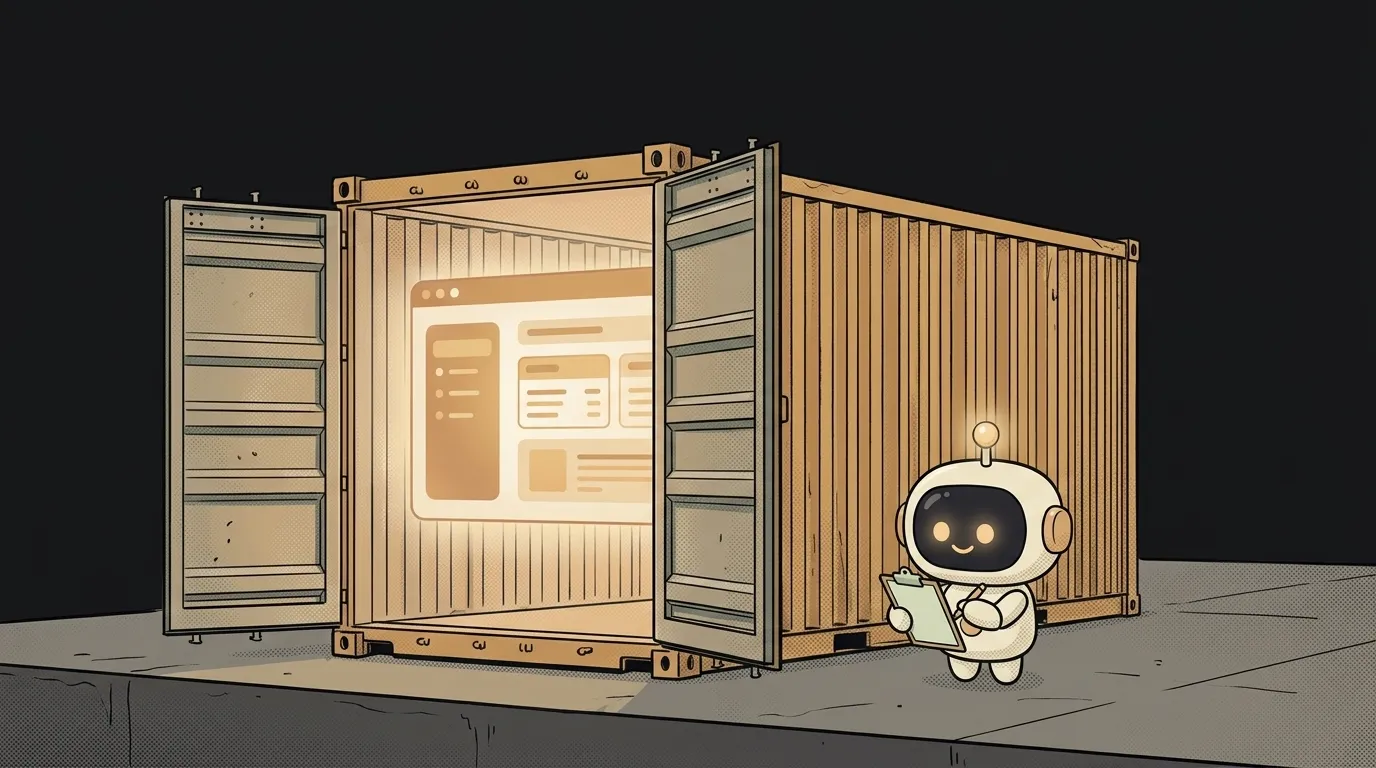
A familiar pain: it all works on your laptop, you send the code to a friend or to a server — and there it breaks. “But it works for me!” Enter Docker — the tool that kills that excuse. Because now you ship not just the code, but the code together with its whole environment.
Let's unpack what that means and why it matters to you — even if you're just vibe-coding on weekends.
What is Docker in one sentence
Docker is a way to pack your app together with everything it needs to run into one isolated box — a container. Inside: the code itself, the right language version, all the libraries, the settings. Outside — just Docker.
The key phrase is “everything it needs.” Code usually depends on a pile of invisible things: you have Node 20, the server has 18; you have a library installed, your friend doesn't. The container pulls all of that inside itself. So it runs the same anywhere Docker exists — your laptop, your friend's laptop, a server in the cloud.
An analogy: plain code is a recipe. You hand over the recipe, but the other person has a different stove, different flour, half the ingredients missing — the dish comes out different. A container isn't a recipe — it's a ready meal with the stove inside. Heat it up and it's exactly what you built.
A container is not a virtual machine
This is where everyone trips. A container feels like a virtual machine: a whole computer inside a computer. But no — and the difference matters.
A virtual machine carries an entire operating system inside — that's heavy, gigabytes, a minute to boot. A container does not copy the OS: it borrows your system's kernel and puts inside only what's different — your app and its libraries.
That's why a container is light: megabytes, not gigabytes, and starts in a second. Dozens of containers happily live side by side on one machine without stepping on each other. Each thinks it's alone, but the OS underneath is shared.
Why this matters to you
“Okay, but I'm building a weekend mini-site, why would I need this?” Honest answer: for a first project — maybe you don't. But here's when Docker suddenly saves you:
- Deploy. Many hosts accept a container directly. You built the box locally, confirmed it works — and the same box ships to prod. No “different version on the server.” It directly cures the pain from why it works locally but not in production.
- A shared setup on a team. A friend joins to help — no half a day fighting the install. One command, and they have exactly your environment.
- Messy experiments. Want to try a database or a weird library without junking up your system? Spin it up in a container, play around, delete it. Your host stays clean.
A container is basically a neighboring way to deliver your app, next to plain deploy and serverless. It just brings the environment along.
Image, container, Dockerfile — three words people mix up
You'll meet three terms and they get muddled constantly. Plainly:
- Dockerfile — the recipe. A text file that spells out, step by step, how to build the box: “take Node 20, add my code, install the libraries, run this command.”
- Image — the box built from the recipe, sealed, on the shelf. A ready template you can copy and share.
- Container — an image that's been started. A live, running copy. From one image you can spin up ten containers.
Simpler: Dockerfile → (build) → image → (run) → container. Recipe, prepared dish, meal on the table.
You'll almost never write a Dockerfile from scratch: popular stacks (Next.js, Python, Node) already have templates, and an AI agent will build one for your project in a minute if you give it context about your code. But understanding what happens inside the box is worth it — otherwise the first build error stops you cold.
Is Docker the same as a virtual machine?
No. A VM virtualizes hardware and carries a whole OS inside — heavy and slow. Docker virtualizes only the app's environment and shares the kernel with the host — light and fast. Roughly: a VM is a separate apartment with its own walls; a container is your own room in a shared flat.
Do I really need Docker for a pet project?
Probably not — for a first site, a regular host that builds everything for you is enough. Docker becomes worth it once there's a prod, a team, or a complex setup (your own database, background jobs). No rush: knowing what it is is enough; you'll reach for it when you hit the wall.
Is Docker paid?
The Docker engine itself is free and open source. Some add-ons are paid (Docker Desktop's enterprise tiers for big companies), but as a beginner everything you need is free.
Short story-lessons, an agent simulator and daily practice — in our mobile app. Free.