What is a model card — the AI's passport you read before, not after
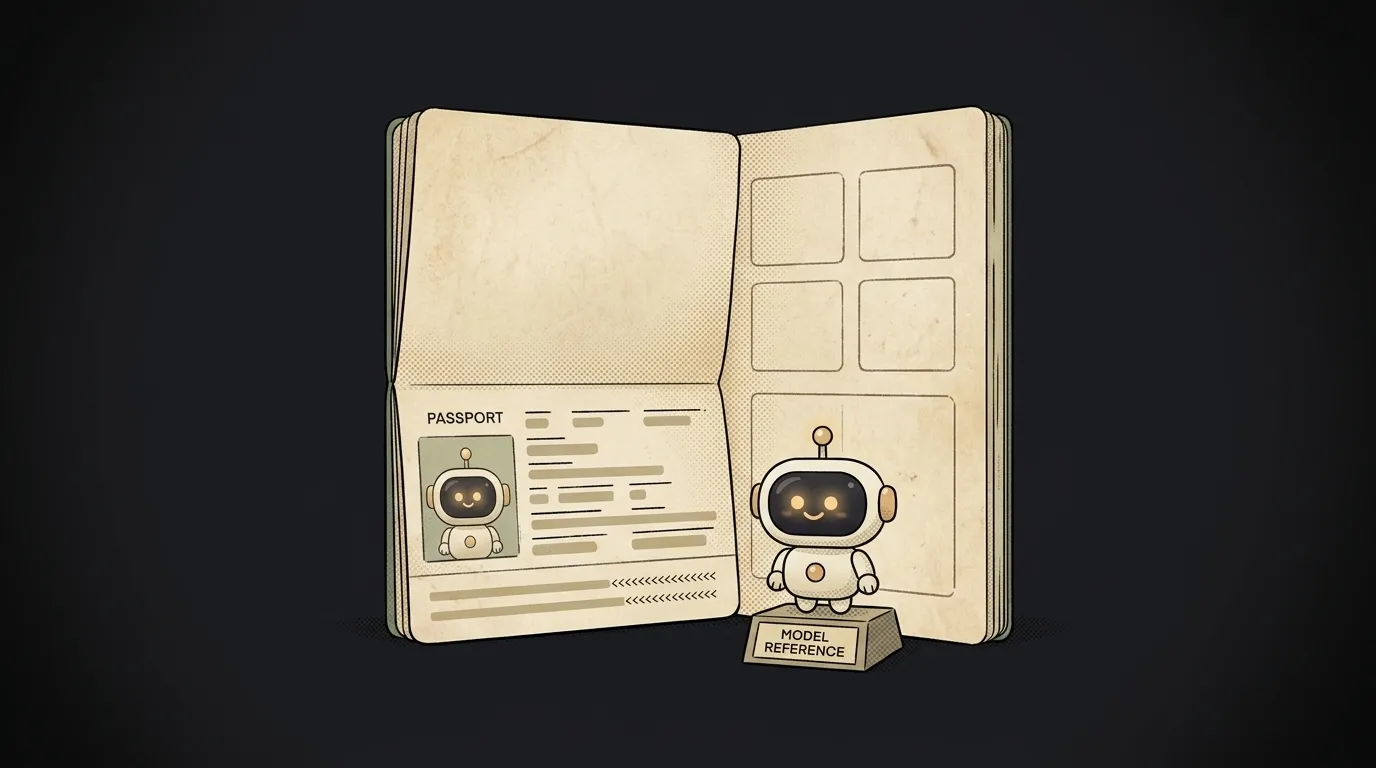
You found an open model, downloaded it, dropped it into your project — and you're happy it's free. A month later it turns out its license forbids commercial use, and you weren't allowed to build a product on it at all.
Here's the thing that catches this ahead of time: almost every model has a model card — a short passport that spells out, in plain words, what the model is, what it was trained on, and what you can and can't do with it. You read it before you trust the model, not after the post-mortem.
What a model card is
A model card is the README that sits next to the model itself. The authors write it when they release the model, and it's the first thing you see on a model's page — for example on Hugging Face, the main "shelf" of models.
Simple analogy: it's like the label on a medicine. Name, ingredients, what it's for, contraindications, who made it. You wouldn't swallow a pill from an unlabeled jar — same with a model whose card you haven't read.
What's inside
A good card answers a few important questions:
- License. Can you use it in a commercial product? Sometimes open weights come with a "research only" license — that's written right here.
- What it trained on. Which data, which language — if the model barely saw English, it'll be weaker at it.
- Limits and risks. Where the model lies, where it's biased, what it can't do. Honest authors state this.
- How quality was measured. Results on benchmarks — the numbers people use to compare models.
- Size and requirements. How many parameters, whether it fits on your hardware.
Why it matters to you
Two lines from the card can save you weeks.
The first is the license. It's the only place you learn whether you have the right to build a business on the model. "Free to download" and "you can sell a product on this" are not the same thing. Skip it — and you risk rewriting the project onto a different model after launch.
The second is limits. The card honestly tells you where the model is weak: which language, which topic, which data. That's your hint about where you can't trust its answer blindly and where to add a check.
Even if you use the model through a ready service rather than directly, the habit of opening the card and checking these two points separates "works by accident" from "I understand what I'm using."
Where to find it
Easiest: on the model's page on Hugging Face, where the card opens as the first tab. For models from labs (the ones behind foundation models) the card often lives in their blog or a tech report, called a model card or system card. Looking for a model — look for its passport first.
Is a model card the same as a system prompt?
No. A system prompt is an instruction you give the model at runtime ("behave like this"). A model card is a document about the model, written by its authors in advance. One shapes behavior, the other describes the model itself.
Do I have to read the whole thing?
No, rarely the whole thing. The minimum for a beginner is two points: the license (am I allowed to use it the way I plan) and the limits (where the model will let me down). The rest — as needed.
Short story-lessons, an agent simulator and daily practice — in our mobile app. Free.
Read next

What is a string in programming — and why "5" and 5 aren't the same
What is return and a return value — and why console.log returns nothing

What is a boolean — and why the string "false" is actually true
for loop or map — which to use, and why await inside map doesn't wait

What is scope in programming — and why a variable is "not defined" when it's right there