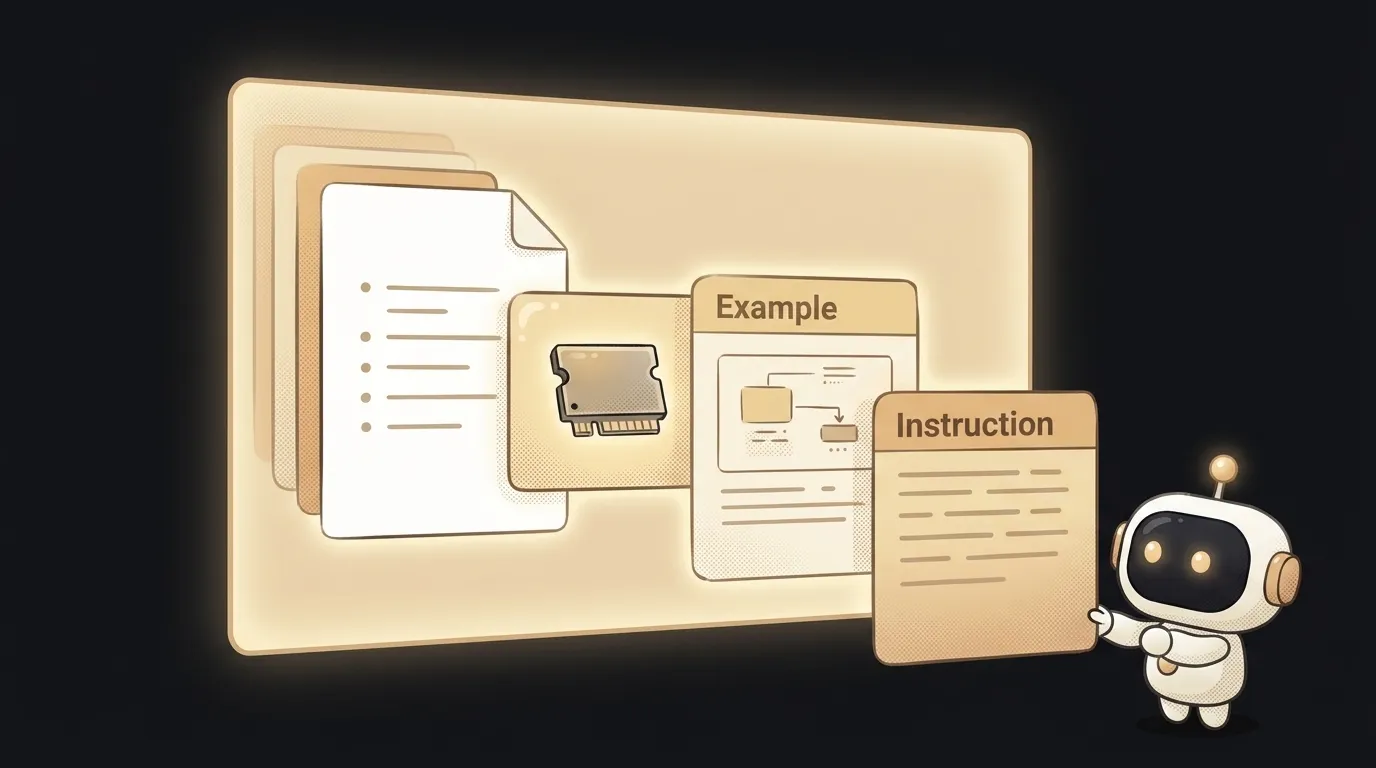
What is a system prompt — the invisible instruction that sets the AI's character
You probably assume ChatGPT's "politeness" and "personality" are wired into the model itself. They're not. Its manner is a separate piece of text the model reads before your first message. Rewrite that text and the same AI will talk like a pirate, a stern lawyer, or your personal assistant. That text is the system prompt.
And here's what matters: in your own projects, the system prompt is the strongest lever you have over answers. Stronger than the request itself.
What a system prompt is
A system prompt is a setup instruction given to the model once, before the conversation. It says who you are, how to behave, what's off-limits, and what format to answer in.
Compare it to a regular prompt — that's your specific request right now ("translate this text"). The system prompt is the rules of the game for the whole conversation ("you are a translator, always reply with only the translation, no commentary").
The model doesn't magically rank one as "main" and the other "regular." The system prompt simply comes first and is marked as a developer instruction — and the model is trained to give it priority.
Where it hides
When you open ChatGPT, the system prompt is already there — written by OpenAI. You don't see it, but it's what tells the model to be helpful, not rude, and not to hand out dangerous instructions.
When you build something on a model via the API — a chatbot, an in-app assistant — you write the system prompt. And it's your main tool. A couple of lines here change the bot's behavior across the whole app:
You are the assistant for "Barista" coffee shop.
Answer briefly and warmly, on first-name terms.
You only know our menu. If asked about anything else, gently steer back to coffee.
The model factors this text into every answer, even though the user never sees or retypes it.
Why it's your main lever
Beginners try to get the behavior they want by repeating their request in every message. That's weak and brittle. Far more powerful: set the role and rules once, in the system prompt.
- Role. "You are a nitpicky editor" shifts the tone more than ten mid-conversation clarifications.
- Format. "Always reply as a 3-point list" — no need to ask for it each time.
- Boundaries. "Don't give legal advice" holds for the entire conversation.
Want to learn to write good prompts? Start with the system one: it lays the foundation every other request stands on.
One caveat: the system prompt is strong, but it's not armor. With a clever message a user can sometimes talk the model into breaking its rules — that's called prompt injection. So for serious things (access to money, deleting data) you can't rely on instruction text alone.
Where you meet it
Everywhere AI behaves "in character." Custom GPTs, in-service assistants, AI agents — each has its own system prompt setting its personality and limits. Even an AI-powered code editor has a system instruction: "you help write code, explain briefly."
Get this and you'll stop fighting the model with messages. When you want to change its behavior, you'll go rewrite the rules of the game instead of repeating your request for the hundredth time.
System prompt vs. regular prompt — what's the difference?
The system prompt is set once and applies to the whole conversation: role, tone, boundaries. The regular prompt is your specific request in the moment. System is the rules; regular is a move.
Can you see ChatGPT's system prompt?
It's not officially shown, but the model sometimes paraphrases it close to the original. You can't fully trust such a "leak" — it's again just a plausible continuation, not a guaranteed exact copy.
Short story-lessons, an agent simulator and daily practice — in our mobile app. Free.
Read next

What is prompt chaining — why a chain of simple prompts beats one giant one

What is an AI jailbreak — and how it differs from prompt injection

What is chain of thought — why 'think step by step' makes AI smarter

Why AI gives different answers to the same question — 3 causes and how to tame it