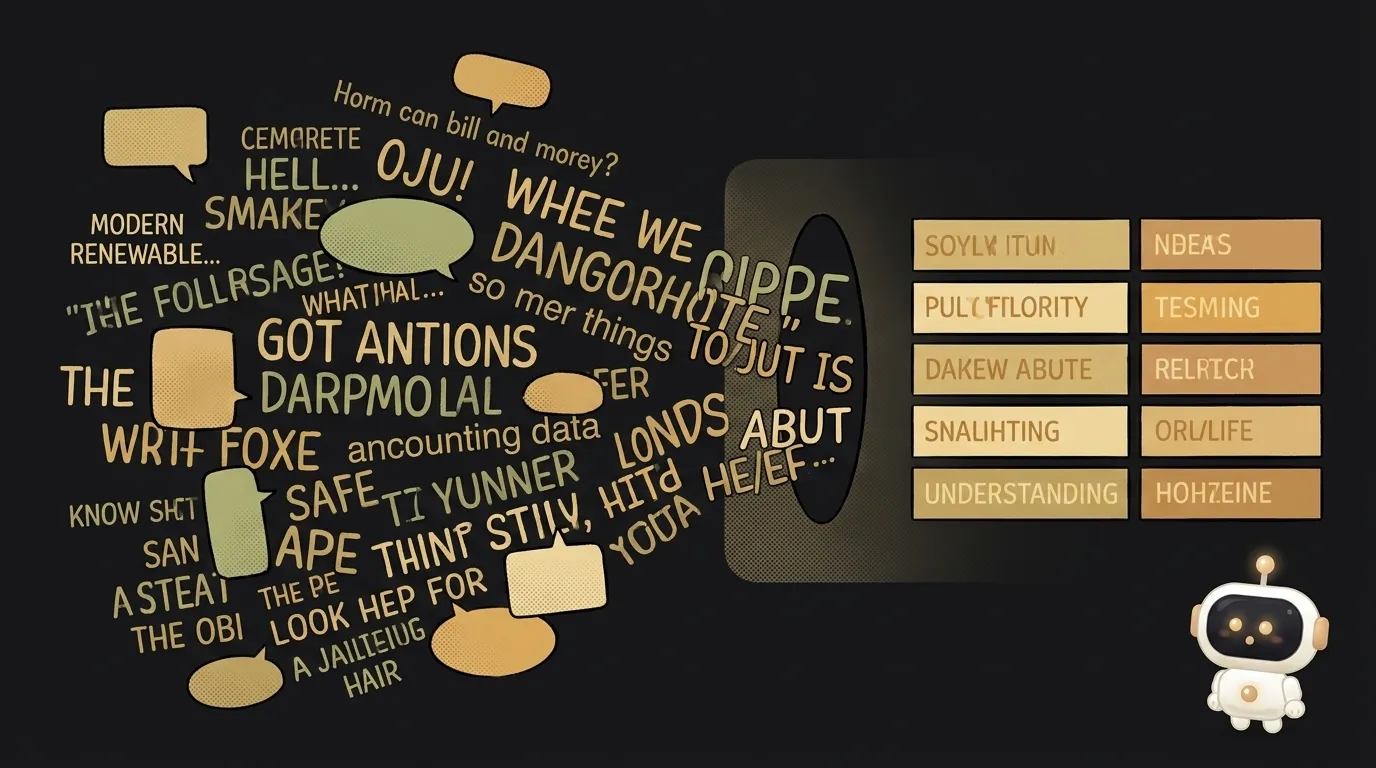
What is chain of thought — why 'think step by step' makes AI smarter
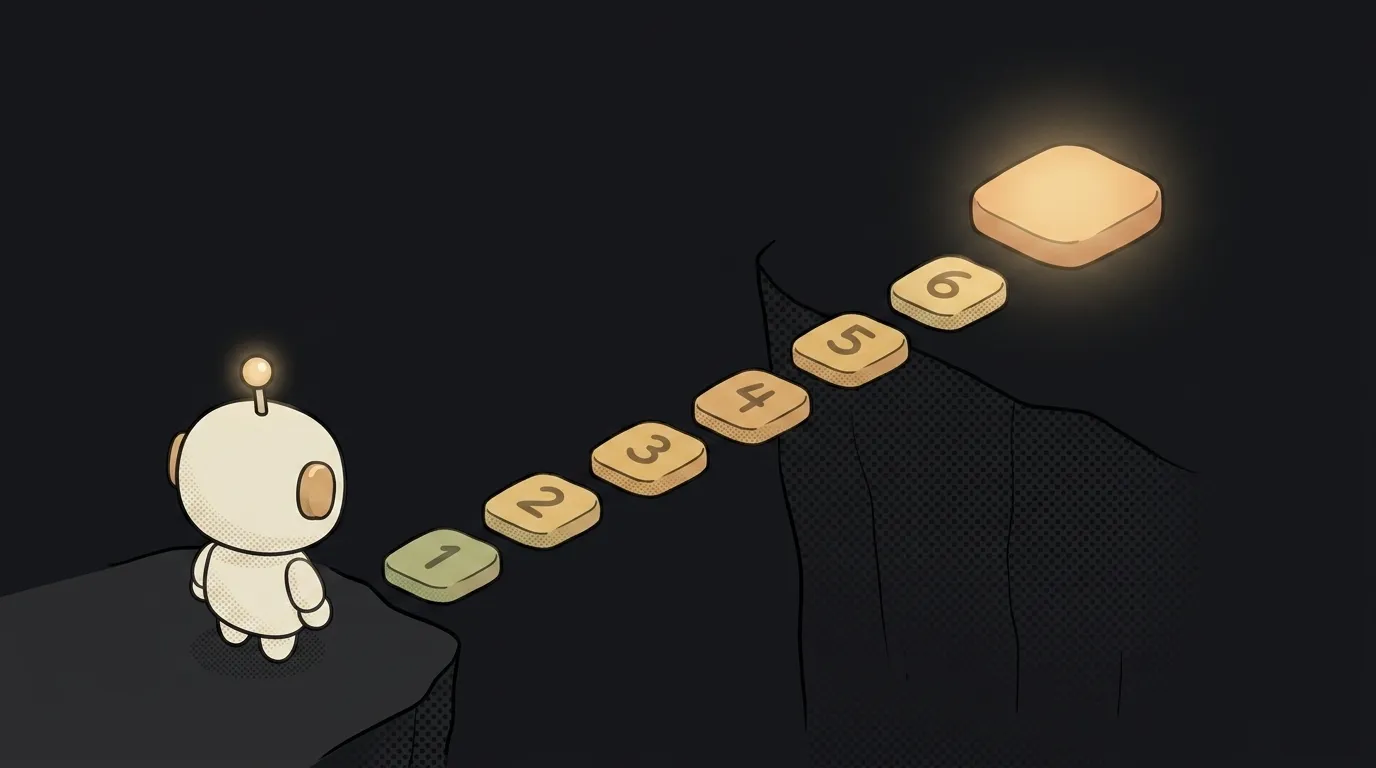
Here's a thing that looks strange at first: a model solves the same task more accurately if you ask it to reason out loud first, instead of blurting the answer. Add "reason step by step" to the prompt and accuracy on logic and number problems visibly climbs. It's not wishful thinking or magic. The trick has a name — chain of thought — and a clear reason it works. In a couple of minutes you'll be using it on purpose.
What it is, in one line
Chain of thought is when the model spells out the intermediate steps before giving the final answer. Not "42," but "first I'll compute this, then this, so — 42."
The classic way to switch it on: add "think step by step" at the end of your request. It sounds too simple to change anything. It changes plenty.
How it works — the model needs room to think
To see why reasoning out loud helps, remember how a model writes an answer at all. It produces text one token — a chunk of a word — at a time, and each next token builds on everything written before it.
Now the key point. The model has no scratchpad in its head. It has nowhere to silently run a long calculation — the only "place it thinks" is the text it's writing. If you demand the answer right away, you force it to leap to the finish with no intermediate work — and on a hard task it slips more often.
When you let it write out the steps, each step becomes a foothold for the next. It's thinking on paper in front of you. That's where the accuracy comes from: the reasoning isn't decoration on the answer — it is the process of solving.
Simple analogy. Ask a person to multiply 47 by 89 in their head and answer instantly — they'll probably miss. Give them a sheet of paper — they'll get it right. Chain of thought is that sheet of paper for the model.
Why it matters to you
It's the cheapest way to raise answer quality — no model swap, no complex settings. Two things worth holding onto.
First, a trick in your pocket. Is the model tangling a task with several conditions, a calculation, some "if — then" logic? Add: "first break down the conditions step by step, then answer." Often that's enough. It's one of the prompt tricks that actually work, not a list of vague advice.
Second, understanding a new class of models. There are reasoning models: they run this chain of thought themselves, internally, before they ever show you an answer. You don't see their "scratchpad" — you see the already-checked result. That's why they behave differently: they think longer but do better on hard problems. Knowing chain of thought, you understand what's under their hood and what you're paying for in time.
Where you meet it
More often than you notice. When you ask an AI to trace a bug, it walks the code step by step. When you solve a math problem with it, it writes out the working. When a reasoning model "thinks" for a few seconds before answering, that's it running its chain internally.
One note for later. With a reasoning model you usually don't need to ask for "think step by step" — it already does, and the extra request adds nothing. The trick shines where the model otherwise rushes to answer right away.
Are chain of thought and few-shot the same thing?
No, they're different levers, often confused. Chain of thought is about making the model reason before answering. Few-shot is about giving it examples of the result you want. They pair beautifully: show a couple of examples with the reasoning spelled out, and the model picks up both the format and the habit of thinking step by step.
Does it always improve the answer?
No. On a simple question ("capital of France?") step-by-step reasoning is just noise and wasted time. The trick fires on multi-step tasks: calculations, logic, unpacking a long set of conditions, a plan with several moves. Simple rule: the more "steps" a task has, the more chain of thought helps.
Short story-lessons, an agent simulator and daily practice — in our mobile app. Free.
Read next
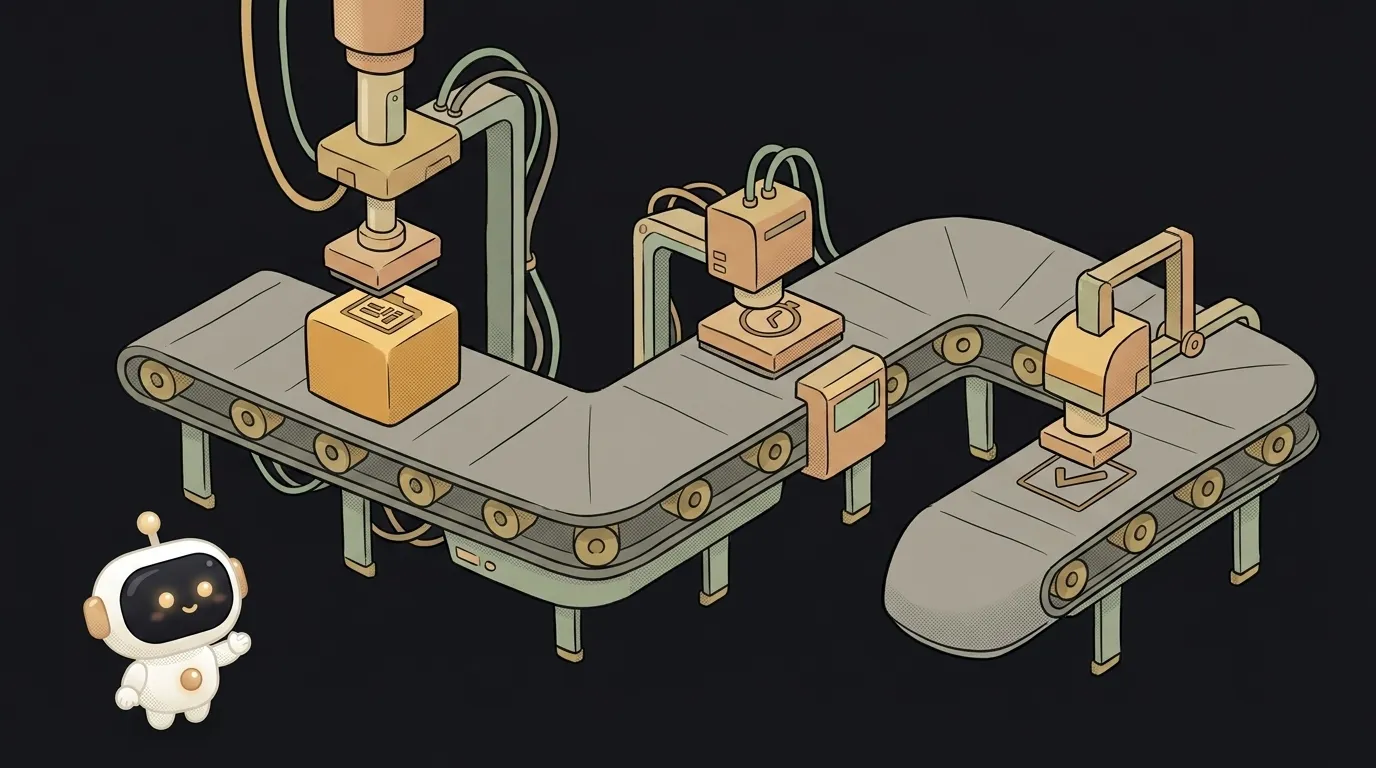
What is prompt chaining — why a chain of simple prompts beats one giant one

What is an AI jailbreak — and how it differs from prompt injection

Why AI gives different answers to the same question — 3 causes and how to tame it
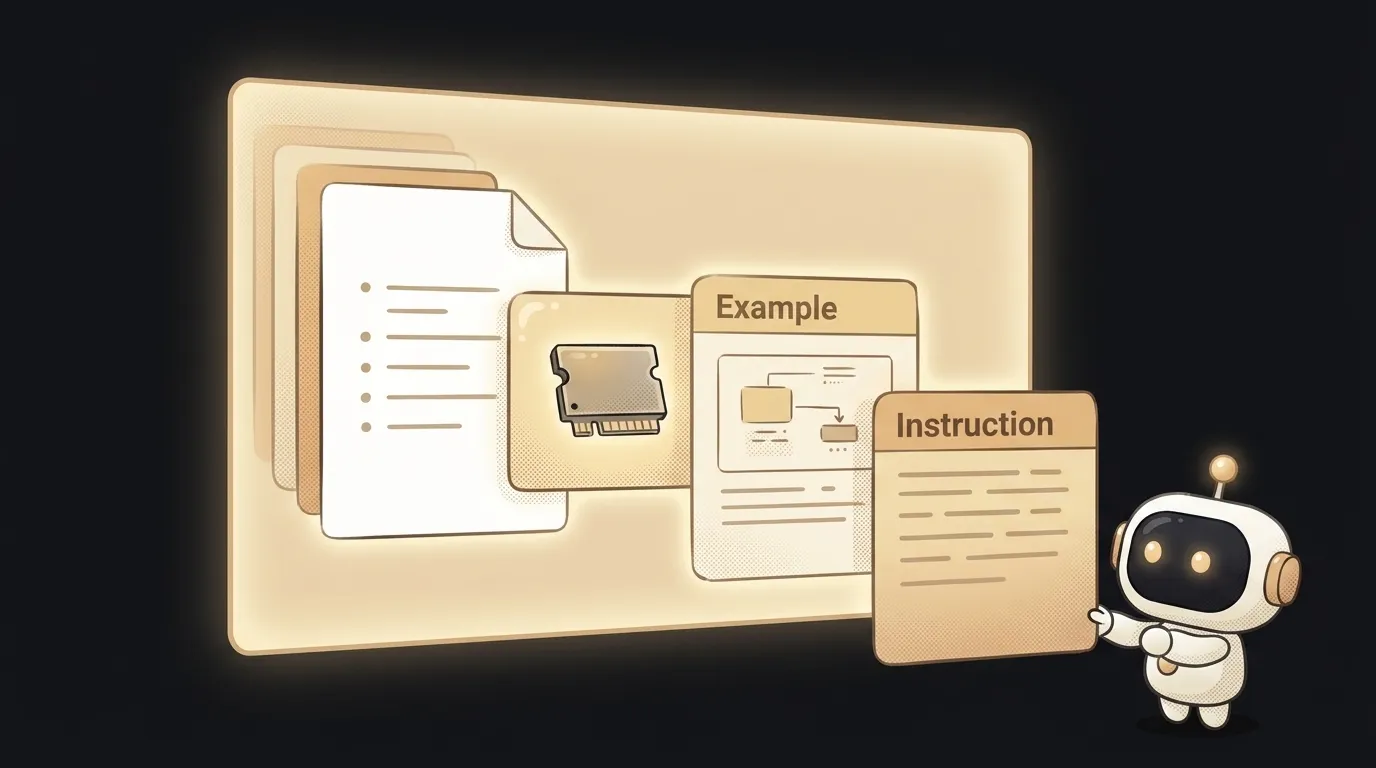
What is context engineering — and why it beats the prompt
How to write a system prompt for your bot — step by step