7 prompt tricks that actually work (not 'act as an expert')
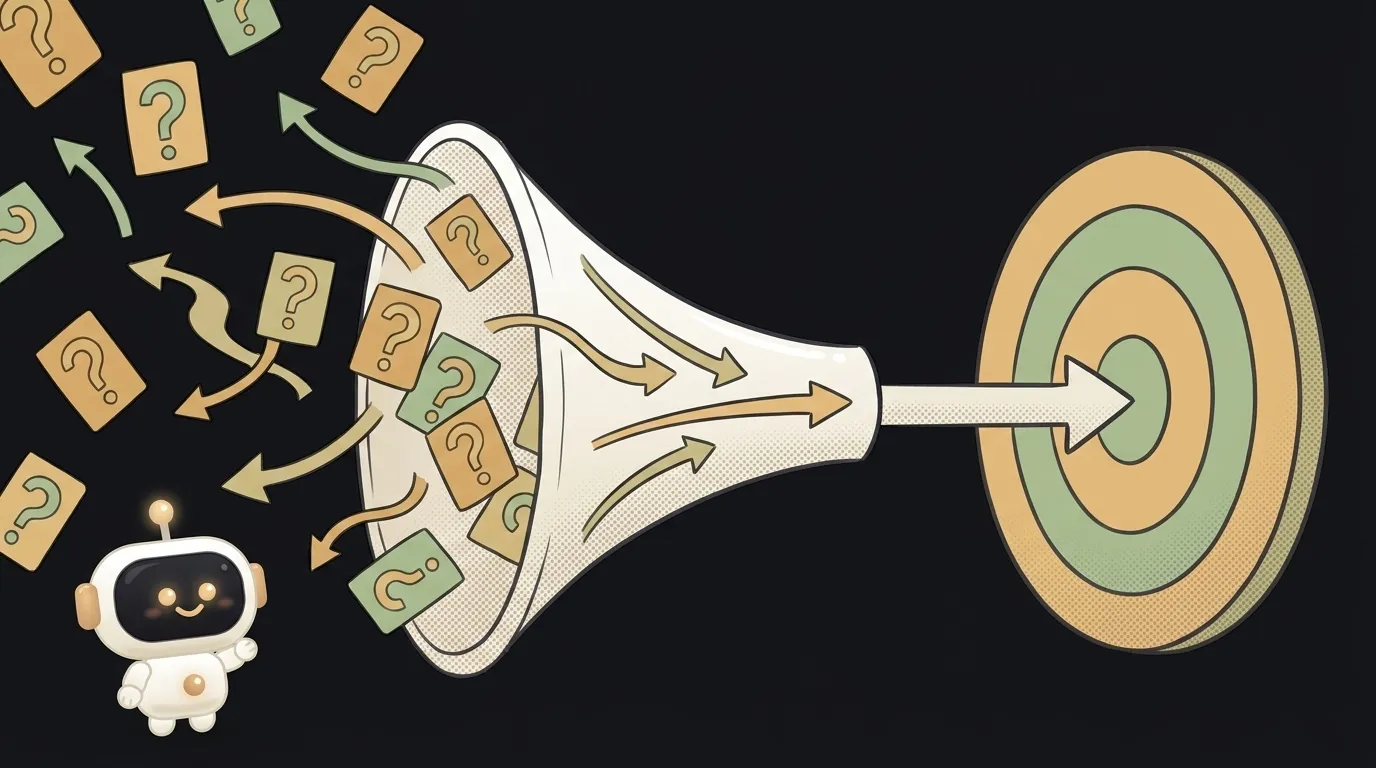
The internet is full of "magic prompts" like "imagine you're an expert with 20 years of experience." Sounds impressive, does nothing. What actually affects answer quality is a handful of tricks — and they're all about one thing: giving the model context and removing guesswork. Here are seven worth knowing. Each one: what it is, when to use it, and the catch.
1. Give a role and context, not just the task
The model doesn't know who you are or why you're asking. "Explain recursion" and "explain recursion to a beginner who just learned loops" give completely different answers. Context narrows the cloud of possible answers down to the one you need. It works not because you flatter the model with "you're an expert," but because you add facts about the situation.
The catch: don't confuse role with context. "Be a genius" is empty. "You're reviewing a beginner's code; explain gently and with examples" is working context.
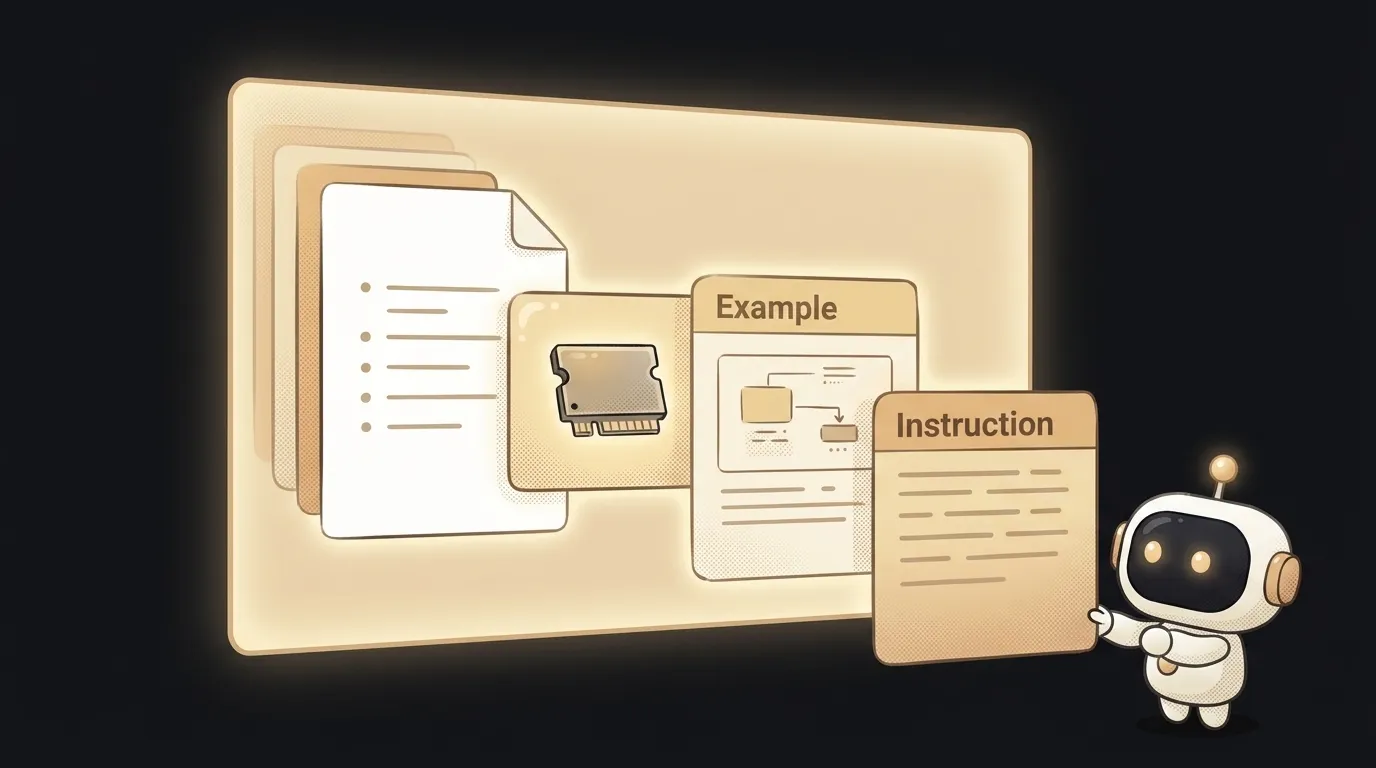
2. Show an example of what you want
The most underrated trick. One good example of the desired result beats a paragraph of description. It's called few-shot: you show the model a sample, and it picks up the format, tone, and level of detail.
Write a product descriptionThe catch: the example must be good. Show a clumsy sample and you'll get a clumsy result — the model will faithfully copy it.
3. Ask for a specific output format
If you don't say how to format the answer, the model picks for you — often wrong. Say it plainly: "answer as a 5-item list," "return JSON with fields name and price," "code only, no explanation." Format is part of the task, not a detail.
The catch: the stricter the format, the more it matters to specify it precisely. "A table" is vague. "A table with columns: trick, when to use, the catch" is unambiguous.
4. Break a big task into steps
A model, like a person, handles a task better in parts. Instead of "build me an app," ask it first to sketch the structure, then build one screen, then the next. You check each step — and a mistake doesn't take down the whole project.
The catch: breaking it down requires you to drive the process. In return you see exactly where something went wrong and fix it surgically instead of rewriting everything.
5. Let it say "I don't know"
By default a model tries to answer always — even when it doesn't know, and then it makes things up in a confident tone. A simple addition breaks this: "if you're not sure, say so, don't invent." You deliberately give the model an exit, and it hallucinates less.
The catch: this reduces but doesn't fully kill the invented stuff. Facts you rely on, still double-check yourself.
6. Ask for a plan before writing code
A powerful trick for vibe-coding: before asking for code, ask the model to describe the plan in words first. "Don't write code. First describe what files there'll be and what's in each." You catch a wrong design at the plan stage — where a fix costs one sentence — not at the finished-code stage.
The catch: sometimes the model rushes straight to code. If it ignored you, repeat firmly: "plan only, no code yet."
7. Iterate: say what exactly is wrong
The first answer is rarely perfect, and that's fine. Don't start over — refine off the result. Not "make it better" (an empty command) but "too formal, make it simpler and shorter" or "the third point is wrong, here's why." Precise feedback is the fastest path to what you need.
The catch: "improve it" and "make it cooler" are meaningless to the model — that's not information. The more specific what you disliked, the more precise the fix.
What all seven have in common
Spot the pattern? Not one trick is about a "magic phrase." They all remove uncertainty: they give the model context, a sample, format boundaries, the right to be honest. Prompting isn't incantations — it's a clear statement of the task. If you want to dig deeper into how it works overall, here's a breakdown of prompt engineering and what a system prompt is, which sets the rules for the whole conversation.
FAQ: is a long prompt always better than a short one?
No. Better isn't longer — it's precise. Extra words and polite preambles add nothing and can steer the model astray. The goal isn't volume; it's that the prompt holds all the needed information and not a single guess. Short but complete beats long and watery.
FAQ: do these tricks work for every model?
Mostly yes — role, example, format, and breaking tasks down work almost everywhere, because they answer a general principle: fewer guesses, sharper answer. Details may differ, but if an answer is bad, 9 times out of 10 it's not the model — it's that it lacked context.
Short story-lessons, an agent simulator and daily practice — in our mobile app. Free.
Read next
What is prompt chaining — why a chain of simple prompts beats one giant one

What is an AI jailbreak — and how it differs from prompt injection
What is chain of thought — why 'think step by step' makes AI smarter

Why AI gives different answers to the same question — 3 causes and how to tame it