What is DNS — and why your domain didn't “kick in” right away
You bought a domain, pointed it at your site, open it — and it's blank or the old page. You did everything right, seemingly. A couple of hours later you check again — it works. What was that? You just met DNS and its famous delay. Let's unpack what it is — and why the internet is built so that a site's name reaches its address not instantly.
What is DNS, plainly
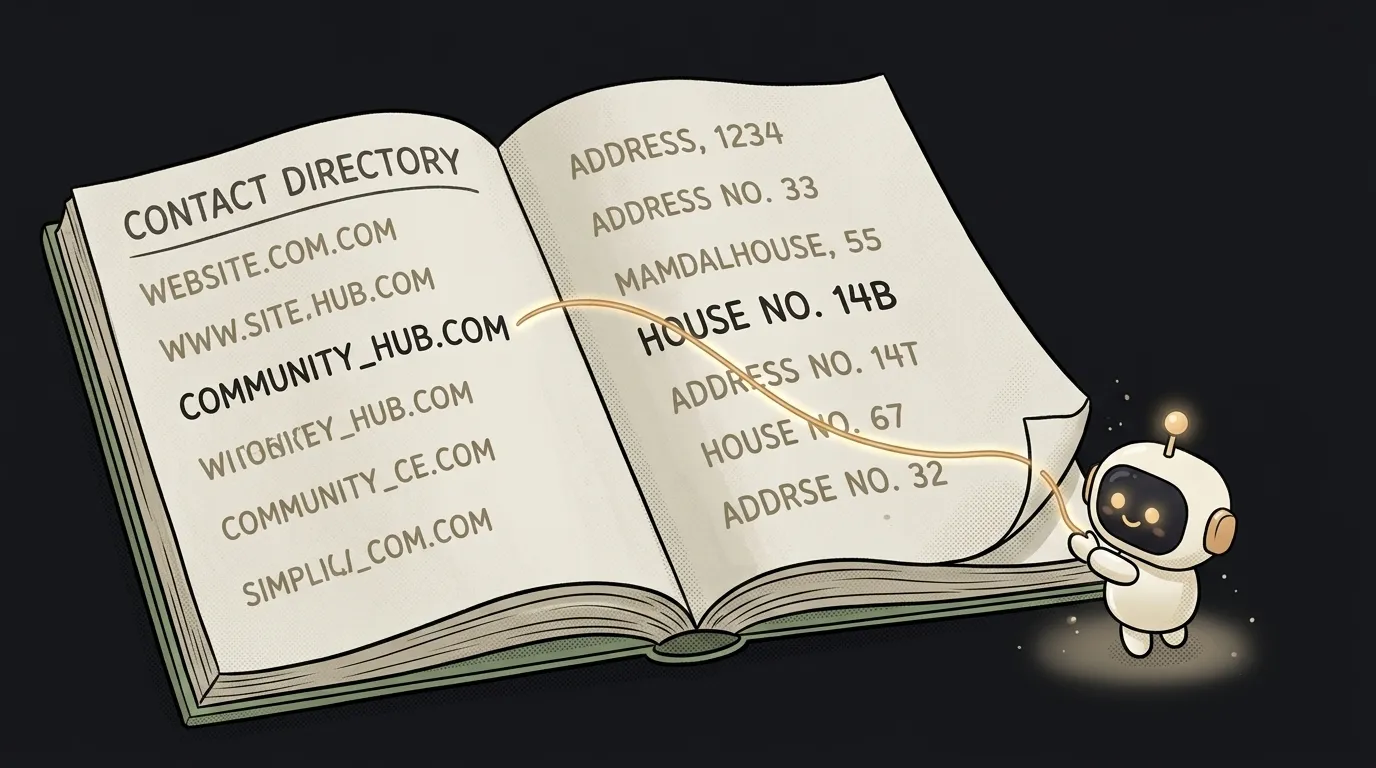
Computers don't know what google.com is. They talk in numeric addresses — IP addresses, like 142.250.150.100. And humans don't memorize numbers. DNS (Domain Name System) is the phone book of the internet: it translates a human-friendly site name into a server's numeric address.
Every time you type an address into the browser, an invisible query happens: “what's the IP for this name?” DNS answers — and only now does the browser know which server to knock on. You don't see it, but it happens before every site loads.
The analogy is exactly the old phone book: you know a person's name (the domain), but to call them you need a number (the IP). DNS is the directory that returns the number for a name.
How a request finds your site
Here's the interesting part: there's no single book. DNS is a chain that passes the question along until someone answers. Roughly, step by step:
- The browser asks the nearest DNS server (usually your provider's): “IP for
myapp.com?” - If it doesn't know, it asks higher up: first “who's responsible for the
.comzone?”, then “who's in charge ofmyapp.com?” - It reaches the server where you set the domain's settings. That one answers: “here's the IP.”
- The answer travels back and gets cached along the way, so next time is faster.
The whole relay takes fractions of a second. You only set the last step — where your domain points — and the internet does the rest.
Why changes aren't visible right away (TTL)
Here's the answer to the delay. Remember answers get cached along the way? Every DNS record has a TTL (time to live) — how many seconds it can be kept in cache before asking again.
You changed where the domain points. But dozens of servers around the world still hold the old answer in memory — for exactly as long as the TTL says (often an hour, sometimes a day). Until their cache expires, they hand out the old address. So for some people the site already opens the new way, and for others — not yet. This is called “DNS propagation,” and it's not a bug — it's the price of speed: without caching, every click would mean the full relay all over again.
Practical takeaway: after you connect a domain, don't panic that it “doesn't work.” Wait out the TTL. Want it faster — set a small TTL (say, 300 seconds) ahead of time, and moves apply quicker.
What record types exist (A, CNAME, MX)
In your domain settings you'll see “DNS records.” There are several types, but three are enough for a beginner:
- A — “name → IP address.” The direct link of a domain to a server by number. The most basic record.
- CNAME — “name → another name.” An alias:
www.myapp.compoints tomyapp.com, which in turn points to an IP. Handy when a host asks you to point to their address instead of a number. - MX — “where to send mail” for this domain. Nothing to do with the site, but it lives in the same settings.
When a host (Vercel, Netlify) asks you to “add an A record to this IP” or “a CNAME to our address” — now you know what it's asking and why.
All of this is part of the bigger picture of “how a site even ends up on the internet.” Neighboring pieces: how to buy and connect a domain step by step, what HTTPS is (the padlock in the address), and why your site might not be in Google even when the domain already works.
Why does the site open for me but not for a friend?
Most likely you have different DNS caches. You may have already cleared yours or come in from another device, while your friend's provider is still handing out the old record on its TTL. It'll pass on its own once their cache refreshes. You can speed it up by clearing the DNS cache on their device or switching their DNS server (say, to 8.8.8.8).
Are DNS and hosting the same thing?
No. Hosting is where your site lives and runs (a server with an IP). DNS is the signpost that directs the domain name to that IP. They're often configured in the same place, which is why people confuse them, but the roles differ: hosting stores, DNS shows the way.
What does “DNS not responding” mean?
That's the error when the browser couldn't get an IP for a name. Causes: a typo in the domain, the domain hasn't “propagated” yet, a problem at the DNS server, or on your network. The first thing to try is opening another site (if that doesn't load either, it's your network) and switching to a public DNS server.
Short story-lessons, an agent simulator and daily practice — in our mobile app. Free.