What is a rollback — the undo button for a broken production
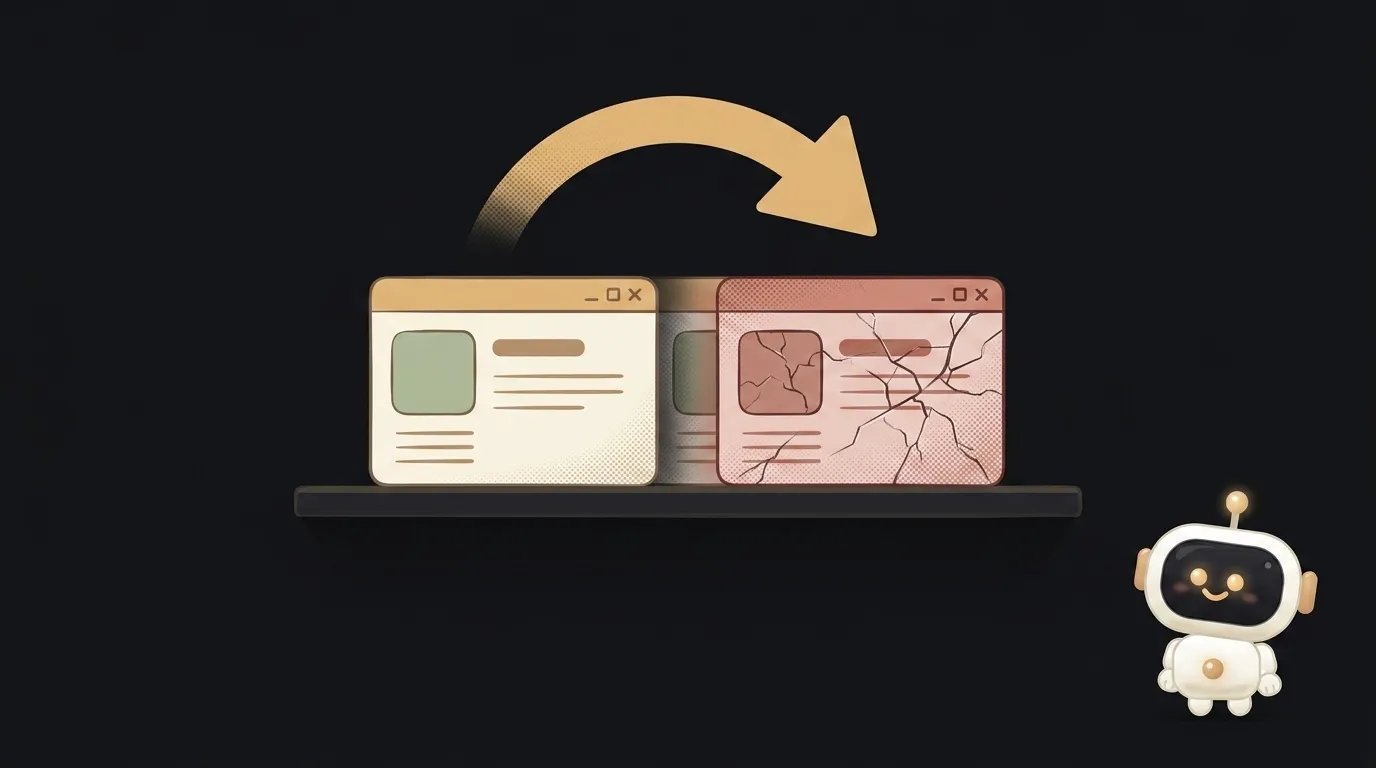
Here's the scenario that chills every beginner's spine. You shipped an update, closed the laptop pleased with yourself — and five minutes later: "the site won't open." First instinct: frantically fix it live, in front of users. Stop. There's a calmer move: a rollback. One command, and production reverts to the previous, working version. Fire out — and you'll diagnose the cause later, without the panic.
What a rollback is
A rollback is returning your app to a previous version that definitely worked. Essentially, it's the undo button for a deploy. You don't fix the broken thing on a live server under pressure — you step back in seconds to the "everything was fine" state. The fixing happens calmly and separately.
How it actually works
The trick is that hosting doesn't throw old versions away. Every deploy is saved as its own snapshot — version 1, version 2, version 3. When you ship a new one, the platform just switches users onto it. A rollback is the same switch, backwards: "put everyone back on version 2."
On decent platforms (Vercel, Netlify and the like) that's literally a "Rollback" button next to a past deploy, or one command in the console. Nothing needs rebuilding — that version is already sitting there, ready. That's why a rollback is seconds, not half an hour of anxious repair.
Why a rollback matters more than it seems
Beginners often picture a deploy as "upload and pray." A rollback changes the whole psychology:
- Mistakes stop being scary. Knowing you can revert in a second, you ship bolder and more often.
- Users don't see the fire. While you hunt for the cause, they're back on the old-but-alive version. Downtime is seconds instead of an hour.
- A cool head. The worst edits are made in the panic of "prod is down, everyone's watching." A rollback removes that pressure — stability first, investigation second.
The right order during an outage is always the same: roll back first, then figure out why it fell over. Not the other way around.
How not to be caught without a rollback
A rollback isn't magic — you have to be ready for it. Three habits:
- Deploy in small chunks. Ship one change, and if it breaks it's clear what to revert. Dump ten at once and you'll be hunting for which one killed prod.
- Check that a rollback even exists. On your own server with a manual deploy there may be no rollback by default — set it up ahead of time, not in the middle of an outage.
- Don't confuse "works for me" with "works for everyone." Many "fires" are cases where it's all green locally and red in production. A rollback saves you instantly here while you find the real cause.
Q: Does a rollback fix the bug?
No, and this matters. A rollback hides the bug by restoring a version without it — but the bug itself hasn't gone anywhere, it's in the new code. A rollback buys you time and calm. You still have to fix it, just not in a burning prod: find the cause, patch it, ship again.
Q: Does the database roll back too?
Careful — here's the trap. Code rolls back easily; a database, on its own, does not. If the new version already changed table structure or deleted data, simply rolling back the code returns the old program to an already-changed database — and it can get worse. That's why database changes are made separately, carefully, and reversibly. For code, think "I can revert in a second"; for the database, think "measure seven times."
Short story-lessons, an agent simulator and daily practice — in our mobile app. Free.
Read next
What is a string in programming — and why "5" and 5 aren't the same
What is return and a return value — and why console.log returns nothing

What is a boolean — and why the string "false" is actually true
for loop or map — which to use, and why await inside map doesn't wait

What is scope in programming — and why a variable is "not defined" when it's right there