What is a Git branch — and why it isn't a copy of your files
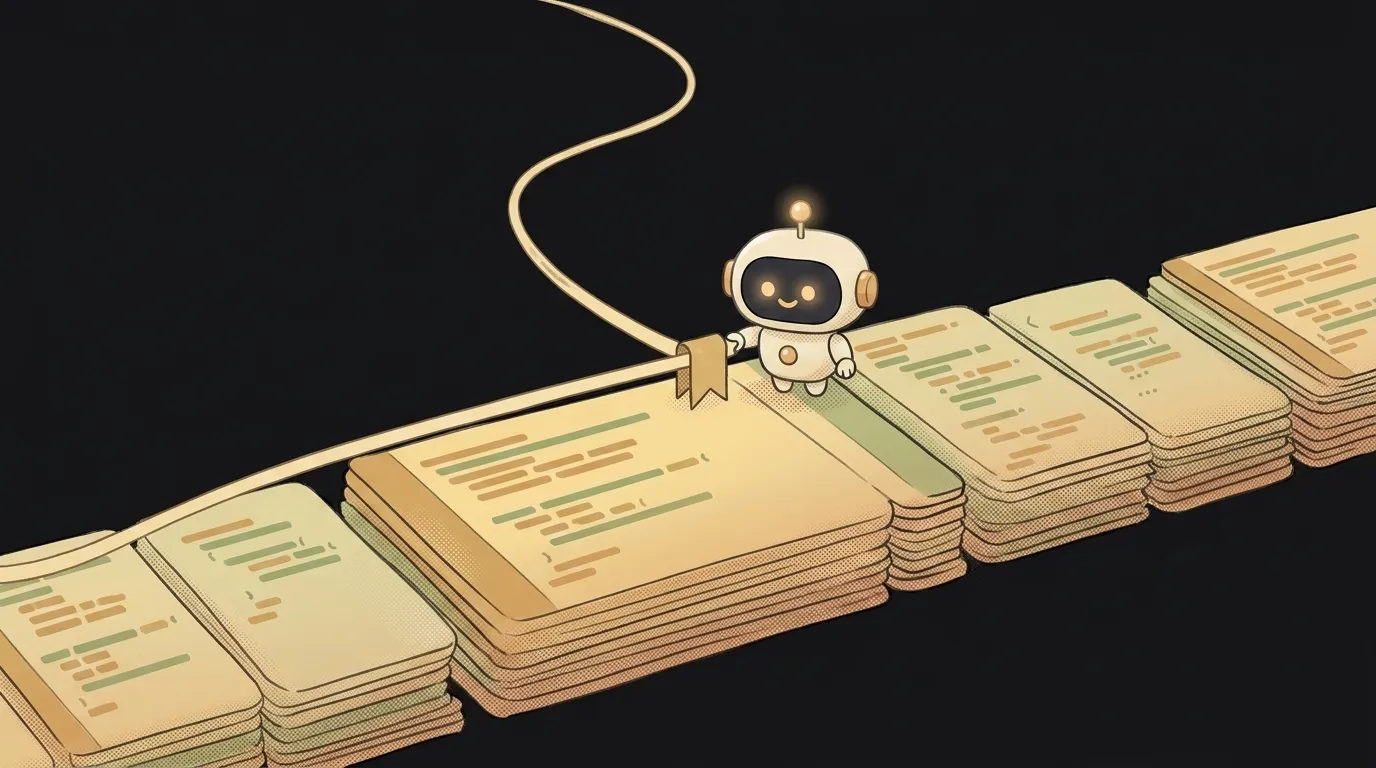
Beginners picture a Git branch like this: "a copy of my whole code folder where I can break things without touching the original." The intuition is roughly right in feel — but wrong in mechanics. And that's exactly why branches seem heavy and scary. In reality, a branch is a tiny bookmark, not a copy of your files.
What a branch means, in plain words
A branch is a separate line of work. You take the code as it is right now, "branch off," and make your changes without touching the main line (usually called main). Done playing — you merge the branch back or throw it away.
An analogy: you're writing a book and want to try a different ending. You don't rewrite the whole draft — you drop a note that says "trying something new from here." Didn't like it? You go back to the note as if nothing happened. A branch is that note.
Why a branch is a pointer, not a copy
Here's the surprise. A branch in Git is literally one file with one line: a name and the hash of the commit it points at. Forty bytes. No code is duplicated — Git stores the history once, and the branch just points a finger: "I'm on this commit."
That's why creating a branch is instant — make a hundred of them. You're not copying gigabytes, you're placing another bookmark. When you commit while on a branch, the bookmark slides forward to the new commit. That's the whole secret — getting this removes the fear of "what if I break something just by making a branch."
Why you need branches — even solo
It feels like branches are only for teams where everyone writes at once. But even alone, they're your safety net:
mainalways works. Experiment on a branch, and the main version stays intact. Broke something — just toss the branch.- One branch, one task. "Adding dark mode" on one branch, "fixing the login bug" on another. They don't tangle.
- The basis for a pull request. To propose changes for review, you first put them on a branch — a pull request is exactly a request to merge one branch into another.
Many AI agents work this way by default: they spin up a branch per task so your working code always stays intact.
What it looks like in practice
Three commands cover 90% of life with branches:
git switch -c dark-mode— create branchdark-modeand switch to it.git switch main— go back to the main branch.git merge dark-mode— merge finished work fromdark-modeinto the current branch.
All of this and a handful more are in the Git commands every beginner needs cheat sheet. And if you get tangled or a commit went the wrong place, there's a separate walkthrough on how to undo a commit.
FAQ: how is a branch different from a commit?
A commit is a fixed snapshot of the code at a moment in time, a link in the chain of history. A branch is a moving bookmark that points at the latest commit on its line. A commit stays put forever; a branch rides forward with every new commit.
FAQ: how many branches can you keep?
As many as you want — they weigh almost nothing. In practice it's handy to keep one long-lived branch (main) and spin up short branches for specific tasks, merging and deleting them as they finish. A pile of abandoned branches won't break the project, but it clutters — so finish, merge, delete.
Short story-lessons, an agent simulator and daily practice — in our mobile app. Free.
Read next
What is a string in programming — and why "5" and 5 aren't the same
What is return and a return value — and why console.log returns nothing
What is a boolean — and why the string "false" is actually true
for loop or map — which to use, and why await inside map doesn't wait
What is scope in programming — and why a variable is "not defined" when it's right there