What is Git — and why it's not GitHub or the cloud
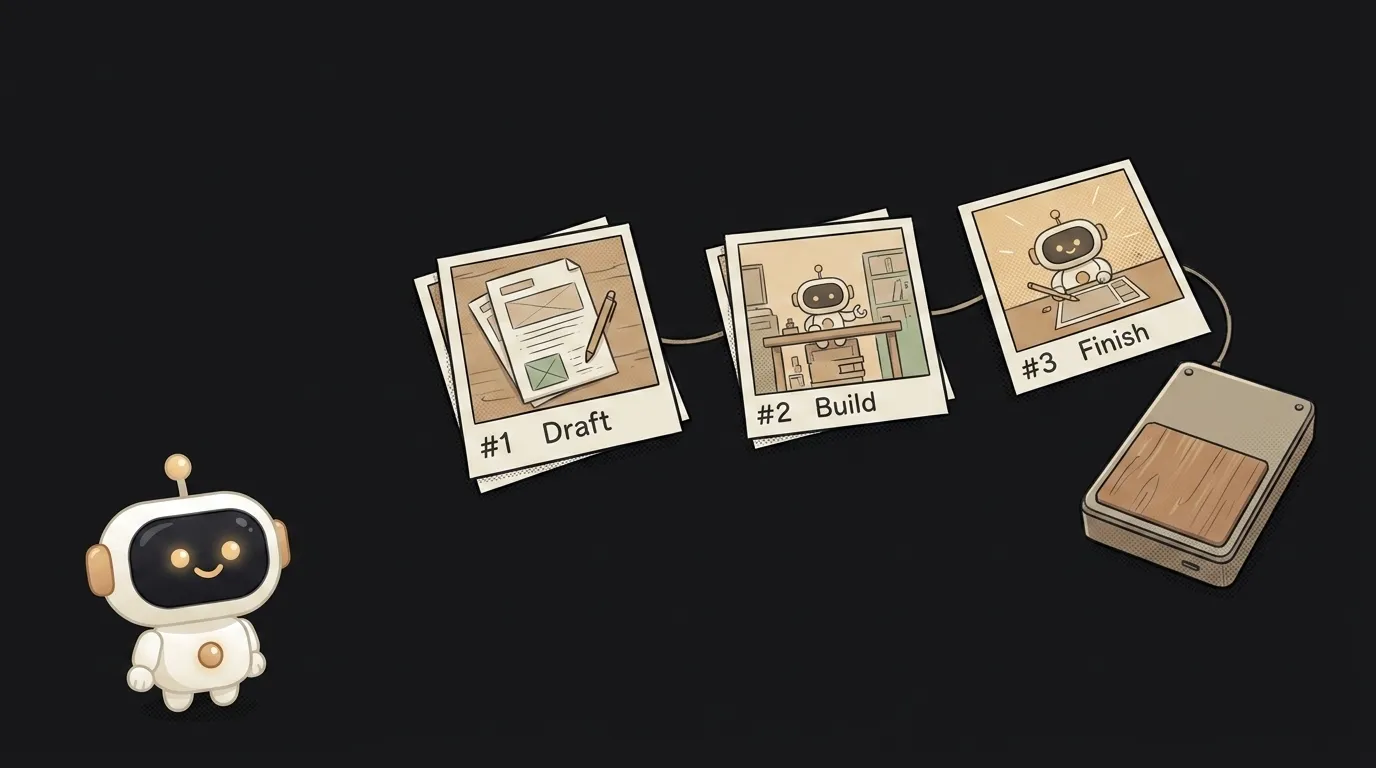
Here's the first misunderstanding about Git: most people think it means "push my code to GitHub." But Git doesn't even know what the internet is. It lives on your disk and stores not the latest version of your project but every step of it — as if someone photographed your folder after each edit. In a couple of minutes you'll see why that matters to you, even if you code alone and never show anyone your work.
What Git is, in one line
Git is a version log for your project. A program that remembers what your code looked like at every moment, and can bring any of those moments back.
A normal "save" overwrites the old version with the new one — yesterday's file is gone. Git works the opposite way: it doesn't overwrite, it adds an entry to the history. Each entry is a commit — a snapshot of your whole project at one moment, with your note about "what I did here."
Think of save points in a game. You don't play on one save on top of the last. You save before a hard boss, and if you die, you reload. A commit is exactly that save, but for code. Want to go back three steps? Go back.
How Git sees your project
The thing that trips up beginners: Git stores not your files but their history. It doesn't care only about how the folder looks right now — it cares about the whole life of it: what was there, what changed, who touched which line and when.
It works in three simple moves:
- You edit files as usual.
- With one command you tell Git: "remember this state" — a commit is born.
- Any time, you can ask the history: show me what changed, or bring back Tuesday's version.
And all of it is local, offline. Git runs entirely on your computer. You can keep a project's history on a plane with no Wi-Fi.
This is where the big confusion lives. Git is not GitHub. Git is the version machine itself, on your disk. GitHub is an online service where you can put a copy of that history: for a backup, for sharing, for working together. Git is the tool, GitHub is the place. You can use Git with no GitHub at all, and that's fine.
Why it matters to you
Version history sounds like a big-team concern. In reality, for a vibe coder Git is most useful when it's just you and an AI agent.
Watch what happens without Git. The agent rewrites half your project in five minutes. It was working — now it's broken. What exactly did it touch? How do you get it back? You don't know. You're left undoing things by hand and praying.
With Git you just commit before handing the agent a big task. It broke things? One command brings the working version back. Your last save is intact. That one safety net alone is worth learning Git for — the step-by-step command walkthrough takes an evening.
The second gift: Git answers "what did I even change last week." Open the commit history and you see your trail — added login, fixed the mobile layout, broke it and reverted. It's the project's memory, not just insurance.
Where you'll meet Git first
Git is probably already running in your project without you noticing. AI editors like Cursor set up a repository and commit for you. That "undo changes" button in the editor is Git under the hood.
You'll really run into it in two places. First, when you want to deploy your app: almost every host pulls code straight from a Git repository. Second, when you stop working solo — that's when branches and pull requests show up, the safe way to merge someone else's changes.
You don't need all of that at once. A handful of beginner commands covers almost everything you need at the start.
Are Git and GitHub the same thing?
No, and it's the most common mix-up. Git is the version-control program that runs on your computer offline. GitHub is a website where repositories are put in the cloud, to keep a copy and to share. There are other such sites: GitLab, Bitbucket. There's one Git, and many "places for it."
Do I need to learn a pile of commands?
No. At the start, five or six are enough: create a repo, commit, check status, revert, push to the cloud. Everything else — branches, merges, digging through history — comes when you need it. And today the editor often writes the commands for you: you say "commit with a clear message," it does it.
Is Git only for programmers?
Not anymore. Git is great at storing the history of any text files: notes, docs, configs, even a book draft. But it truly shines on code — that's where the cost of a mistake is higher, and the ability to step back is worth the most.
Short story-lessons, an agent simulator and daily practice — in our mobile app. Free.
Read next
What is a string in programming — and why "5" and 5 aren't the same
What is return and a return value — and why console.log returns nothing

What is a boolean — and why the string "false" is actually true
for loop or map — which to use, and why await inside map doesn't wait

What is scope in programming — and why a variable is "not defined" when it's right there