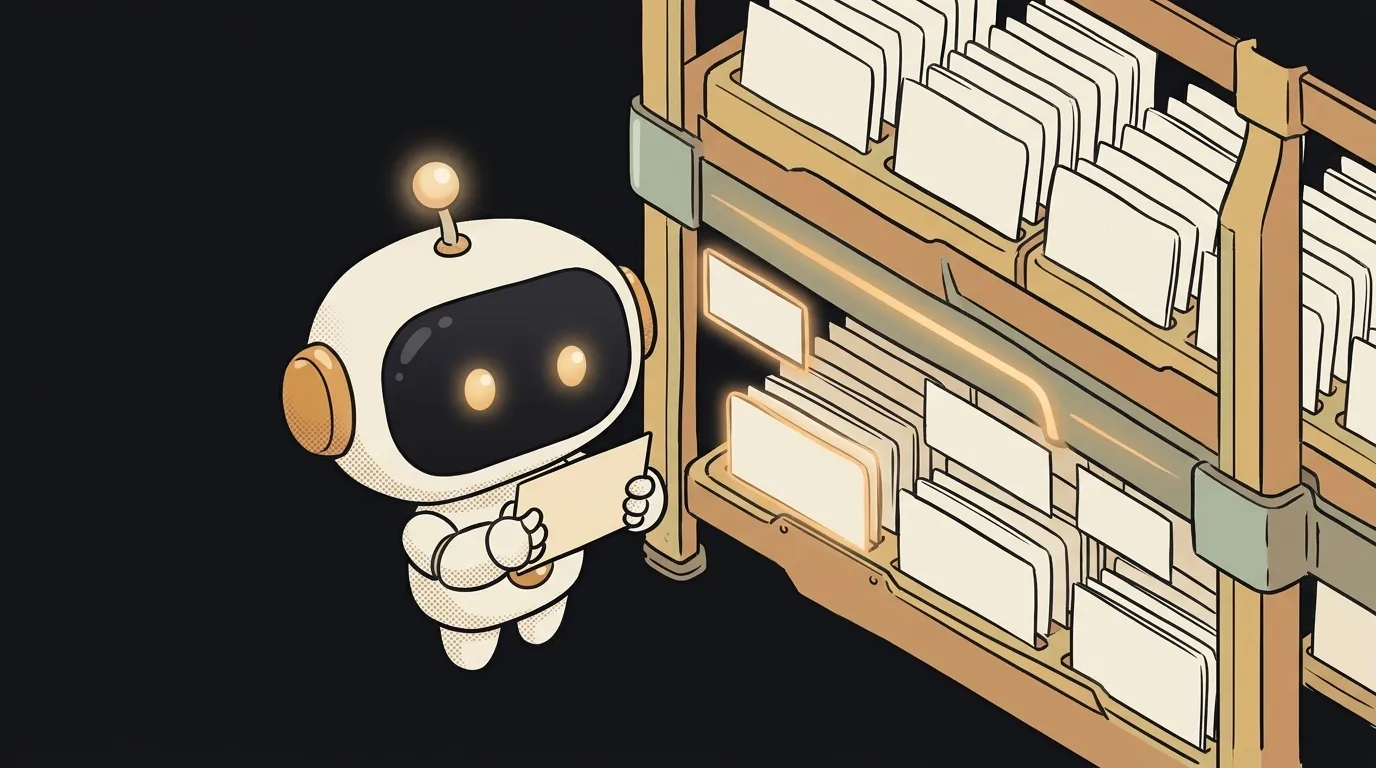
What is a pull request — and why it's not about 'pulling'
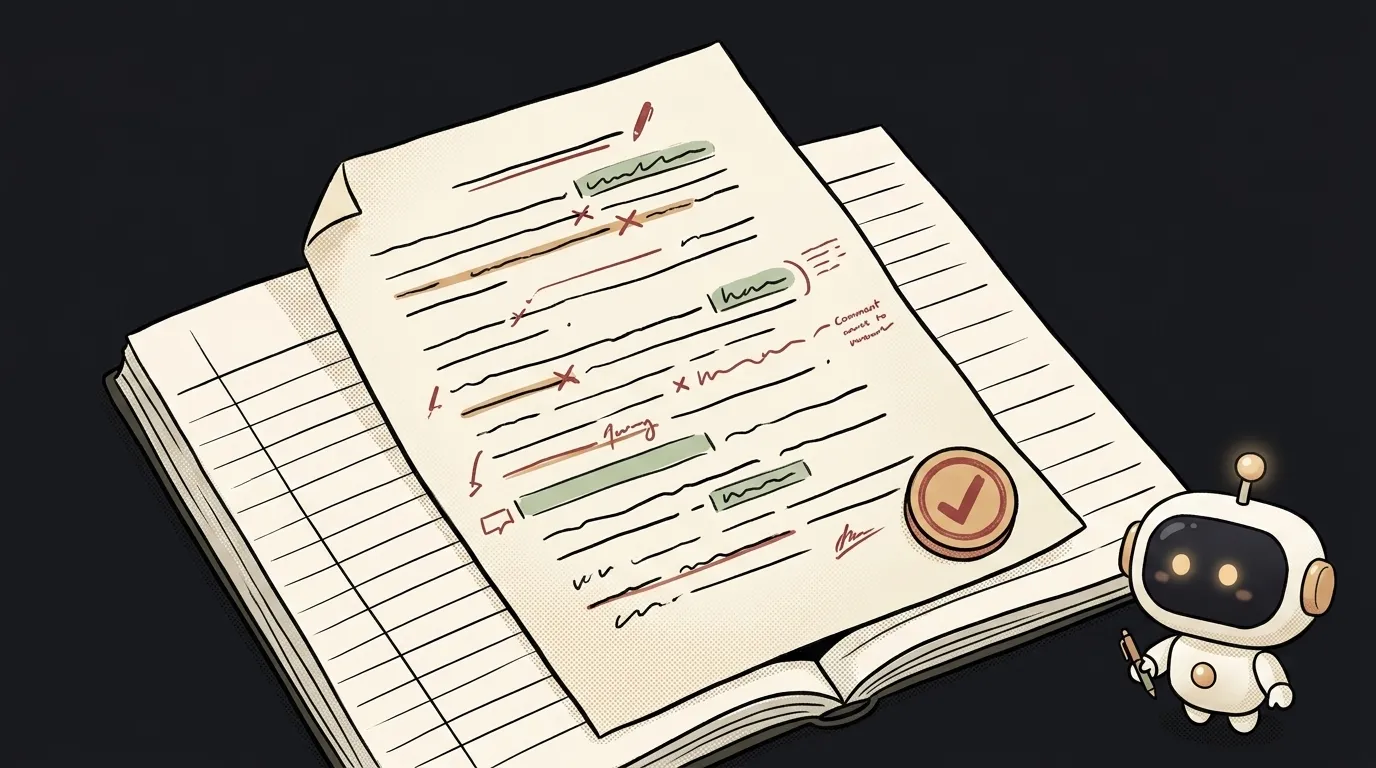
The name is confusing: pull request — as if something has to be "pulled" or "downloaded." It's the opposite. A pull request (PR) is when you say: "here are my changes, review them before they go into the main code." It's not an upload. It's a proposal with a review.
What a pull request actually is
Picture a shared notebook the team keeps. You don't scribble straight into it. You write your bit on a separate sheet and lay it on top with a note: "I propose inserting this here." Someone reads it, says "okay" or "fix this part" — and only then is the sheet stitched into the notebook.
A pull request is that sheet with the note. The main code (usually the main branch) stays untouched until your proposal is approved.
How it works, step by step
The mechanics are almost always the same:
- You create a branch — a separate copy of the code where you can break anything without touching the main one (for branches and commits, see how to use Git as a beginner).
- You make changes and lock them in as commits.
- You open a pull request: "please merge my branch into
main." GitHub (or another service) shows the diff — exactly what changed, line by line: green for added, red for removed. - Someone reviews: reads the diff, leaves comments, asks for fixes. Often automated tests run right there.
- When all's good — the PR gets merged. Your changes are now in the main code. The branch can be deleted.
The key part: while the PR is open, you push more fixes to the same branch — they automatically land in the same PR. It's not "fire and forget," it's a live conversation around one specific chunk of work.
Why it matters — even when you're solo
It looks like review is only for big teams. But here's the twist: a PR is your safety net even when you code solo with AI. In vibe coding, the agent writes the changes on a branch and opens a PR itself — and you get a calm place where you see the whole diff at once before it reaches your working code.
Why you want this:
- A checkpoint. Reading the diff before merging is the best moment to catch nonsense the model wrote confidently but wrong. AI code can have bugs precisely because it looks convincing. A PR forces you to actually look.
- Free rollback. Something broke after a merge — you can see which PR is to blame, and revert it whole.
- History with a reason. A PR keeps not just what changed but why — in the description and comments. A month later that saves you.
A useful habit: describe the PR short and to the point — what you change and why. And reading a diff with intent is a skill that pays off daily.
Where you'll run into it
The moment you put a project on GitHub, GitLab, or a similar service. Every modern tool revolves around it: tests per PR, a "merge" button, a ban on pushing straight to main. Many AI agents work this way by default — branch → PR → merge — because it's safe: the main code is always in working shape, and anything risky lives in separate proposals until they're checked.
FAQ: Are a pull request and a merge request different?
No, they're the same thing under different service names. GitHub calls it a pull request, GitLab calls it a merge request. The idea is identical: a proposal to merge one branch into another.
FAQ: How is a PR different from a regular commit?
A commit is one locked-in batch of changes inside a branch. A pull request is the request to move a set of commits from one branch to another, with discussion and review. A commit is "I saved it," a PR is "I propose you accept it."
FAQ: Does someone have to review my PR?
Technically no — solo, you can merge it yourself. But even then it's worth opening the PR, looking at the whole diff, and letting the tests run. Those five minutes catch errors before they hit your working code.
Short story-lessons, an agent simulator and daily practice — in our mobile app. Free.
Read next
Why you get NaN in JavaScript — 3 causes and how to find where it came from
How to convert a string to a number in JavaScript — without tripping on a comma
Why my loop never stops — and the tab freezes solid
Why my array is empty — and why there's no error
Why your AI agent edits the wrong file — three causes and how to check each