What is an array — and why it counts from zero
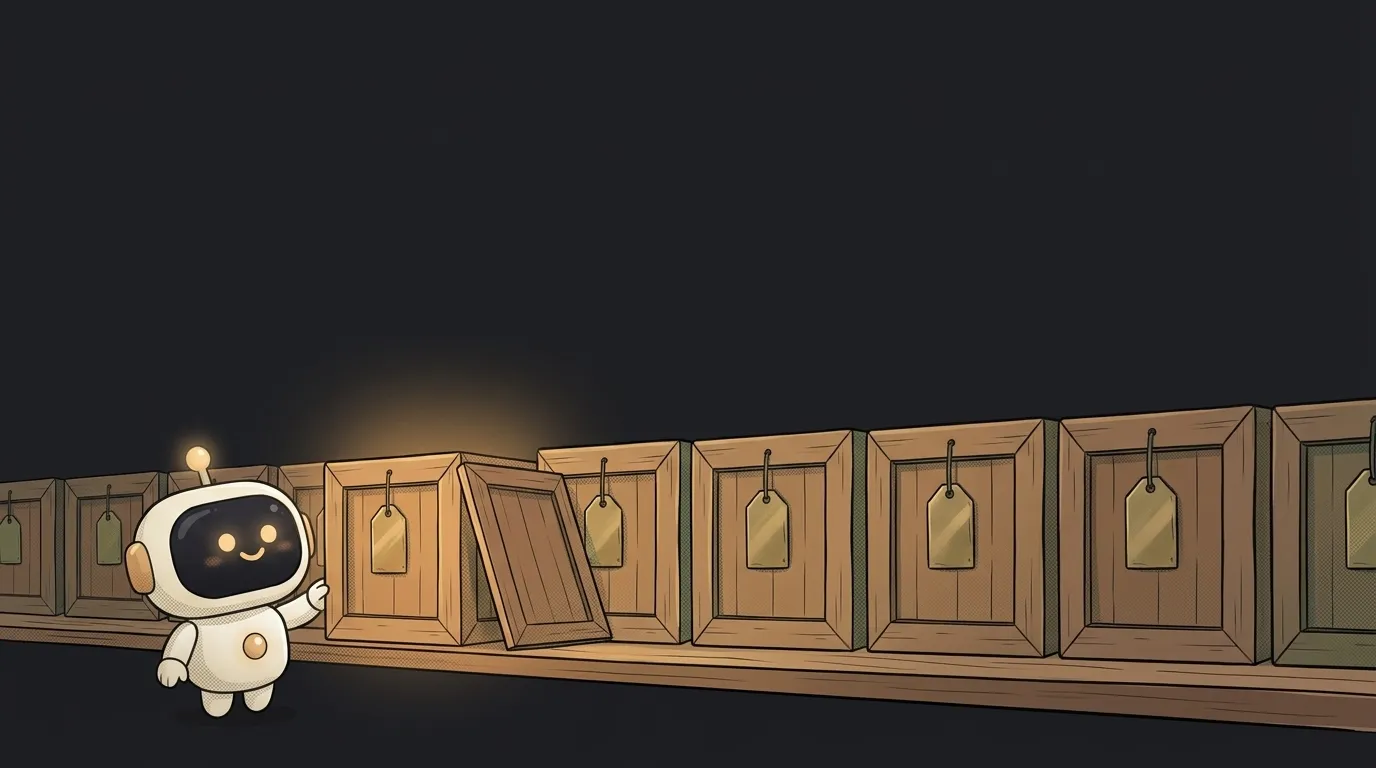
Open any app you use. A feed, a chat, a cart, search results, a to-do list. Different screens on the outside. Inside — the same one thing: an array.
And it has a habit that bends your brain on day one: in an array of four items, the last number is three. Not a typo. Let me show you why it was built that way, and which bug grows out of it.
What an array is
An array is several values packed into one box in order.
A plain variable holds one value: const city = "Almaty". An array holds many and remembers who stands where:
const cart = ["tea", "honey", "lemon"]
The order here isn't decoration — it's part of the data. Shuffle the items and you get a different array, even though the values are the same. That's exactly why your feed doesn't reshuffle every time you open it: the order is stored along with the contents.
To get one item out, you name its number — the index:
cart[0]   // "tea"
cart[2]   // "lemon"
Why counting starts at zero
Here's the trick: an index is not "which one in line". An index is how many steps away from the start.
The first item sits right at the beginning. No stepping needed — zero steps. The second is one step away. The third, two. Counting from zero looks strange right up until you see it as a distance instead of a rank.
This isn't a random quirk of one language. Back in 1982 Edsger Dijkstra wrote a note about exactly this — why numbering should start at zero. Today JavaScript, Python, Java, C and Go all count that way. Lua, R and MATLAB start at one. So if you see list[1] in someone's example pulling out the first item — that's a different language, not a mistake.
Now the practical part. An array has a length:
cart.length // 3
Length is three, and the indexes are 0, 1, 2. The last index is always one less than the length. You can ask for cart[3] — nothing crashes, you just get undefined, emptiness.
That's off-by-one — the "wrong by one" bug. It's sneaky: the code doesn't crash, there's just a blank row at the end of the list, or the last item quietly disappears from the screen.
What you actually do with an array
Four moves cover almost all of the list code AI writes for you:
- Add to the end —
cart.push("ginger"). The array grows by one. - Go through all of it — that's a loop: take each item in turn.
- Filter out the rest —
filter. A new array is built from the old one, with only the matching items. - Turn each into something else —
map. Every item is replaced by something of your choosing.
That last one is the move that builds screens. When you see items.map(...) in React code, it literally means "take the list of data and turn each record into a card on screen". Five products become five cards. A sixth arrives — a sixth card appears, with no edit to the markup.
Note that filter and map don't touch the original array; they build a new one. That's why code so often reads items.filter(...).map(...) — each step hands the next one a fresh list.
An empty array is an answer, not a breakage
An array can be empty: []. Length zero, no items.
Beginners read that as an error — but it's a normal, honest answer. "Nothing found", "no orders yet", "this chat is clean" — behind every one of those screens sits a zero-length array. Nothing broke: the search ran and came back with zero matches.
The distinction matters in practice. [] means "there is a list, and it holds nothing". undefined means "there's no list at all, the data never arrived". The first is fixed with a line of text saying "nothing here yet", the second with a loading state or a repaired request. If your screen is blank and there's no error, start digging here — an empty array only has two or three causes, and they're all typical.
Practical takeaway: when you ask AI for a list screen, add "show me what happens when the list is empty" to the prompt. The model almost always writes the "we have data" case and almost never the "zero data" one. Your user will meet the second on day one.
Is an array the same thing as a list?
In conversation, yes. In Python the thing is literally called list, in JavaScript it's Array. Different names for one idea: values sitting in order, reachable by number.
Can I put mixed things in one array — numbers and text together?
In JavaScript and Python, yes, the language won't stop you. In practice almost nobody does: every piece of code reading that array has to check what it just got, every single time. One array, one kind of thing.
Short story-lessons, an agent simulator and daily practice — in our mobile app. Free.
Read next

What is a loop — and why it can run zero times

What is a callback — and why extra parentheses break your button
Array or object — which one to pick for your data

What is a git worktree — and why keep a second folder of the same project

What is state — and why a button doesn't "turn" grey