&& vs ; in the terminal — the difference, and how one character ships broken code
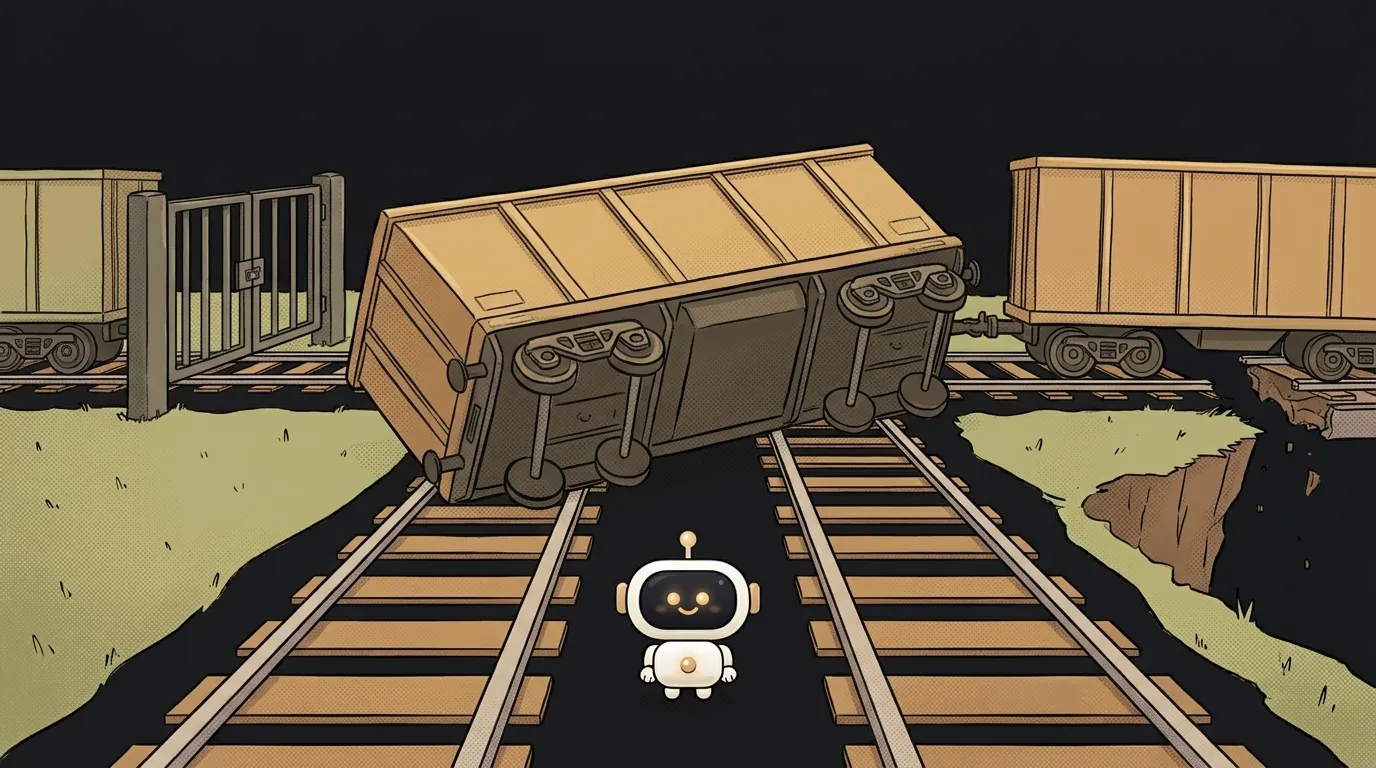
An agent wrote the command npm test; git push. The tests failed. The code shipped anyway.
There's no logic error. There's one character. With && instead of ;, nothing would have been sent.
The difference between && and ;
Both join commands on one line. The difference is what happens after the first:
- When the second command runs.
;runs it always, no matter what.&&runs it only if the first succeeded, meaning exit code 0. - What you see at the end. Either way, the chain's result is the code of the last command that ran. But
false; echo okreturns 0: the failure is hidden.false && echo okreturns 1. - Where it works.
;works nearly everywhere.&&works in bash, zsh, cmd and PowerShell 7. Older Windows PowerShell 5.1 doesn't have it: you getThe token '&&' is not a valid statement separator. - What it's for.
;is for independent commands.&&is for steps where the next one only makes sense after the previous.
Try it, it's safe:
$ false && echo A; echo B
B
$ false; echo C
C
The first line didn't print A: && stopped. But B printed, because after ; the chain starts over.
Where ; is genuinely dangerous
Look at this line:
cd build; rm -rf *
There's no build folder. cd fails. ; doesn't care and runs rm anyway, in the folder you're standing in. I tested a safe version of this:
$ cd /nonexistent; pwd
bash: cd: /nonexistent: No such file or directory
/tmp/lab
pwd showed the folder we never left. Anything could have been there in its place. With && the line simply stops:
cd build && rm -rf ./*
One more detail: rm -rf ./* is safer than rm -rf *, so a file named -rf isn't taken for a flag.
Which one to use
The verdict is simple: write && by default.
Use && when steps depend on each other. That's nearly always: npm install && npm run build, cd app && npm test, git pull && git push.
Use ; only when the second command is needed regardless. For example, telling yourself the build ended, however it ended:
npm run build; echo "Build finished"
If you have an AI agent running commands, put it in the project instructions: "chain steps with &&." One line of rules, and no more shipping broken code.
What about || and &
&& has two relatives that often get mixed up.
|| runs when the first fails. Handy for a fallback:
cd nope && echo fine || echo fallback
# bash: cd: nope: No such file or directory
# fallback
a && b || c looks like if-else but isn't. If b fails, c runs too:
$ true && false || echo z
z
A single & runs in the background. Completely different: the command goes off on its own and the terminal is free right away. npm test & git push starts both in parallel. One character more or less changes the meaning entirely.
Where you'll see this
- Dockerfile.
RUN apt-get update && apt-get install -y curlis the classic example. If the first step fails, the image build fails. More in what Docker is. - CI. On Linux runners GitHub Actions uses
bash -e. So a failing command stops the step even with;. But only there: you don't have that safety rope locally. On CI itself, see what CI/CD is. - Scripts. In a file, a line break works like
;: a failed line won't stop the next one. Putset -eat the top, and the script stops at the first error.
What do I write in Windows PowerShell 5.1?
A simple workaround: npm test; if ($?) { git push }. The $? variable holds whether the previous command succeeded. Or install PowerShell 7, where && works like in bash.
Is a line break the same as ;?
Yes. Two commands on two lines behave like a; b. That's why scripts need set -e.
Does cmd.exe understand &&?
It does. There && works like in bash, while a single & just means "then," not background.
Short story-lessons, an agent simulator and daily practice — in our mobile app. Free.
Read next
What is PATH — and why a program is installed but the terminal can't find it

What is a file descriptor — and why Too many open files happens with no files open
What is a checksum — and how to check a file downloaded intact
What are stdout and stderr — and why errors don't land in your log file
What is an exit code — and why CI can be green while tests fail