What are stdout and stderr — and why errors don't land in your log file
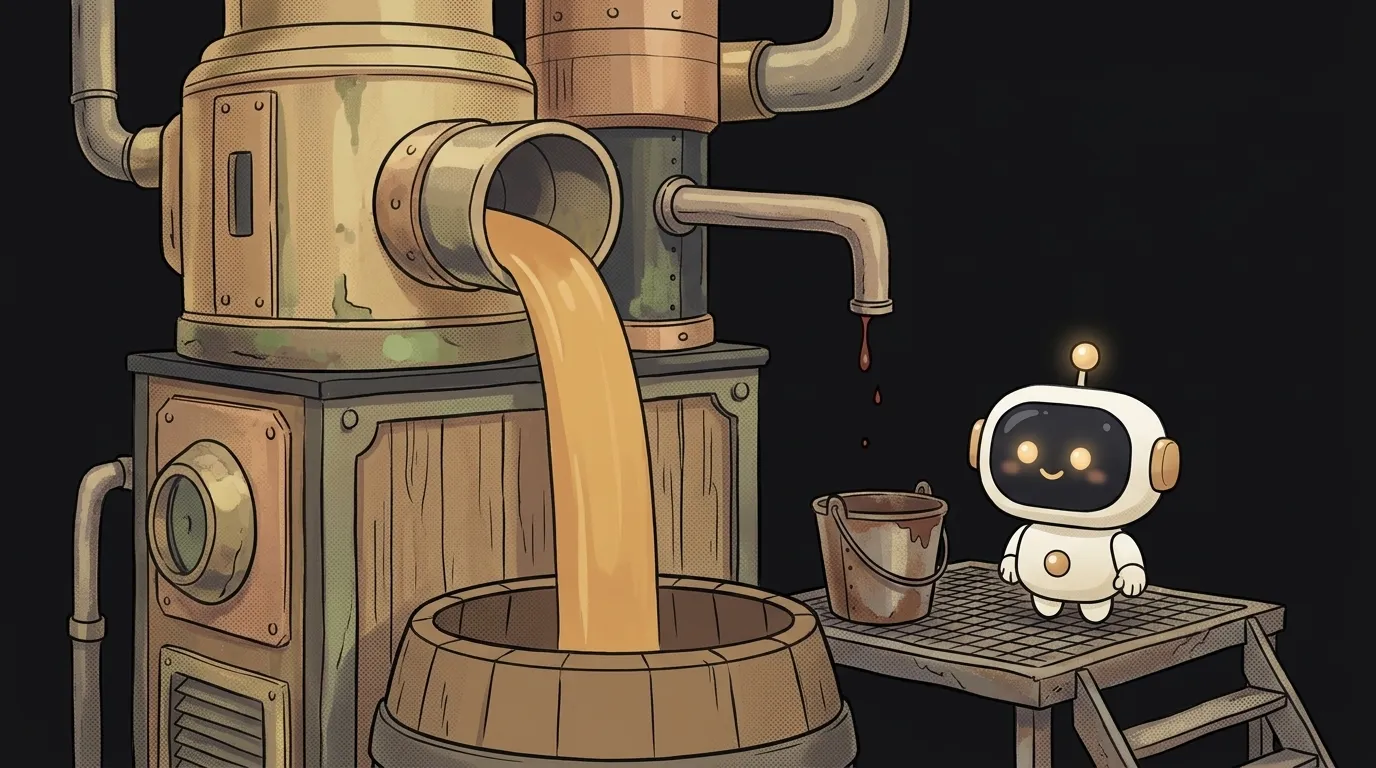
Here's a puzzle. You run python bot.py > log.txt so all output goes to a file. The program crashes. The error is right there on your screen. You open log.txt — and it only has the normal messages, no error.
The file isn't broken, and > isn't broken. Every program simply has not one output but two. You redirected only one of them.
Every program has two outputs
When a program prints something, it chooses which "pipe" to write to:
- stdout (standard output) — the normal result of its work.
- stderr (standard error) — errors, warnings, status messages.
By default both pipes are wired to the terminal screen. That's why you can't tell them apart — the text just flows together.
Why two? So results and problems don't mix. Picture a kitchen: finished dishes go out through the serving hatch, complaints through a separate door. Send the dishes off to a banquet and the complaints still come to you, not the guests.
Who writes where:
print()in Python andconsole.log()in Node — to stdout.console.error()in Node — to stderr.- Python's
loggingmodule by default — to stderr. Yes, even plain INFO messages. - The traceback of a crashed program — always to stderr.
How to steer the pipes
The pipes have numbers: stdout is 1, stderr is 2. That explains all the syntax:
python bot.py > out.txt          # only stdout to a file
python bot.py 2> errors.txt      # only stderr to a file
python bot.py > all.txt 2>&1     # both pipes to one file
python bot.py 2>/dev/null        # errors go nowhere
2>&1 reads as "send pipe two wherever pipe one is going right now".
And here's the rake everyone steps on. Order matters:
python bot.py > all.txt 2>&1     # ✓ both pipes in the file
python bot.py 2>&1 > all.txt     # ✗ errors still on screen
Redirections run left to right. In the second version 2>&1 ran first — while stdout was still pointing at the screen. Errors got "stuck" to the screen. Then stdout moved to the file, and stderr stayed behind. Remember: the file first, then 2>&1.
Sometimes it's useful to do the opposite and split the pipes into different files:
npm run build > build.log 2> errors.log
The build printed a thousand lines of progress and three errors. Open errors.log and you see just those three, no scrolling.
The same logic applies to the | pipe: it passes on only stdout. That's why npm run build | grep error may find nothing — the errors went past it, through stderr.
Why Python logs in Docker show up late
Second puzzle. Your bot runs in Docker, but docker logs is empty. A couple of minutes later a whole batch of messages pours out at once.
It's the buffer. When stdout points at a terminal, Python sends each line right away. When stdout goes to a file or a pipe — as in Docker — Python collects text and sends it in chunks. For speed.
stderr is never buffered. Errors arrive instantly while your ordinary prints sit in the buffer. Hence those weird logs where an error appears before the events that caused it.
Fix it one of three ways:
python -u bot.py # run unbuffered
ENV PYTHONUNBUFFERED=1 # in a Dockerfile — for the whole container
print("start", flush=True) # for one line
You'll see PYTHONUNBUFFERED=1 in almost every Python Dockerfile. Now you know why.
How this helps when working with AI
When an AI agent runs a command, it sees both pipes and the exit code. But when you copy output to it yourself, a common mistake is copying only the "clean" part. Save everything: command > out.txt 2>&1, and hand over the whole file. The most useful debugging info is usually in stderr: the file path, the line number, the name of the function that crashed. Without it AI guesses; with it, AI fixes the bug on the first try.
If you need permanent logs on a server, that's the next level — see what are logs.
Does output in stderr mean the program crashed?
No. Warnings and progress go to stderr too — npm and git, for example, print a lot of status text there. Only the exit code tells you whether the program failed.
Do stdout and stderr exist on Windows?
Yes. PowerShell and cmd support the same >, 2> and 2>&1. Just use NUL instead of /dev/null in cmd, or $null in PowerShell.
Short story-lessons, an agent simulator and daily practice — in our mobile app. Free.
Read next
What is an exit code — and why CI can be green while tests fail

What is a Web Worker — and why await doesn't stop your page from freezing

dependencies vs devDependencies — the difference, and why it breaks your deploy

What is Big O notation — and why your code flew on 100 rows and died on 100,000

What is a source map — and why your error points to line 1, column 48213