What is a variable — and why a copy of a list changes together with the original
Almost every explanation calls a variable a box: put a value in, take a value out. Convenient, clear, and it holds up right until your first real bug.
Because this breaks the whole picture:
const a = [1, 2, 3];
const b = a;     // we made a "copy"
b.push(4);
console.log(a);  // [1, 2, 3, 4] — the original changed too!
You touched b. a broke. If a variable is a box, that's impossible to explain.
So let's take a sharper picture. With it, this bug becomes obvious.
A variable is a tag, not a box
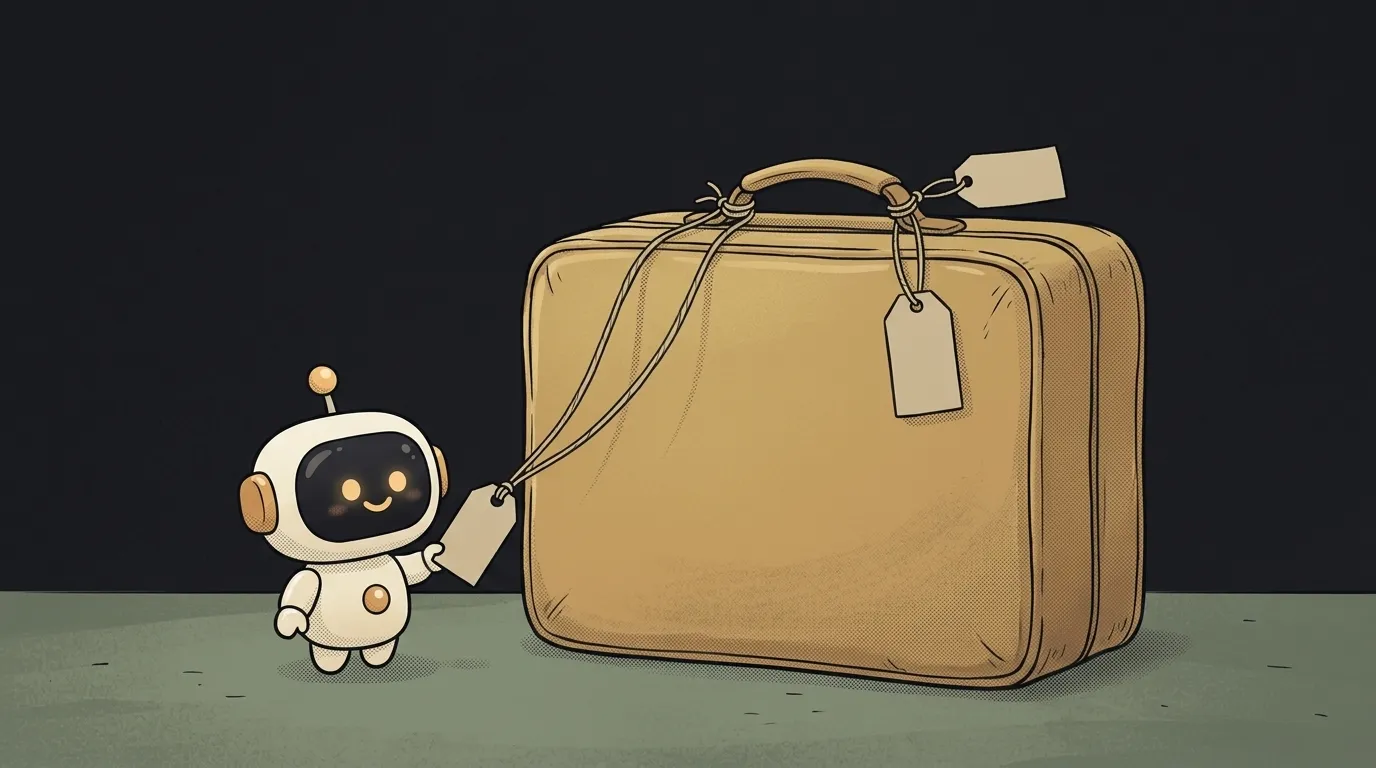
Picture a suitcase. On the handle, a luggage tag with a name on it.
The value is the suitcase. The variable is the tag tied to it. The name is written on the tag; the stuff sits in the case.
Here's the whole difference: one suitcase can carry two tags. And then it doesn't matter which one you pull — it's the same case.
The line const b = a; doesn't copy the suitcase. It ties a second tag to the very same one.
So b.push(4) drops something into the shared case, and a honestly reports what's inside. No magic — two tags, one case.
Why it sometimes does copy after all
Here's the second trap. Sometimes = behaves exactly the way you expect:
let x = 5;
let y = x;
y = 10;
console.log(x);  // 5 — the original is untouched
What happened? Nothing sneaky: numbers, strings, true/false are simple values. They don't go in a suitcase — they're written straight onto the tag. Copy the tag, and you copied the value with it.
Lists, objects and anything compound are suitcases. The tag only records where the case is standing.
Which gives you an everyday rule:
- number, string, boolean —
=copies the value, the original is safe; - list, object, dictionary —
=copies only the name, the case stays shared.
This works the same way in JavaScript and in Python — the two languages people most often start with. Learn it once, use it everywhere.
How to actually make a copy
If you want a real copy, you have to ask for one explicitly.
In JavaScript:
const b = [...a];              // copy of a list
const b = { ...obj };          // copy of an object
const b = structuredClone(a);  // copy including nested things
In Python:
b = a.copy()                 # copy of a list
import copy
b = copy.deepcopy(a)         # copy including nested things
Why two different lines? Because copies come shallow and deep.
[...a] makes a new suitcase, but if there were other suitcases inside, it moved their tags into the new one — not the cases themselves. The top level is detached; the nested parts are still shared.
structuredClone and deepcopy copy the whole tree. Slower, but honest all the way down.
Practical rule: flat list, [...a] is enough. Objects or nested lists inside, take the deep copy.
Where this bites you in AI-written code
The nasty part: this bug doesn't throw an error. Nothing crashes, the program runs, the data is just quietly wrong. Reading the error message won't help here — there is no message.
It usually shows up like this:
- you edit one record in a list and all of them shift;
- you save a draft, change the form, and the draft changes with it;
- you filter an array "into a copy" and lose the original.
Agents write this regularly, especially when editing code in chunks without seeing where the list came from. So when you review AI-written code, keep an eye on lines like const copy = original;. The word copy in a variable name copies nothing — only an explicit call does.
What's the difference between a variable and a constant?
const forbids re-tying the tag to a different suitcase. It doesn't stop you changing what's inside: const a = [1,2]; a.push(3) is legal. Only a = [9] is banned. That's exactly why the example at the top works despite the const.
Is this the same as environment variables?
No — shared word, different things. A variable in code lives inside your program. An environment variable is set from outside, by the operating system or your host, and usually holds settings and keys.
How should I name variables so I don't suffer later?
The name should answer "what's inside", not "what type is it". userEmail beats str1. And don't fear long names: code gets read far more often than it gets written.
Short story-lessons, an agent simulator and daily practice — in our mobile app. Free.
Read next

What are stdout and stderr — and why errors don't land in your log file

What is an exit code — and why CI can be green while tests fail

What is a Web Worker — and why await doesn't stop your page from freezing

dependencies vs devDependencies — the difference, and why it breaks your deploy

What is Big O notation — and why your code flew on 100 rows and died on 100,000
