How to keep user files private — 5 steps and one hole
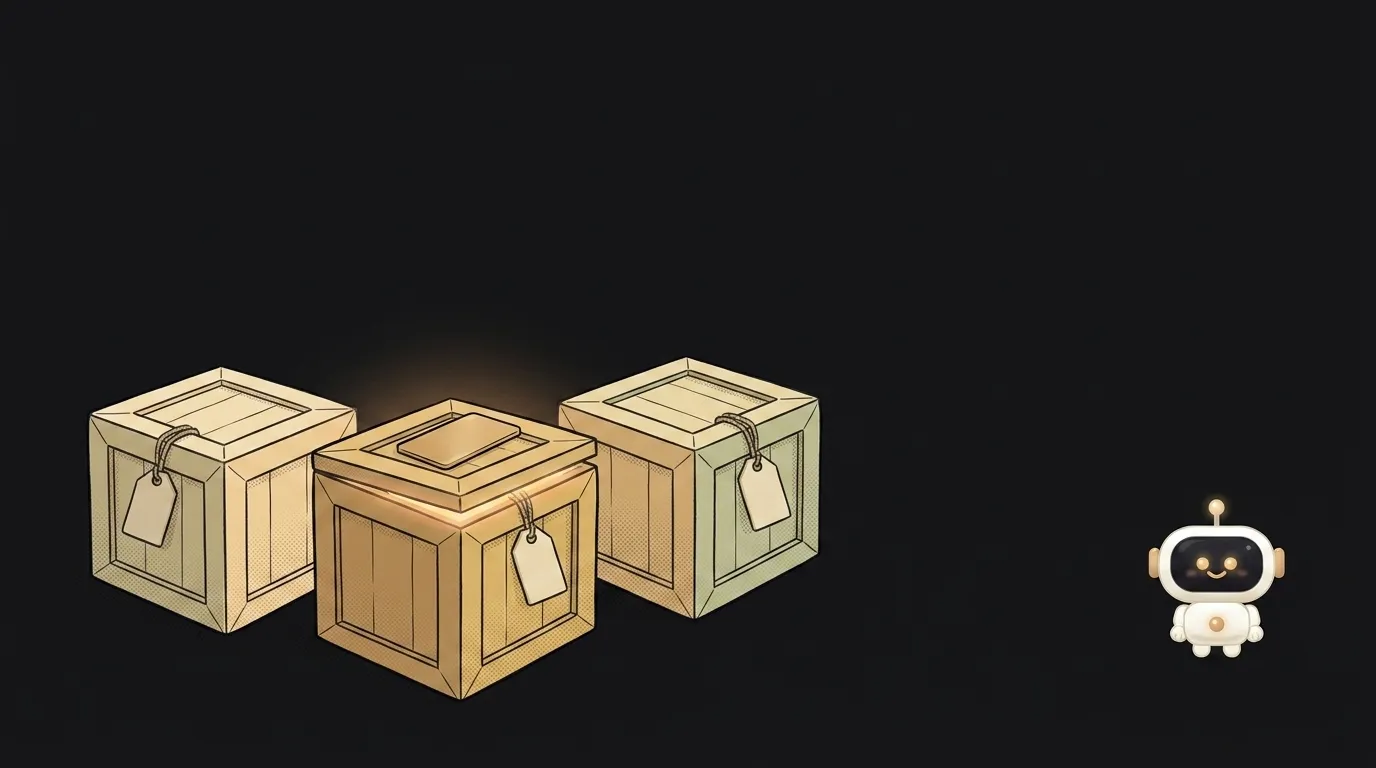
Almost everyone's first take on privacy looks like this: the file is called a7f3c9e1-2b8d.pdf, nobody knows the URL, so it's safe. That isn't privacy — it's hope. URLs leak through browser history, a forward into a chat, server logs, and the extension that "just reads the page".
Let's do it properly. Five steps, minutes each, plus one very common miss right at the end.
Step 1. Create a separate private bucket
Don't flip your existing public one — add a second. Aim for this:
public— covers, icons, logos: served to everyone and cached on a CDN;user-files— documents, receipts, avatars, exports: private, hands out nothing on its own.
The reason to split is simple: these two groups have different fates. Public stuff can be served forever; private stuff only against a pass. Keep them in one bucket and one day you'll mix them up. How buckets and keys work: what is object storage.
Step 2. Put the owner into the file path
The server invents the key, and the first segment is the user's id:
user-files/9f1c.../invoices/2026-09-04.pdf
That's not cosmetic. One step from now you'll write an access rule, and it needs a "whose file is this" signal — reading it from the path is the cheapest option. It also removes a whole class of accidents where two people upload photo.jpg and one overwrites the other.
Step 3. Turn on access rules
Supabase Storage has a pleasant starting point: by default nothing can be uploaded to a bucket at all until a policy exists. Not "everyone may" — "nobody may". From there you open exactly what you need.
The minimum set of rules on the storage.objects table:
create policy "own files: upload"
on storage.objects for insert to authenticated
with check (
  bucket_id = 'user-files'
  and (storage.foldername(name))[1] = auth.uid()::text
);
It reads almost like English: a logged-in user may put a file into user-files if the first folder in the path is their own id. The same rule on select lets them read only their own.
One subtlety people trip on: if your app overwrites files (upload with replace), insert alone isn't enough — you also need select and update, or avatar replacement fails silently.
Step 4. Hand out a pass, not the file
A private bucket won't serve an object from a plain URL — as it shouldn't. The delivery flow is:
- the browser asks your server for one specific document;
- the server signs a temporary link valid for 10–15 minutes;
- the browser follows it straight into storage, bypassing your code.
Signing happens on the server — a backend or an edge function. The mechanics, the expiry limits, and why such a link then lives a life of its own are in what is a presigned URL.
Step 5. Check the permission before signing — this is the hole
Here's where it all falls apart. A signature doesn't check who owns the file. It only proves one thing: "whoever issued this link had the key." If your handler takes a path from the request and signs whatever it's given, any logged-in user can ask for someone else's path — and get someone else's document. With a valid signature.
The order must be exactly this:
- work out who's asking (session, token) — the groundwork is in how to add login;
- check in the database that the requested file belongs to them;
- only now sign the link.
Never sign a path that arrived whole from the browser. Let the browser send a document id, and let the server assemble the path.
What you end up with
The user clicks "Download" and gets their file in a fraction of a second. What changed underneath:
- the direct object URL works for nobody, including you;
- a leaked link goes stale in a quarter of an hour;
- someone else's path never gets signed — they get a refusal, not a document;
- files don't flow through your server, so size stops bumping into app limits.
Three mistakes visible in any first project
- "But we never publish that link." The browser publishes it, so do chats and logs. Treat every issued link as public from the moment you issue it.
- One public bucket for everything. A single careless
getPublicUrland a receipt with a delivery address is out in the open. - Storing photos as-is. Shots carry capture coordinates — clean the metadata on the way in, see what is EXIF. The step-by-step upload flow is in how to add image upload.
How long should the link live?
Match the scenario, not "generously". An image on a page — 5 to 15 minutes. A link in an email opened that evening — an hour. Anything past a day usually means you solved the wrong problem: issuing a fresh link on demand is safer.
What if a file must be reachable without login?
It happens: an invite, a public report, a "share" link. Then it's a deliberately public file, and it should behave like one — separate bucket, no personal data inside, and a way to revoke access by deleting the object.
The AI Architect 2027 course: step by step from computer basics to your own app and first customers. 543 short lessons on your phone.
Read next

Why SSH still asks for a password when your key is set up — 3 causes

How to set up ~/.ssh/config — short server names instead of long commands

Why does SSH disconnect on its own (Broken pipe) — three causes and how to fix them

How to read command help (--help and man) — and find your version's flags in a minute

Why Ctrl+C doesn't stop a program — and how one except line causes it
