What is object storage — and why you can't rename a folder in it
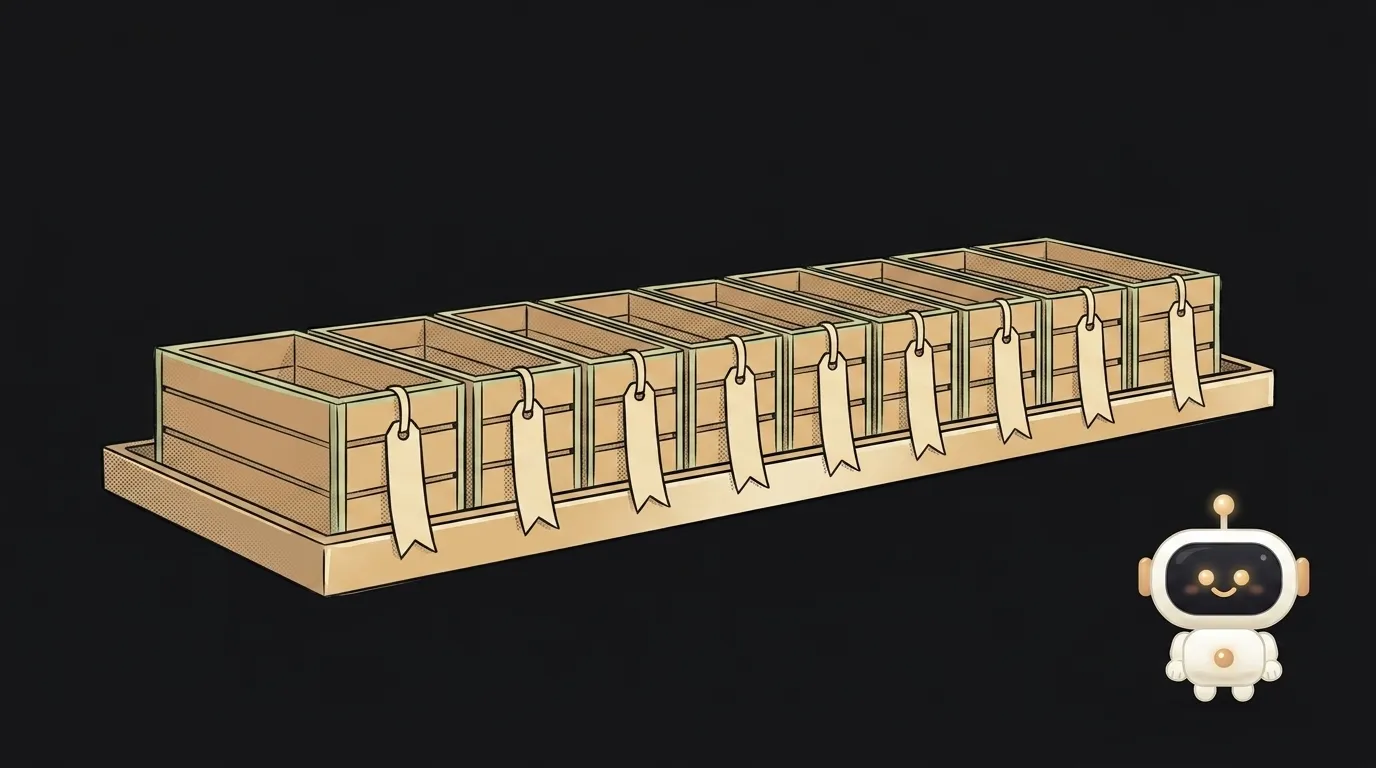
Here's a funny one. You upload images to cloud storage, tidy them into photos/2026/, and a week later decide to rename that folder — and there's no button for it. That's not a broken UI. The folder doesn't exist. The Amazon S3 docs say it plainly: a folder can be created, deleted and made public — but not renamed.
Let's unpack what this warehouse is, where the folders went, and why your pictures live there instead of in your database.
What object storage is, in plain words
Object storage is a warehouse for files where every file has one long key-name and a URL to fetch it by.
What's inside isn't "files" in the usual sense — they're objects. An object is three things at once:
- the bytes — your image, PDF or video;
- the key — the full name you fetch it by:
users/42/avatar.jpg; - metadata — content type, size, date, plus anything you attach yourself.
Objects live in a bucket — the top-level container, roughly like a drive. Two are usually enough for a project: a public one for cover images, a private one for user documents.
And now the strange part.
Why there really are no folders
The namespace inside a bucket is flat. There's no hierarchy like the file explorer on your laptop — just one long list of keys.
The slash in photos/2026/cat.jpg isn't "nesting". It's an ordinary character inside the name, same as the letter "c". The console notices that a hundred keys start with photos/ and draws you a nice folder. That start of the key even has a name — the prefix.
Every oddity grows from that:
- You can't rename a folder: you'd have to rewrite the name of every object. You don't rename — you copy everything under new keys and delete the old ones.
- An "empty folder" is actually a zero-byte object whose key ends in a slash. The console creates it so the list has something to show.
- A bucket inside a bucket is impossible, while "a folder in a folder" is unlimited — that's just a longer key.
One practical takeaway: design your key scheme up front. Reshuffling a million objects later means a million copy operations, and you pay for those.
Why images don't go in the database
The temptation makes sense: you already have a database, everything is tidy there — let's drop the avatar in too. Don't.
A database is great with strings and numbers: it indexes, sorts and searches them. A 4 MB picture is dead weight that:
- bloats backups: a database dump goes from 20 MB to 8 GB, and restores stretch into hours;
- eats RAM: the database keeps hot data in memory, and you're filling it with photo bytes;
- slows delivery: an object has a direct URL, a table row doesn't, so every avatar view becomes a request through your server.
The correct scheme is boring and solid: the file goes to storage, the database keeps only the path. The string users/42/avatar.jpg weighs 22 bytes. The step-by-step version is in how to add image upload.
What you get instead of a plain disk
- Every object has its own address. Not "a file on server three" — a URL you can hand straight to the browser.
- Space doesn't run out. No watching a disk fill up and resizing it at 2 a.m.
- Access is set per object. A private bucket hands out nothing by itself — files go out via a temporary signed link that expires on its own.
- Storing is pennies — but the bill grows from serving, not storing. Why that is: why your storage bill keeps growing.
One thing storage cannot do
You can't edit an object partially. There's no "append a line to the end" or "replace one byte" — you can only put a whole new object over the old one. An object has no cursor and no position inside it: it's either this one or a different one.
Two practical rules follow:
- an event log that grows line by line doesn't belong in storage — that's what a database is for;
- "updating a file" is always a full re-upload, so version big files by name (
report-v2.pdf) instead of silently overwriting.
Where you'll meet it
Same thing under different names: Amazon S3, Cloudflare R2, Supabase Storage, Backblaze B2. Most of them speak an S3-compatible API: the same "put object", "get object", "list by prefix" commands.
That's good news for you: code that talks to one storage moves to another almost unchanged. The endpoint and the keys change — the logic doesn't.
Is this the same as Google Drive?
Looks similar from outside, isn't inside. A drive is built for a human with a mouse: folders, trash, "share". Object storage is built for a program: keys, URLs, access rules and an API. You open a drive; you call storage from code.
How is a bucket different from a folder?
A bucket is the top level — its own name, its own region, its own access settings. A folder inside it is an illusion drawn from the key prefix. You can't set permissions "on a folder" directly; rules are written against key patterns.
Are files in storage visible to everyone?
Depends on the bucket. A public one serves the object to anyone who knows the address — that's fine for covers and icons. A private one serves nothing without a signature. Default to private: you can always make a file public later, but you can never un-leak a URL.
The AI Architect 2027 course: step by step from computer basics to your own app and first customers. 543 short lessons on your phone.
Read next

Ed25519 vs RSA — which SSH key to choose in 2026

What is sudo — and why it asks for your password, not the admin's

What is a tar.gz file — and why a tar archive can be bigger than the files

What is a command-line flag — and why git commit -ma breaks but -am works

scp or rsync — and why rsync sent 141 bytes instead of two megabytes the second time
