What is a database — in plain words, and why nothing sticks without one
Here's the tricky thing every beginner trips on. You build an app, enter some data, it all works. You restart it — and everything's gone, like it never existed. Why? Because plain variables in code only live in memory while the program runs. Turn it off, it forgets. To make data stay, you need a separate thing: a database. And it's simpler to grasp than it looks.
What it is
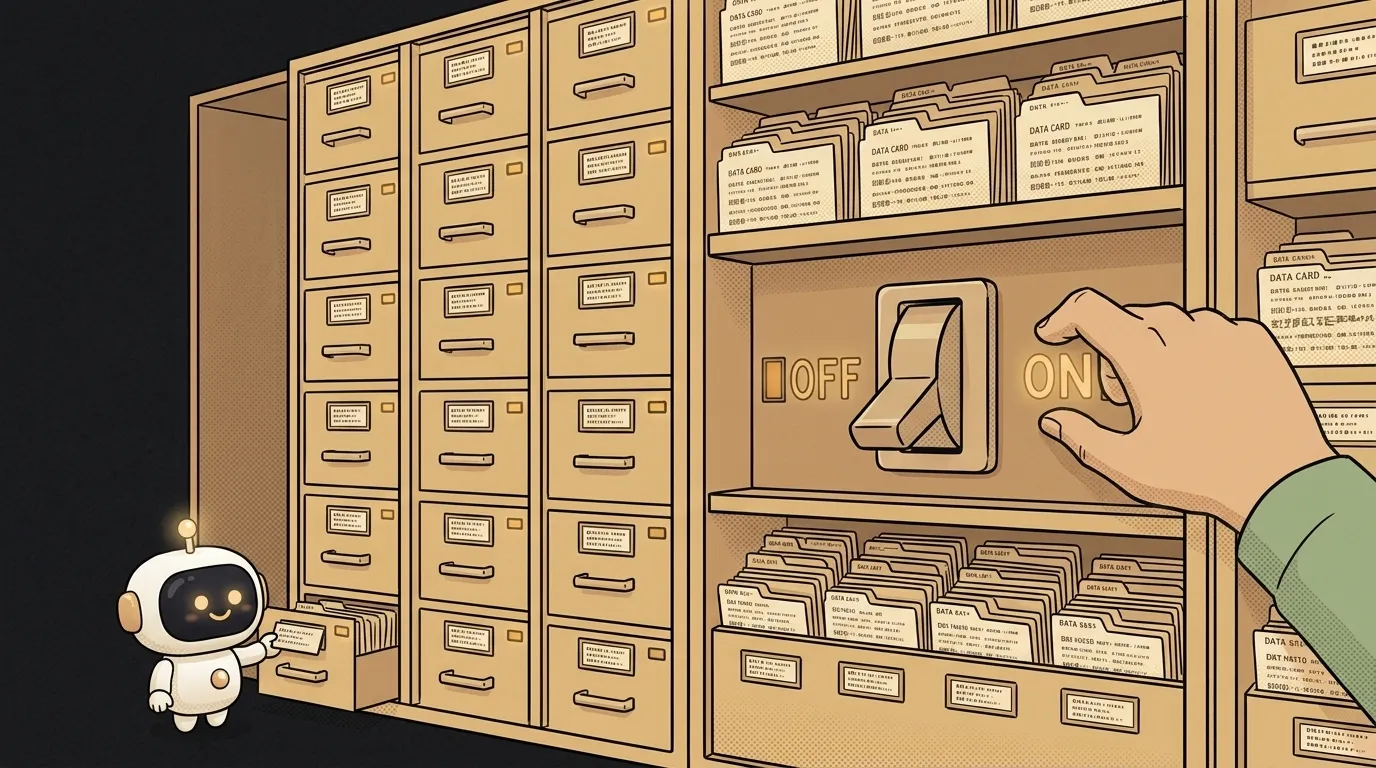
A database is a place where an app stores data so it doesn't disappear. Close the app, crash the server, wait a year — the data's still there. It's the program's long-term memory, unlike variables, which forget the moment you shut down.
The most common kind is the table database, and it looks a lot like the Excel you already know. There's a "Users" table with rows (each row is one person) and columns (name, email, sign-up date). There's an "Orders" table with its own rows and columns. Picture it like that for now: a set of tidy tables.
But "it's just Excel" is a trap. The difference is what a database is built for.
How a database differs from an Excel sheet
Excel is for a human who looks with their eyes and edits by hand. A database is for a program that pulls data thousands of times a second and isn't allowed to get it wrong. Hence three differences that make a database a database:
- Many hands at once. A hundred people place an order in the same second — the database sorts it out without overwriting each other's data. An Excel file would fall apart.
- Instant search across millions of rows. A database is built to find the right row among millions in milliseconds, via clever pointer-indexes.
- Rules and relationships. A database makes sure an order can't reference a nonexistent user and an email can't repeat. Excel would allow it — and you'd drown in junk data.
How a program talks to it
An app doesn't "open a database file" — it sends the database queries in a special language. For table databases that's SQL: short commands like "give me all users from London" or "add a new order." You say what you need, the database decides how to fetch it fastest.
Sounds hard, but at the start you'll rarely write SQL by hand — modern tools and AI agents do it for you. What matters more is grasping the idea: data sits in tables, and you reach it with queries. If you want to dig into practice, there's a separate walkthrough — databases for vibe-coders, minus the boredom.
Why it matters to you
The moment your app has anything that must be remembered between sessions — accounts, notes, a to-do list, history, likes — you need a database. It's the line between "a one-run toy" and "a real app you can come back to tomorrow."
Good news: you don't have to stand up a database by hand like 15 years ago. Services like Supabase or Firebase give you a ready cloud database in a couple of minutes — connect and go. What's left for you is the main thing: what your entities are (users? notes? products?) and what fields they have. That's called the schema, and sketching it is half the work.
Where you'll meet a database first
Most likely at the moment of "I want a user to sign in and see their own data." Sign-in requires accounts stored somewhere. Personal data requires that it doesn't get mixed between people. All of that is a database. Wire it to an API and the app comes alive: data arrives, saves, comes back.
FAQ: Are a database and a server the same thing?
No. A server is a computer in the cloud running your app. A database is a program for storing data, often living on (or beside) that server. The server handles user requests and pulls the data for its answers from the database. They work as a pair, but they're different things.
FAQ: Do I even need a database for a tiny app?
Not always. If the data doesn't need to survive a restart (say, a calculator or a game with no saves), you don't need one — variables in memory are enough. You need a database exactly when the word "remember" shows up: remember the user, their progress, their notes. No "remember," no database.
Short story-lessons, an agent simulator and daily practice — in our mobile app. Free.
Read next
What is SSH — how to log into someone else's computer without a password in the open
What is hashing — why a website doesn't know your password
What is a race condition — the bug that shows up only sometimes
Docker or a virtual machine — the difference, and what a beginner should pick
What is WebSocket — and why a chat updates itself without a page reload