How to write tests with AI — lock your code against dumb breakage in 15 minutes
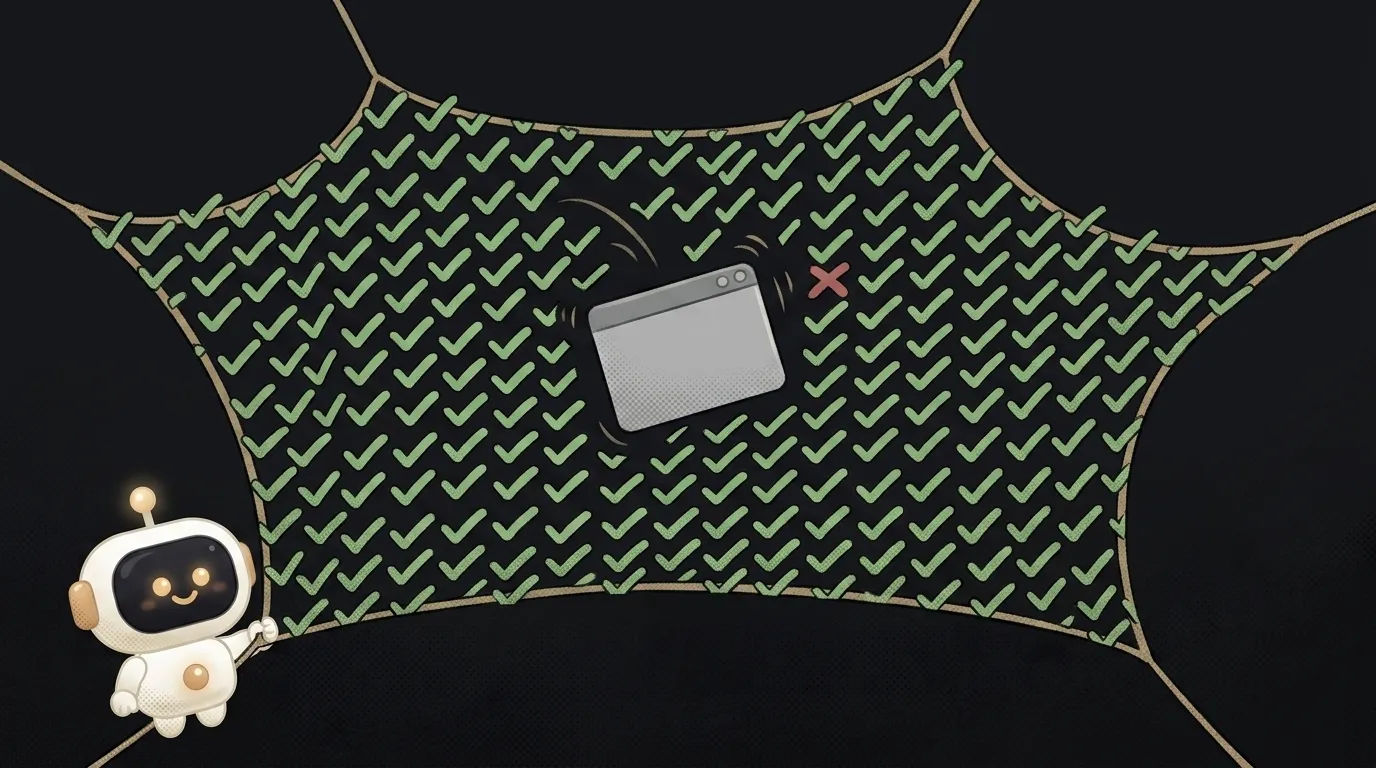
“Tests” sound like something from the world of serious engineers — boring, slow, later. But here's the twist: with AI your first working test takes fifteen minutes, and it catches exactly the dumb breakage you usually lose a whole evening to. Not “correct by the textbook” — worth it for you. Let's walk through how to write tests with AI, even if you never have.
Why tests at all (briefly)
A test is a tiny piece of code that checks that your other piece of code does what it should. Write it once, and from then on it automatically shouts if you (or the AI) accidentally broke something.
The main value isn't “it works now” but “it won't break later.” You change one function, and a test catches that a neighboring one fell over too. Without the test you'd hear about it from a user. It's especially handy when the AI wrote the code: a test is your check that the generated thing actually works.
Step 1. Pick one function
Don't try to test the whole app at once — you'll drown. Pick one function with a clear input and output. The ideal candidate: computes a discounted price, formats a date, validates an email. Something where it's clear: “I give this — I expect that.”
For example, a function discounted_price(price, percent). Input — two numbers, output — one. Great, we start there.
Step 2. Ask the AI for a list of cases, not a test
Here's the key trick beginners skip. Don't ask for “write a test” right away. First ask for a list of cases worth checking — including weird ones.
Write tests for my discount functionThe AI returns a list: “20% off 100 → 80; 0% → price unchanged; 100% → 0; a negative percent → should be an error…” That's gold. Half of these cases wouldn't have crossed your mind — and those are exactly where the code breaks for users.
Step 3. Let the AI write the test — but check the assertions
Now you can ask for code. Hand the AI the function and the approved list of cases:
Write tests in [framework — Vitest / Jest / pytest] for this function, one per case from the list above. Make the test names clear.
You'll get a ready file of tests. Each test is essentially “set up → call → check”: prepare the data, call the function, verify the result (assert).
The crucial bit: eyeball that the assertions are right. The AI sometimes writes a test that merely mirrors the code's behavior even if the code is wrong (“expect 79” on a bug that returns 79 instead of 80). You are the judge of what result is correct. Compare the expected numbers against the list from Step 2, not against what the code spits out.
Step 4. Run it and fix
Tests are useless until they run. The command depends on the framework:
- Install the framework if it's missing:
npm i -D vitest(JS) orpip install pytest(Python). - Run it:
npx vitestorpytest. - Read the result: green — passed, red — failed.
And here's the interesting part: if a test is red, it's not always “a bad test.” It may have found a real bug. Open it, look: is the result wrong because the test is off, or because the code is off? If it's the code — you just caught a bug before a user did, which is the whole point. A red test pointing at a line is a neighbor skill to reading a stack trace.
What you'll get
In the end there's a test file next to your function, and npx vitest tells you in a second whether everything's intact. Change the code — run it — see green — sleep easy. That's the insurance that separates “vibe-code and pray” from “vibe-code and verify.” The same trick pairs well with debugging with AI: found a bug — first write a failing test for it, then fix.
Which tests should a beginner start with?
With “unit” tests — small, on one function with a clean input-output. They're the fastest to write and give the most value. Tests for the whole interface and clicks (e2e) are harder — leave them for later, once you've got a taste.
The AI checks itself — isn't that cheating?
It would be, if the AI both wrote the code and silently wrote tests “to match.” That's why Step 2 exists: you approve the list of correct answers, before the code. Then the test checks intent, not just repeats what the code happens to do.
Do I need 100% coverage?
No, for a pet project that's overkill. Cover the most valuable and fragile parts: logic with money, dates, access — where a mistake is costly. 5 tests on what matters beat 50 on the obvious.
Short story-lessons, an agent simulator and daily practice — in our mobile app. Free.
Read next
Why your download link opens the file instead of downloading it — 3 causes
How to make font size responsive — and why font-size in vw breaks zoom
Why fetch returns stale data — 3 caching causes and how to fix them
How to calculate the number of days between two dates in JavaScript — and why you get one day too few
Why changing one item changes all of them — three causes and fixes