Web app or native app — which to build first, and why tech isn't the decider
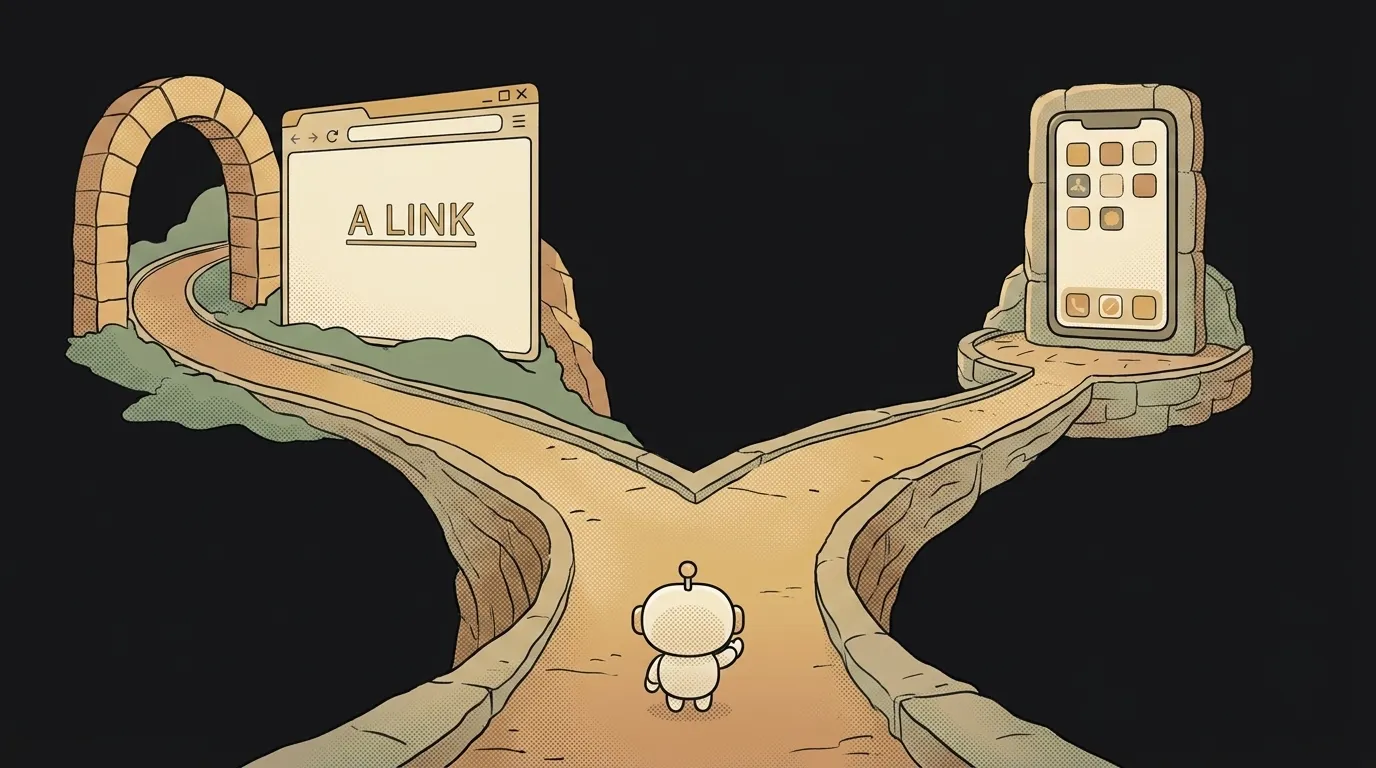
"Should I build a website first, or a phone app?" — the question almost every beginner freezes on. And here's the surprise: for a first project the answer is almost always "web" — but not because of the tech. Because of the app-store wall.
A web app you push out today and share a link to a minute later. A native app you wait on — Apple and Google review, sometimes days, sometimes with rejections. Before arguing about features, it's worth understanding this difference. Let's lay it out and, at the end, say plainly what to build.
In short: what's the difference
- Web app — opens in the browser from a link. Works on any device: phone, laptop, tablet. Nothing to install.
- Native app — you install it from the App Store or Google Play, and it lives as an icon on your phone screen. Written for a specific platform (iOS/Android).
Both are "apps" in the everyday sense. The difference is where they live and how the user reaches them.
What axes to compare on
| Criterion | Web app | Native app | |---|---|---| | Where it lives | a browser link | an icon from the store | | How you get it | open it and use it | download, install | | First version | today, one click | weeks + store review | | Updates | instant, for everyone | via the store, wait for review | | Camera, push, offline | limited | full access | | Store / review | not needed | mandatory (Apple, Google) | | Cost to start | free | $99/yr Apple + $25 Google | | Beginner curve | gentle | steeper |
It reads almost one-sidedly: web wins on speed, cost and simplicity. Native wins on deep access to the phone.
Where the wall lives — App Store and Google Play
The main hidden barrier to native development isn't the code — it's publishing. To ship an app you need a developer account ($99/yr with Apple, $25 one-time with Google), and every version is reviewed by hand. Review can bounce you over a small thing and make you redo it. Changed a button — wait for a new review.
The web has no such wall. Change something, deploy it, and a minute later everyone has the new version. For someone vibe-coding a first project and wanting to test an idea fast, that's decisive: the "edit → result" cycle is measured in minutes, not days.
Who should pick what
No dodging.
Pick a web app if:
- it's your first project and you're testing an idea;
- you need to show people quickly and gather feedback;
- your audience is on both phone and computer;
- your budget is zero (web is hosted for free).
Pick native if:
- the product lives on the phone and doesn't work without it (camera at the core, serious offline, regular push);
- being in the App Store and Google Play matters for trust and discoverability;
- the idea is already validated on the web and you're going for depth.
The rule is simple: when in doubt, start with web. You'll test the idea cheaply and fast, and build the native version later if the web version takes off.
PWA — a third option in the middle
There's a compromise: a PWA (Progressive Web App). It's a web app that can install to the home screen as an icon, work offline, and send some notifications — while staying web, with no store and no review. It doesn't fully replace native, but for many tasks it closes the gap: feels like an app, deploys like a website.
But what if I really want an App Store app?
Then look at cross-platform approaches — React Native, Flutter: one codebase builds for both iOS and Android. But even there, the review wall and account fees don't go away. The sensible path for a beginner is the web version first, and the native one once there's proven interest.
Is a web app just a website?
Not quite. An ordinary website shows information (a blog, a landing page). A web app does something inside the browser: calculates, stores your data, reacts to actions — like a tracker, an editor, or a chat. Technically it's the same web, but with app logic, not just text on a page.
Is React Native a native app?
Yes. React Native and Flutter write one codebase and output real native apps for the App Store and Google Play. It's a way to avoid building two separate versions for iOS and Android and get by with one codebase. But the store review wall and the paid developer accounts don't go anywhere — you save on the code, not on publishing.
Short story-lessons, an agent simulator and daily practice — in our mobile app. Free.
Read next

Why you get NaN in JavaScript — 3 causes and how to find where it came from
How to convert a string to a number in JavaScript — without tripping on a comma
Why my loop never stops — and the tab freezes solid

Why my array is empty — and why there's no error
Why your AI agent edits the wrong file — three causes and how to check each