What Is a Container (Docker) — and Why "Works on My Machine" Is Dead
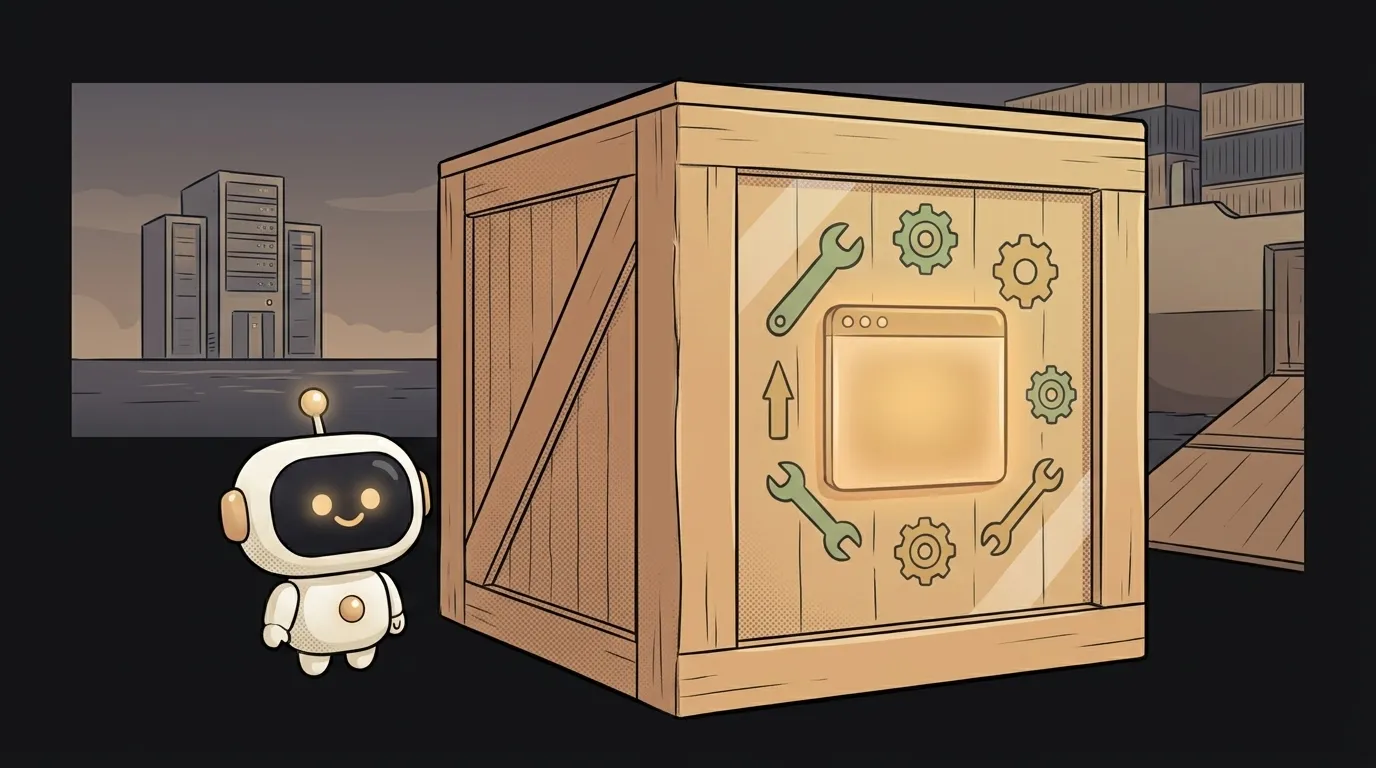
"It works on my machine, but it crashes on the server." It's probably the oldest pain in software — and it sounds like black magic.
Here's the twist: containers were invented to kill that exact sentence. A container takes your program and packs it up with everything it needs to live. So "works on my machine" becomes "works everywhere." Let's see how.
What is a container
A container is a box holding your program plus its whole environment: the right language version, the libraries, the settings. Not just the code — the code together with the surroundings it's guaranteed to run in.
Simple analogy. A normal program is a dish that only tastes right in your kitchen: a different stove, different spices, and the flavor drifts. A container is that same dish, but delivered with its own stove, its own pots, and its own spices. Set it down anywhere — it comes out the same.
How it works — image and container
Two words people mix up here.
- Image — the recipe and the frozen base: a snapshot of the program with its full environment, locked in once. You can copy it to anyone.
- Container — a running instance of an image. One image can spin up ten identical containers.
In practice you write a small instruction file (Dockerfile): "take this Python version, install these libraries, copy my code, run it." That builds an image, and the image runs as a container. And that container behaves identically on your laptop, your teammate's, and the production server. When it's time to deploy your app, you ship not the bare code but the whole assembled box.
How a container differs from a VM
Here's the surprise almost everyone trips on: a container is not a virtual machine.
A VM carries an entire operating system inside itself — its own Windows or Linux running on top of yours. So it weighs gigabytes and boots in a minute, like a second computer inside your computer.
A container doesn't do that. It doesn't carry a separate OS — it shares the kernel with the host system, and the box holds only the program and its libraries. That's why a container weighs megabytes, not gigabytes, and starts in a second. You still get isolation (containers don't see each other), just without the dead weight.
In short: a VM is a separate apartment with its own walls and plumbing. A container is a separate room in a shared apartment — its own door, but shared water and electricity.
Why it matters to you
Even if you're just starting, containers show up fast — and understanding them pays off three ways.
- The end of "it worked for me." Build it into a container, and the app reaches the server exactly as you saw it. No surprises from someone else's library version.
- A clean machine. Want to try a database or someone's project? Spin up a container, play, delete it. Your system stays tidy.
- It's how most hosting works. Many platforms run containers under the hood. And where the server is invisible entirely — that's serverless — the idea is the same: pack the code and stop thinking about the machine.
One caveat: settings and secrets aren't baked into the image. They're passed in separately, through environment variables, so the same image works in both testing and production.
Where you'll run into it
When a project's setup says "run docker run" instead of a long "install this, then that" list. When your host wants an image, not code. When a teammate hands you a project and it just works on the first try — it's almost certainly in a container.
Know containers, and these moments stop being magic.
Are Docker and containers the same thing?
Not quite. A container is the idea (a packaged program with its environment). Docker is the most popular tool that builds and runs them. They're used together so often that the words became near-synonyms, but containers exist beyond Docker too.
Do I need Docker for my first project?
No. A first site or bot lives perfectly fine without containers. Docker becomes useful once you need to move a project reliably between machines or ship it to a server "as is." Start without it — add it when you hit "but it doesn't work on the server."
Short story-lessons, an agent simulator and daily practice — in our mobile app. Free.
Read next

What is a string in programming — and why "5" and 5 aren't the same

What is return and a return value — and why console.log returns nothing

What is a boolean — and why the string "false" is actually true
for loop or map — which to use, and why await inside map doesn't wait

What is scope in programming — and why a variable is "not defined" when it's right there