What is a linter — the robot that finds bugs without running your code
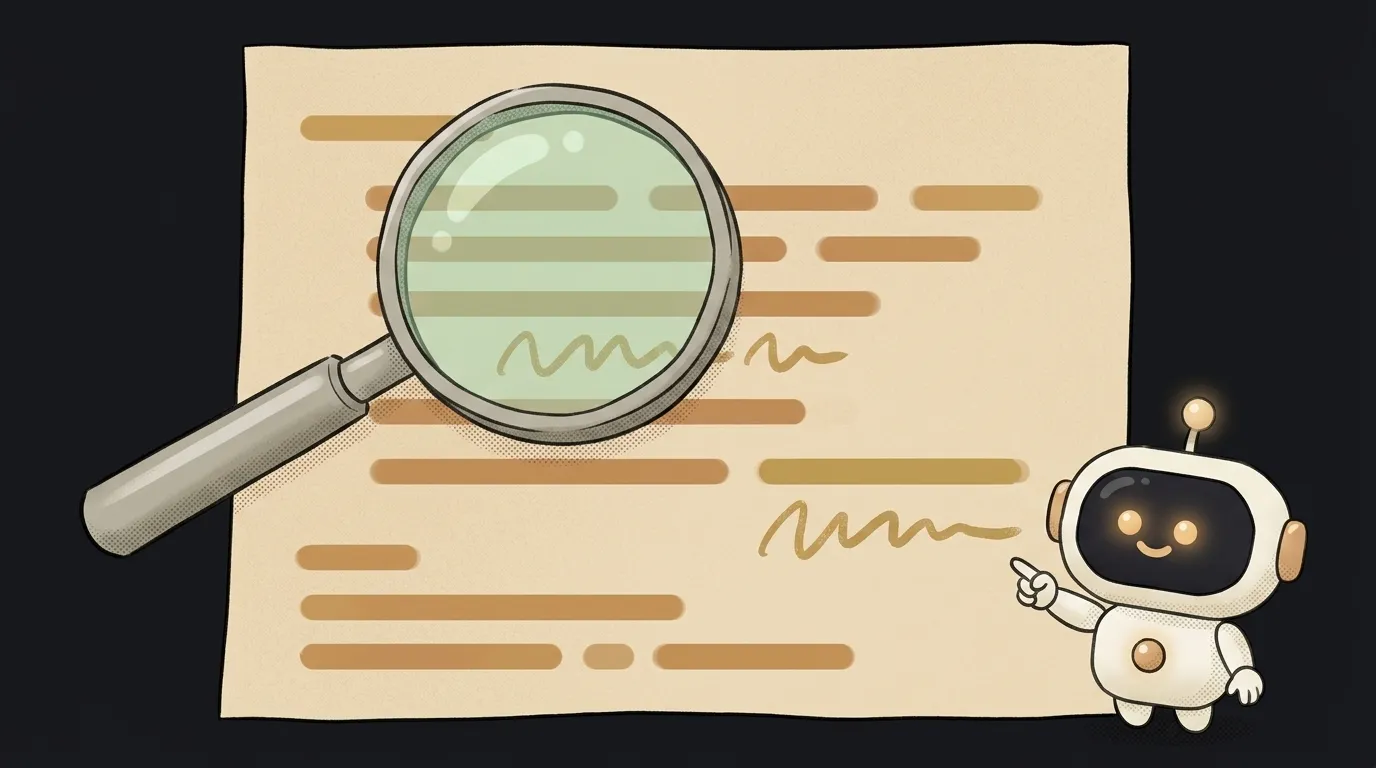
Here's the thing: a beginner's most common bug is not some clever logic error. It's a typo. You write usename instead of username, and the app crashes ten minutes later, somewhere completely different. You spend half an hour hunting for a deep cause — and there isn't one.
A linter finds that typo in milliseconds. Without running your code at all. It just reads it — like a very attentive, slightly pedantic friend.
A linter reads code as text
A linter is a program that analyzes your code without executing it. It looks at the text of the program and hunts for two kinds of problems:
- Likely bugs. A variable declared but never used. A function called with a typo in its name. Code after a
returnthat can never be reached. An=where you clearly meant==. - Sloppiness. Mixed quote styles, stray indentation, overlong lines. Not bugs by themselves — but bugs hide better in messy code.
The key difference from running the app: a run checks one scenario ("I clicked the button — did it work?"), while a linter checks the entire text at once, including branches you'd never reach in a manual test.
The name, by the way, comes from "lint" — the fuzz on clothes. A linter picks the fuzz off your code.
What it looks like in practice
You've almost certainly seen a linter at work without knowing its name. The red or yellow squiggly underline in your code editor — that's it. Hover over it and the linter explains its complaint:
'username' is assigned a value but never used (no-unused-vars)
Every such message reads the same way: where (file and line) → what's wrong (description) → the rule name in parentheses. The rule name is the most useful part: paste it into an AI chat ("what does no-unused-vars mean and how do I fix it") or a search engine and you'll get a precise answer, not guesses.
Each language has its standard linter: ESLint for JavaScript and TypeScript, Ruff for Python (formerly Flake8/Pylint), SwiftLint for Swift. If you vibe-code in Cursor or another AI editor, a linter is most likely already on out of the box.
Why you need a linter when AI writes the code
It seems like AI makes linters obsolete: the model writes tidy code, right? In practice it's the opposite — linters matter more now.
AI-written code has bugs, but it looks smooth and confident. Checking such code by eye is hard: it reads as correct. A linter doesn't care about confidence — it cares about facts. And it often catches the telltale traces in generated code: variables the model created and "forgot," imports left over from a previous version of the answer, unreachable branches. These are literally the footprints of a model changing its mind mid-write.
Hence a practical habit: when you get a chunk of code from AI, glance at the linter underlines before you run it. A yellow squiggle on an "unused variable" is a reliable sign the model left something unfinished — worth asking it: "variable X is declared but never used — is that intentional?"
Linter, formatter, tests — who does what
Two neighbors live next to the linter, and they're easy to mix up:
- A formatter (Prettier, swiftformat) — looks only: indentation, quotes, line breaks. It finds nothing; it just tidies.
- A linter — suspicious spots and likely bugs. Reads, doesn't run.
- Tests — actual behavior: they run the code and compare results with expectations.
Three layers of defense, none replacing another. Serious projects run all three automatically on every change — that's part of CI/CD, and a red ✗ on a commit often means "the linter found something," not "everything is broken."
One more thing: linters pair beautifully with refactoring. After a big reshuffle, one linter pass instantly shows the forgotten leftovers — unused functions and broken imports.
Does a linter fix mistakes itself?
Some, yes. Most linters have an auto-fix mode (eslint --fix): it removes leftovers and corrects small things where the fix is unambiguous. Logic bugs it won't fix — only point at.
The linter complains about working code — is it broken?
No, that's by design. A linter hunts for the suspicious, not the provably broken — sometimes the suspicion is false. Rules are configurable, and in a pinch you can disable one for a single line with a special comment. But read the complaint honestly first: the linter is usually right.
Do I need to install a linter myself?
If you write in Cursor, VS Code, or another modern editor, it's probably already working — watch for the underlines. Installing it separately makes sense as the project grows: one command (pnpm add -D eslint, then pnpm eslint .) and the check runs across the entire project, not just the open file.
Short story-lessons, an agent simulator and daily practice — in our mobile app. Free.