What is frontend and backend — in plain words, and where your secret key lives
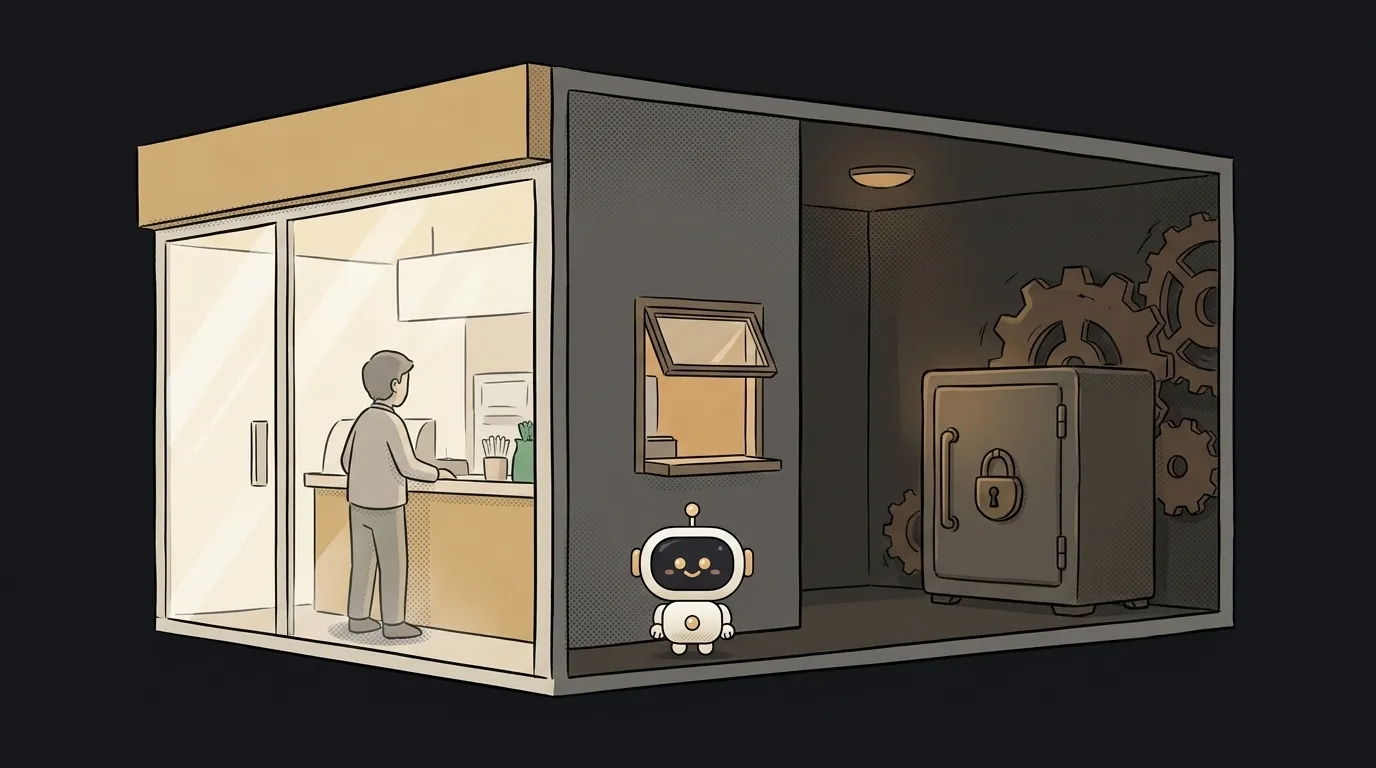
Here's something that saves a beginner hours of panic: when your app breaks, the trouble is almost always in one of two halves. And if you instantly know which half, you fix it far faster. Those halves are the frontend and the backend. Along the way you'll also learn why a secret key tossed "onto the frontend" leaks in a minute.
The two halves of any app
Every website or app splits in two.
The frontend is what you see and touch. Buttons, text, images, input fields. It runs right in your browser or on your phone. Everything on the screen is the frontend.
The backend is what's hidden away on a server, somewhere far off. It stores data, checks passwords, does the math, talks to the database. You never see it — but it's the part doing the "real" work.
An analogy: a restaurant. The dining room with the menu, tables and waiter is the frontend — pretty, clear, made for the guest. The kitchen is the backend: that's where food is cooked, where the fridge of ingredients lives, where guests aren't allowed. The waiter running between them is the API.
How they talk
The frontend knows almost nothing on its own. It needs data — so it goes and asks the backend through an API.
A plain example: you open your feed. The frontend draws an empty screen and immediately sends the backend a request: "give me the latest 20 posts." The backend reaches into the database, pulls the posts, hands them back — and the frontend lays them out into cards. It feels like it all happened instantly, in one place. In reality: two different worlds and a conversation between them.
The big surprise: where secrets live
This is the part worth reading for. Anything that reaches the frontend is visible to anyone. Open DevTools in your browser (F12) and you'll see all the page's code, every request, all the data. The frontend hands itself over to you completely, because it runs on your device.
Hence the iron rule: a secret key, a database password, a payment token — never on the frontend. Drop an API key into your page code and anyone will find it in a minute and spend your money. Secrets live only on the backend, where strangers can't peek. More on that in how to store keys safely.
Why this matters when something breaks
A practical skill. Your app misbehaves — first ask: is this frontend or backend?
- Page looks wrong, button won't click, text overlaps — frontend. Look at the page code, styles, markup.
- Data is wrong, nothing loads, a 500 error pops up — backend. Look at the server, the request, the database.
Half of debugging is guessing the right half. After that, the search is far easier.
Where AI and vibe coding fit in
When you vibe-code, the AI writes both halves: the pretty frontend and the backend logic. Feeling the boundary helps — you can tell the agent more precisely: "this is on the frontend, fix the style" or "add a check on the backend." And deploying an app just means putting both halves on a live server, so more than your laptop can see them.
Q: Can I get by with only a frontend?
Sometimes, yes. A simple landing page, a calculator, a game with no saves — all live entirely on the frontend. You need a backend once accounts, saved data, payments or secrets show up. The moment something must be hidden or kept between visits, you need a backend.
Q: Are frontend and backend different languages?
Often, but not always. The frontend is usually HTML/CSS/JavaScript (what the browser understands). The backend can be anything: Python, JavaScript, Go. Some approaches use one language for both halves — which is actually easier for a beginner.
Q: And what's "full-stack"?
Full-stack is a person (or AI) who does both halves. When you vibe-code solo, you are full-stack: the storefront and the kitchen are both on you. The AI just takes most of the grunt work off your plate.
Short story-lessons, an agent simulator and daily practice — in our mobile app. Free.
Read next

What is a string in programming — and why "5" and 5 aren't the same

What is return and a return value — and why console.log returns nothing

What is a boolean — and why the string "false" is actually true
for loop or map — which to use, and why await inside map doesn't wait

What is scope in programming — and why a variable is "not defined" when it's right there