What is hosting — someone else's computer that never gets switched off
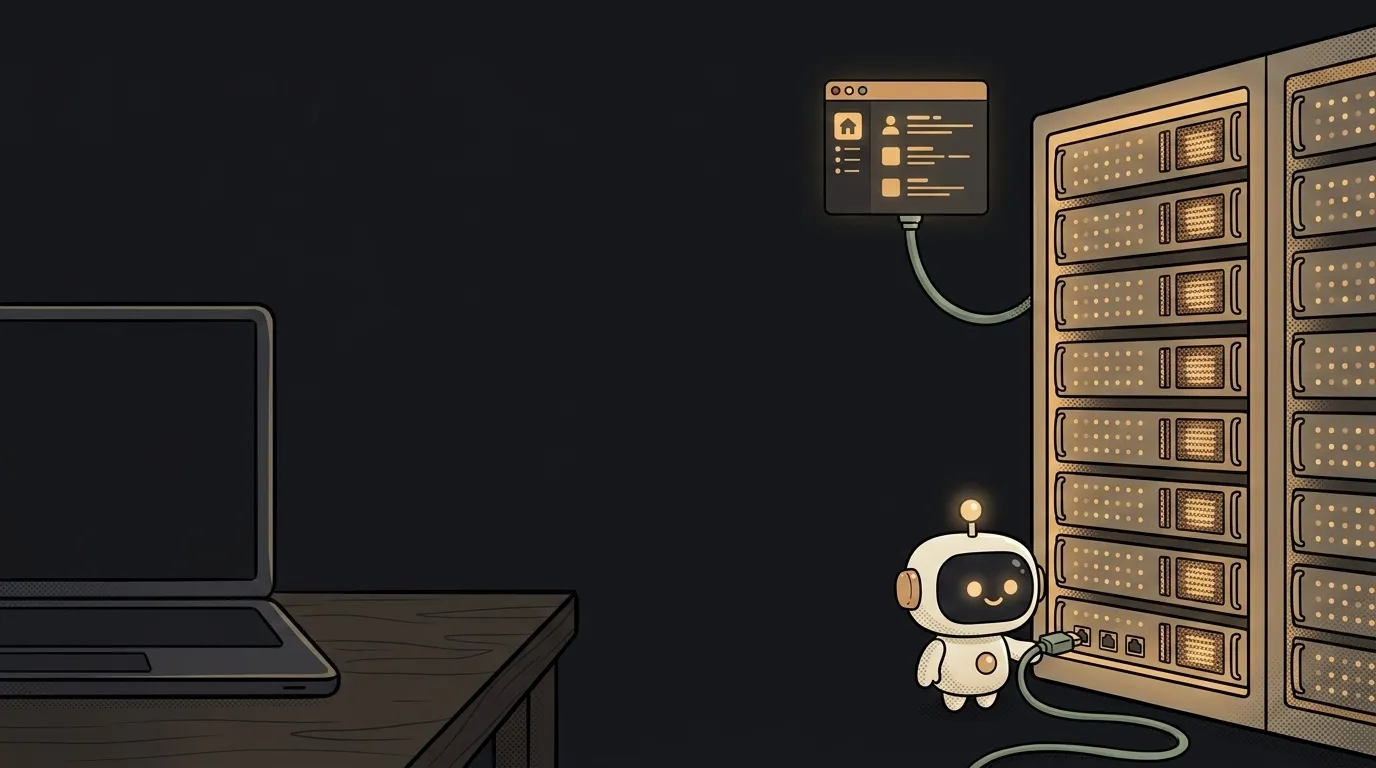
Your site runs on localhost, everything looks great — but only you can see it. For anyone else to open it, the site must live on a computer reachable from the internet. Here's the surprise: your laptop can technically already be that computer. In the nineties people ran websites exactly like that — on a machine under the desk. Only three things get in the way: you close the lid, your network address keeps changing, and home internet is weak at uploading. Hosting solves all three: someone else's computer that never gets switched off.
Hosting is just a computer. Really
No magic. A data center is a building with rows of system units that have no screens or keyboards. They have three superpowers your laptop lacks:
- They never power off. Two power feeds, a diesel generator in the yard. Your bot won't die when you close the lid.
- A permanent address. A server has a fixed IP you can point a domain at. Your home address changes whenever your provider feels like it.
- A fat pipe. Home internet is fast at downloading and weak at uploading — and a server needs exactly the upload side, for hundreds of people at once.
That's it. "Hosting a site" = "putting the files on such a computer and starting them."
The kinds of hosting, in plain words
The words "shared," "VPS," "cloud" sound scarier than they are. They're just different rental formats:
- Shared hosting — a bunk in a shared flat. Dozens of sites split one server. Cheap, but the neighbors are loud: someone else's heavy site slows down yours. A classic from a past era of the web.
- VPS — your own apartment. You get a slice of a server with full access: install anything, run anything. But all the fixing is on you too: updates, security, "why did it crash at 3 a.m."
- Platforms (PaaS) — a hotel. You arrive with your code; everything else — cleaning, security, reception — is included. Connect the repository and the platform builds and launches on every deploy. That's how Vercel, Netlify, Railway and friends work.
- Serverless — you pay only for the minutes someone is actually in the room. The code sleeps and costs nothing until a request comes in. More in our serverless explainer.
What to pick for your first project
Simple rule: the less you want to administer, the higher up this list you pick.
- A website or web app — a platform with a free tier. First projects almost always live for free: the limits have room to spare, and where exactly to host for free has its own breakdown.
- A Telegram bot or a script that must stay alive — the cheapest VPS. That's precisely the case where you need a 24/7 process, not something that "wakes up on request."
- Shared hosting — hardly worth picking as a beginner in 2026: platforms are more convenient and often cheaper.
Hosting, domain, deploy — don't merge the trio
Three words beginners tend to glue into one:
- Hosting — where the site lives (the computer).
- Domain — the address people find it at (the name).
- Deploy — how the code moves from your laptop to the hosting (the move).
You can switch hosting and keep the domain. You can deploy ten times a day to the same hosting. These are three independent things — and they're billed separately, too.
How much does hosting cost?
A first project — usually zero: platform free tiers comfortably cover a site with real visitors. A small VPS for a bot costs about a couple of coffees a month. It only gets expensive at serious traffic.
Can I still host a site on my own computer?
As an experiment — yes: there are tunnels that temporarily expose your localhost to the world. For a real project — no: the first laptop reboot takes the site down, and you can't properly attach a domain to it.
Short story-lessons, an agent simulator and daily practice — in our mobile app. Free.