What is quantization — why a big model fits on an ordinary GPU
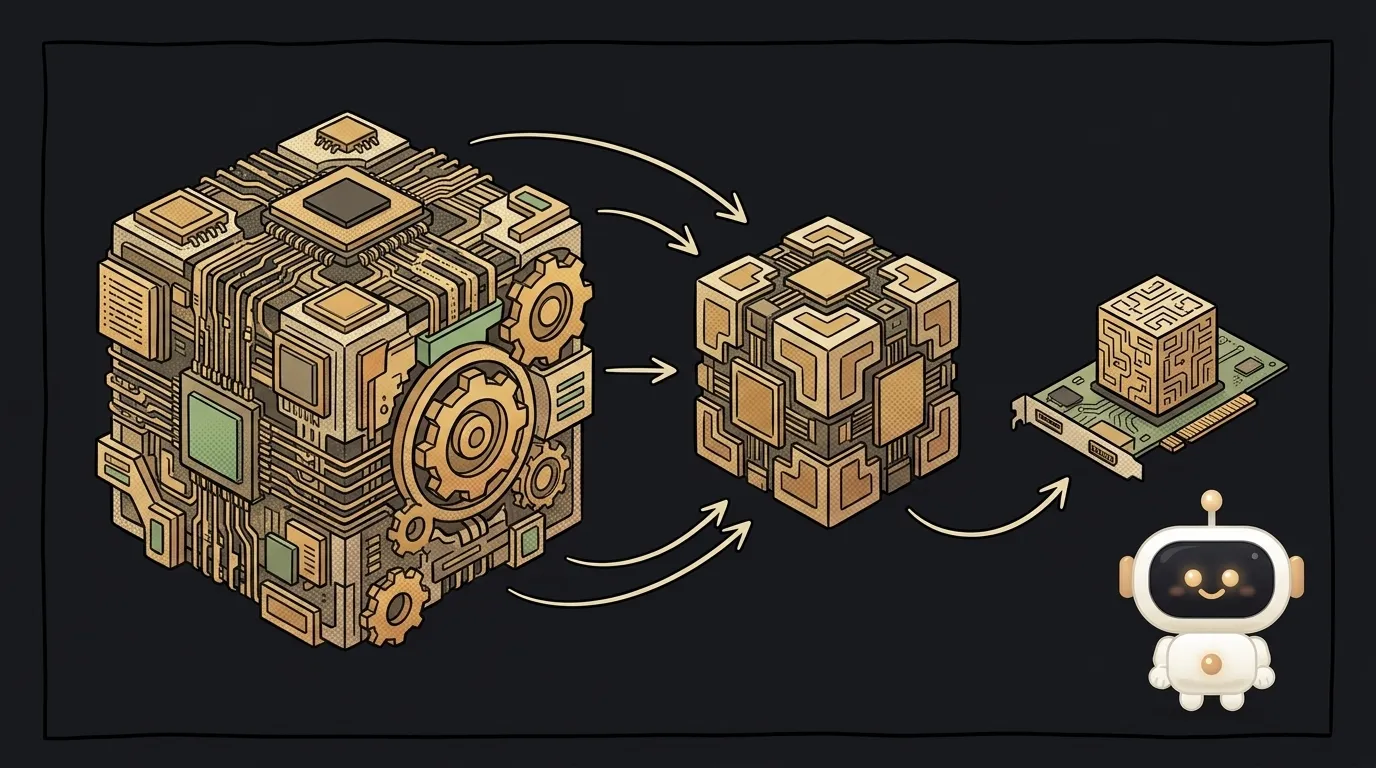
You've probably seen this: "this model is 27 billion parameters, but quantized it fits in 18 GB of VRAM". And you wonder: how does something that big fit on a home card? The answer is quantization.
What a model is made of
A model is basically a giant pile of numbers (called weights). Billions of numbers it tuned during training. When the model "thinks", it multiplies these numbers together.
Normally each number is stored precisely — 16 bits of memory each. Billions of precise numbers = tens of gigabytes. That's why "big" models are heavy.
What quantization does
Quantization is making the numbers coarser. Instead of a precise 16 bits per number, you use 8 bits, or even 4. The numbers get "rougher", but they take several times less memory:
- 16 bits → 8 bits — the model is half the size;
- 16 bits → 4 bits — a quarter of the size.
Think of a photo. A full-resolution shot is heavy. Compress it — you can barely tell by eye, but it weighs far less. Same with a model: round the numbers off and it slims down while answering almost the same.
What you pay for it
A bit of quality. The harder you compress (4 bits and below), the more the model starts to slip. But the sweet spot (usually 4–8 bits) loses so little that for most tasks you won't notice — and the model now runs where it didn't fit before.
What's in it for you
Quantization is the reason you can run serious models locally: on your own GPU, free and private, no cloud. When you pick a model to run locally you'll see tags like Q4, Q8, 4-bit — that's the compression level. Grab the version that fits your memory and try it.
No magic: quantization doesn't make the model smarter — it just shrinks it to fit you. A small quality hit in exchange for "runs on my laptop".
Read next

Why an API returns 401 — and how it differs from 403: 3 causes

What is SSH — how to log into someone else's computer without a password in the open

What is hashing — why a website doesn't know your password

What is a race condition — the bug that shows up only sometimes

A web page that watches your camera live — 30 frames a second, offline, no server