What version 1.0.0 means — and why projects break on their own
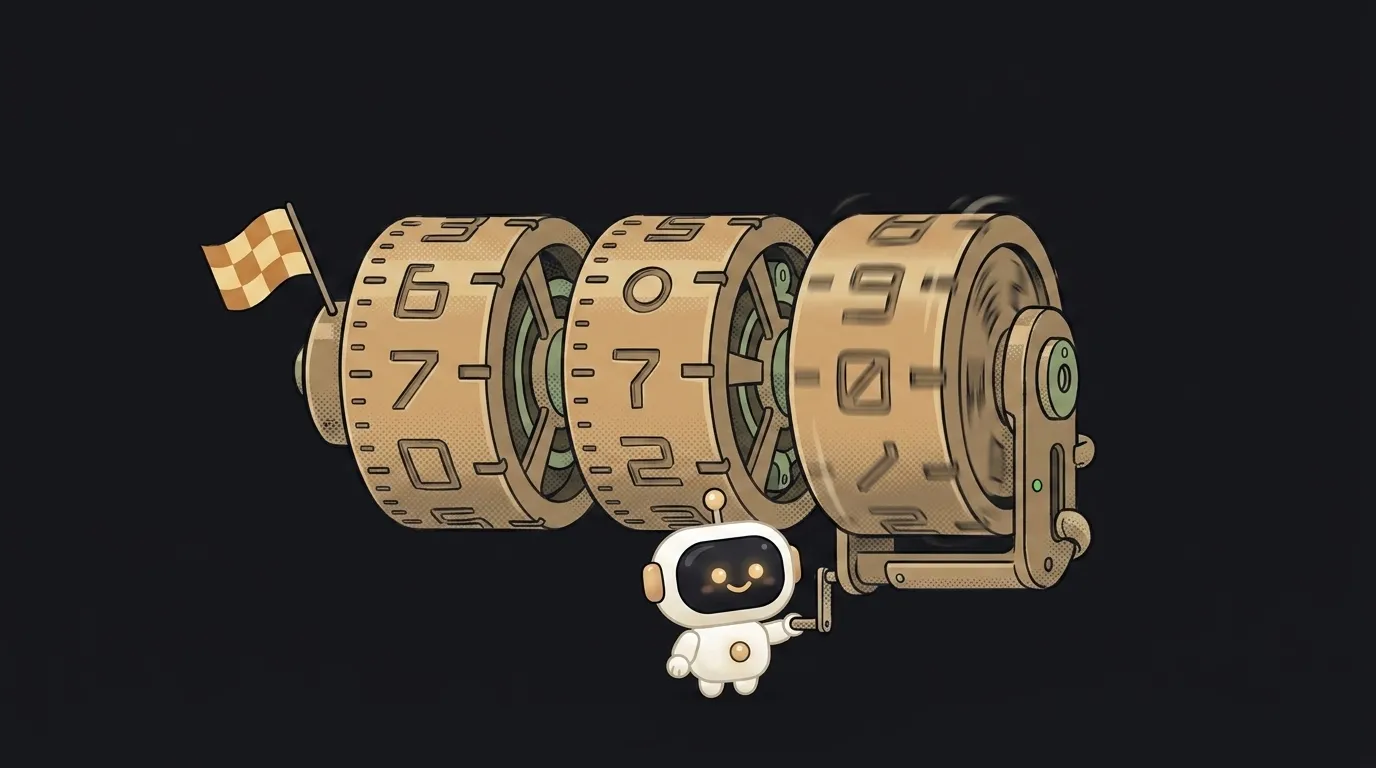
Here's a story that happens to everyone. Your project sat untouched for a week. You didn't change a single line. You open it — it won't build. Nobody hacked you: one of your libraries shipped an update, and your project obediently took the new version. You gave it permission yourself — with one symbol you never even noticed.
To find that symbol, you need to read three numbers like 1.0.0. That's the language of versions — semver — and it's simpler than it looks.
Three numbers — three promises
Semver (semantic versioning) is an agreement about what each number in MAJOR.MINOR.PATCH means — say, 18.2.1:
- MAJOR (18) — "we broke compatibility." Something old changed or disappeared. If you upgrade, be ready to fix your code.
- MINOR (2) — "we added new things, didn't touch the old ones." New features; your code should keep working.
- PATCH (1) — "we fixed bugs." Nothing new, just repairs.
The key idea: a version is not a release counter — it's a promise. 18.2.1 → 18.3.0 means "go ahead." 18.2.1 → 19.0.0 means "stop and read what changed."
The ^ you never typed
Open any project's package.json — dependencies don't say 18.2.1, they say ^18.2.1. That caret is what npm writes by default when you install a package.
^ means "this version or newer — but within the current major." So ^18.2.1 allows 18.2.5 and 18.9.0, but not 19.0.0. There's also the modest sibling ~: it allows patches only (~18.2.1 → up to 18.2.9, but not 18.3.0).
Now the intro story makes sense. A library shipped a new minor, your ^ allowed it — and on the next dependency install your project received code you'd never seen. By semver's promise that's safe. But promises are kept by humans, and humans slip: sometimes a breaking change rides out in a minor by mistake. That's how a project "breaks on its own."
0.x versions — the no-promises zone
Here's a rule almost nobody knows: below 1.0.0, the promises don't apply. A 0.x version is the official signal "we're still experimenting — any release may break things."
npm knows this and plays it safe: for ^0.2.3 it won't take 0.3.0 — only patches within 0.2.x. Funny consequence: the caret is stricter for zero-version packages than for grown-up ones.
So a library at 0.9.14 with millions of users isn't a paradox — it's honesty: the authors aren't ready to make the compatibility promise yet.
The lock file — the photograph that saves everyone
Next to package.json lives package-lock.json (or pnpm-lock.yaml). It's an exact photograph of every installed version — down to the last digit, including dependencies of dependencies.
As long as the lock file is committed, npm install installs exactly what's in the photograph — and "works on my machine, not on yours" gets much rarer. Delete it "to fix things," and every ^ thaws out: you get a fresh set of versions with all their surprises. That's one of the classic reasons npm install fails for exactly one person on the team.
The practical takeaway — three habits:
- Always commit the lock file; never hand-edit or delete it.
- Update patches and minors freely, but majors as a separate pass: one package, read the changelog, test the project.
- If you see
beta,rc, oralphain a version — those are release drafts; a beginner doesn't need them.
Why has a popular library been 0.x for years?
Because 1.0.0 is a commitment: after it, any breaking change demands a new major. Some authors won't give that word lightly. You can still use the library — just update with more care.
Does a big major number mean lots of new features?
Not necessarily. A major only says "there's at least one breaking change" — sometimes it's a single one. And the reverse happens too: a huge release with a hundred features ships as a minor, because nothing old broke.
Short story-lessons, an agent simulator and daily practice — in our mobile app. Free.