What is npm — why one command pulls in thousands of files
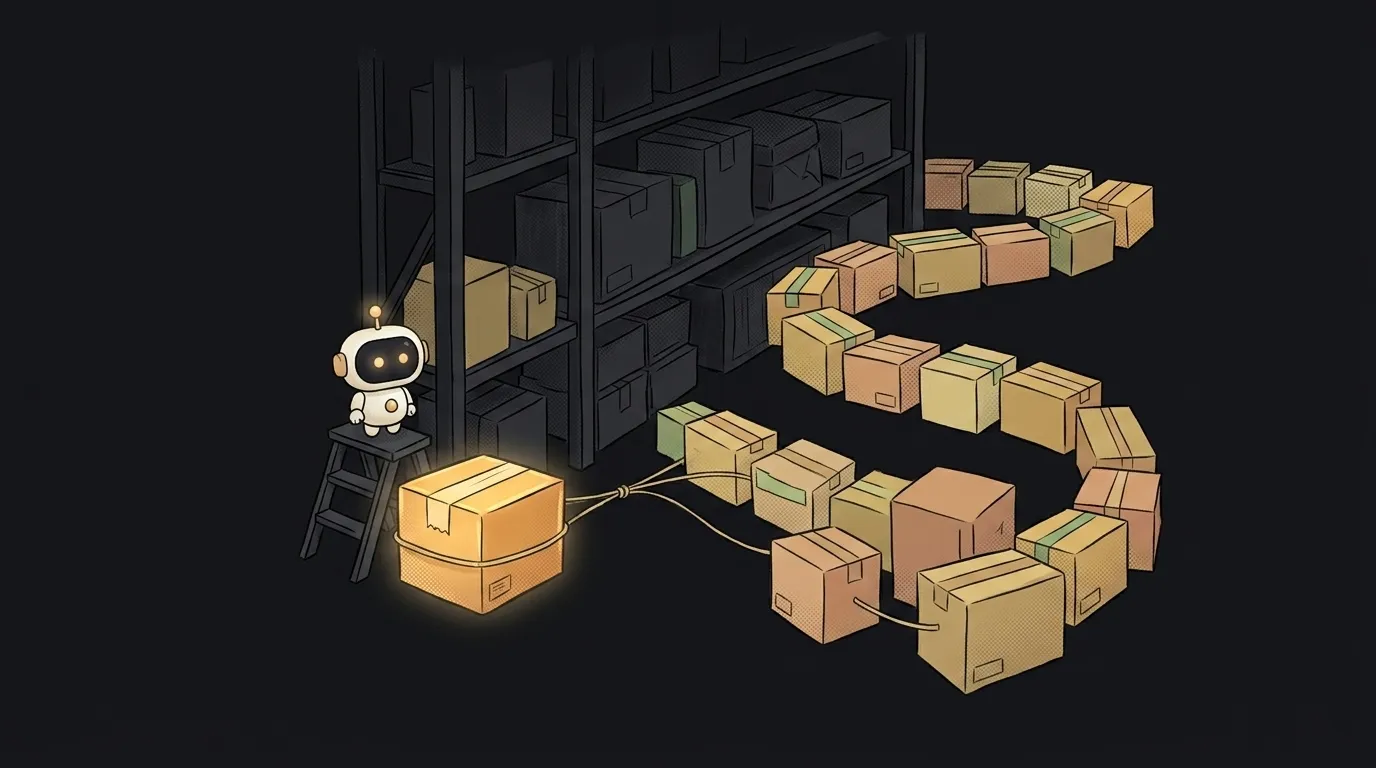
Here's the thing that spooks beginners: you type npm install, hit Enter — and a node_modules folder with thousands of files you've never opened lands in your project. Where did they come from? Who wrote them? And why so many for one small library?
Let's unpack it — because you'll meet npm on your very first evening building anything on Node.js. And knowing what's arriving is useful both for convenience and for security.
What npm is in one line
npm is a warehouse of ready-made JavaScript code plus the command that puts that code into your project. It stands for Node Package Manager — a package manager for Node.
Each chunk of other people's code on that shelf is called a package (basically a library). Want to send email from your app, wrangle dates, or draw charts? You don't write it from scratch — you install a ready package in one line.
How it works
Three things worth knowing.
- The registry. Somewhere in the cloud sits a giant open warehouse — the npm registry, over two million packages.
npm install package-namegoes there, downloads what you asked for, and drops it intonode_modules. - package.json — the shopping list. In your project root lives a file called
package.json. It lists which packages, and which versions, you need. Hand a friend the project withoutnode_modules, they runnpm install, npm reads the list and rebuilds everything exactly. - Packages pull packages. That's where the thousands of files come from. You install one package, it leans on ten others inside, those on ten more. npm quietly fetches the whole chain. These are dependencies of dependencies.
You'll also see version tags like ^1.4.0. Those are update rules: the numbers split into "major.minor.patch," and that notation allows small fixes but not breaking big changes. For now, just know the versions aren't random.
Why it's both handy and risky
The convenience is obvious: you stand on thousands of shoulders and don't rewrite what's already written and debugged. Shipping a working app in an evening is possible largely thanks to npm.
But there's a flip side the tutorials skip: you're running the code of total strangers on your machine. That package that drags in a hundred more? That's a hundred authors you're effectively trusting. Sometimes one of them is an abandoned package with a security hole, or, rarely, one that's deliberately malicious.
Hence a couple of healthy habits from day one:
- Don't install a package for one line you could write yourself in a minute.
- Look at a package before installing: when it last updated, how many downloads it has. Alive and popular is safer than abandoned.
- Keep
package.jsonandpackage-lock.jsonin your project, but notnode_modules— it can always be rebuilt withnpm install.
npm isn't "programming," it's logistics. You don't write the packages' code, you decide which ready-made pieces to let into your project. Half of a developer's job today is exactly that conscious choice.
What does npm install do?
It reads package.json, goes to the registry, downloads every listed package along with its dependencies, and stacks them in node_modules. After that, your project is ready to run.
Is npm the same thing as Node.js?
No, but they travel together. Node.js runs JavaScript outside the browser, and npm installs alongside it to fetch ready-made packages for it. Node is the engine, npm is the parts-delivery service.
Do I need the internet for npm install?
For the first install — yes, packages download from the registry. After that npm caches what it fetched, so repeat installs often run without a connection. If npm install suddenly fails — why that happens is a separate piece.
npm is a superpower and a responsibility in one command. Understand what actually arrives in node_modules, and you stop fearing that folder — but start watching what you put in it. And building your first project where npm works for you is easier alongside someone who explains things like a friend.
Short story-lessons, an agent simulator and daily practice — in our mobile app. Free.