What is a port — why the :3000 in localhost:3000 is a door, not an address
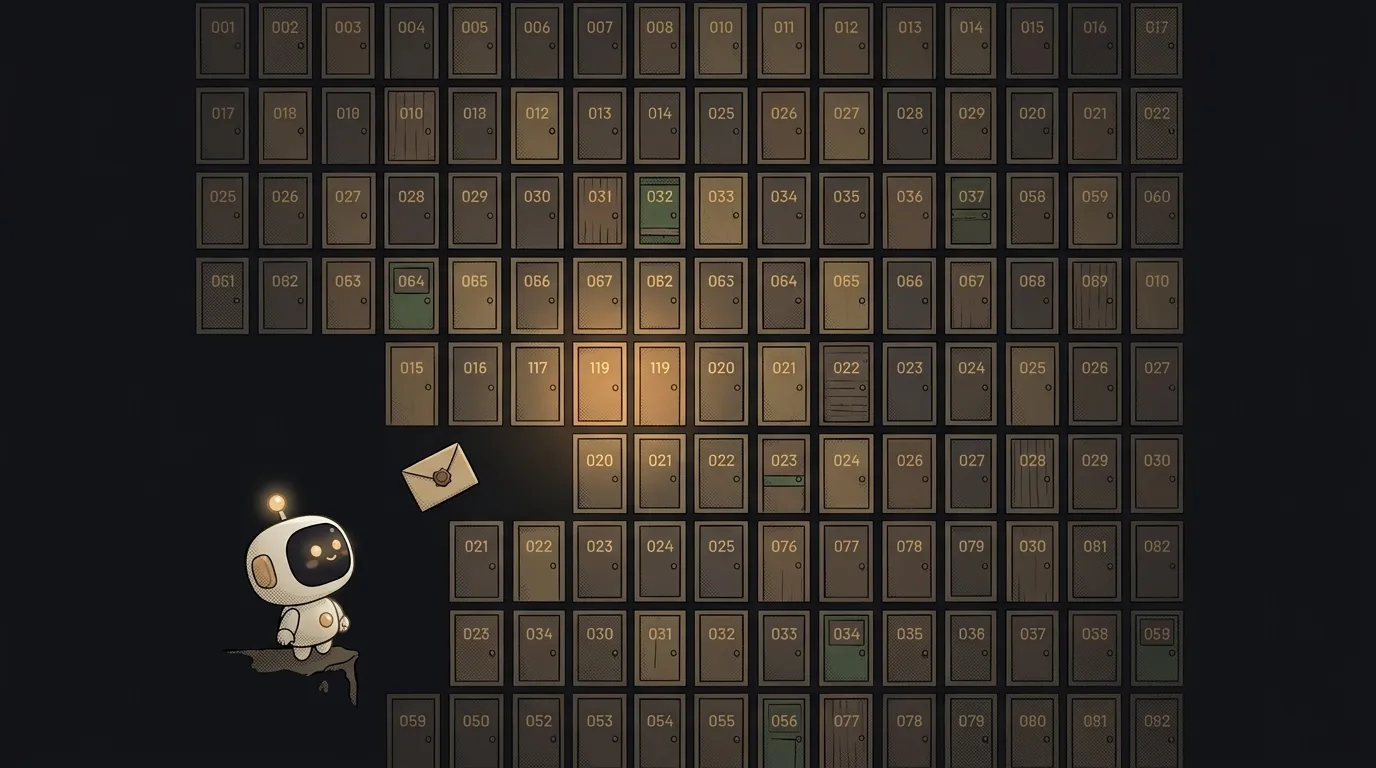
You run your first site locally — and the console spits out http://localhost:3000. localhost sort of makes sense, but :3000 — what's that number? Beginners assume it's part of the address. It's actually not an address, but a door. And a single computer has thousands of them. Let's see why.
What a port is, in plain words
An IP address is a building. But a building has many tenants (programs), and they all get "mail" over the network. A port is the apartment (or door) number: it says which program a packet is addressed to. localhost means "this computer," and :3000 means "door number 3000 — your site lives behind it."
One computer, thousands of doors: ports run from 0 to 65535. Different doors, different programs, and they don't get in each other's way.
Why ports exist at all
Because there are many programs talking over the network, but only one IP address. Without ports a packet would arrive "at the building," and it'd be unclear who exactly it's for. The port sorts it out: the browser's request to one door, mail to its own, your local site to 3000.
That's why you can run two of your own projects at once: one on :3000, another on :5173. Different doors — no conflict.
Familiar door numbers
Some ports are fixed by tradition (they're called well-known):
- 80 — plain web (http).
- 443 — secure web (https). This is the one your browser knocks on when you open a site.
- 22 — SSH, logging into a server via the console.
- 3000, 5173, 8000, 8080 — typical ports your project spins up on during development. That's what you see in
localhost:3000.
Numbers below 1024 are "system" ports, usually taken by serious services. For your own experiments you use bigger numbers, like 3000 or 8080.
Where you'll run into ports
The moment you run a project locally, you'll see a line like running on http://localhost:3000. That's it saying: "I'm up on localhost, door 3000 — open your browser." When you deploy to a host, the port usually hides: outside, everyone comes through the standard 80/443, and the host forwards the request to your app's internal port.
The most common meeting with ports is a nasty one: port already in use, "the door is taken." Why that happens and how to evict whoever took it — see why the port is already in use.
Why is localhost:3000 specifically 3000?
Nothing magic — it's just the default many dev tools pick. 3000 is handy, usually free, and easy to remember. You can change it to any free one (say, run on :3001) if 3000 is already taken by another project.
Are a port and an IP address the same thing?
No. An IP address says which computer on the network, a port says which program on that computer. The full address of a connection is a pair: IP plus port. Like "street and building" plus "apartment number": without the second, the mail reaches the building but not the right door.
Short story-lessons, an agent simulator and daily practice — in our mobile app. Free.