What is localhost — and why you can't send the link to a friend

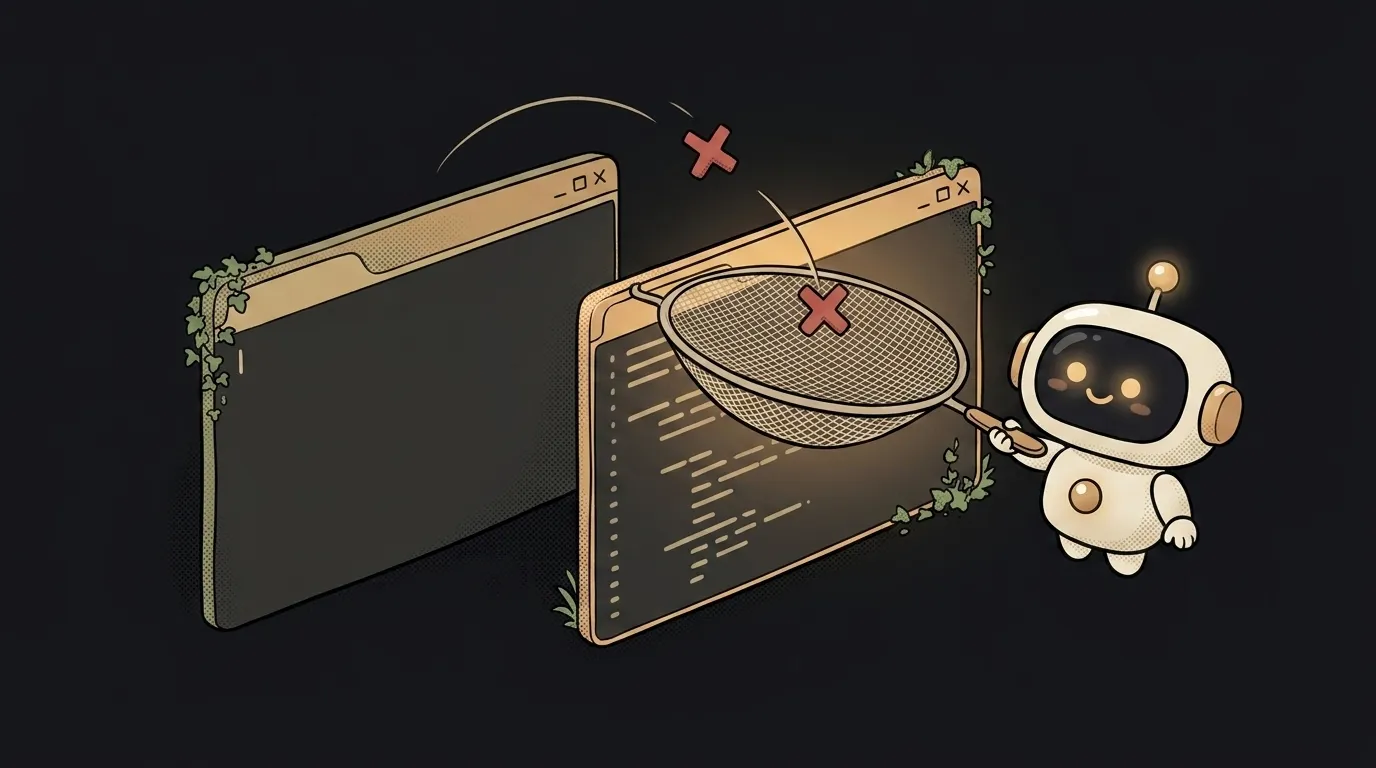
You built an app, your AI editor says "open localhost:3000," you do — it works, great. You happily send the link to a friend: "check it out!" And on their end — nothing, "can't connect." You didn't break anything. Here's the surprise: everyone's localhost is their own. That link, on your friend's machine, doesn't point to your computer — it points to theirs, where your app obviously isn't.
Sounds odd, but that's the whole point. Let's clear it up in five minutes — so you stop confusing "works for me" with "works for everyone."
What localhost means, in plain words
localhost is the name of your own computer, as seen from inside that computer. Technically it stands for the address 127.0.0.1, called the "loopback": a request to it doesn't go out into the network — it turns around and comes right back to the same machine.
Compare it to a home address. If you write "to me, home" on an envelope, it only arrives if you drop it in your own mailbox. Hand that envelope to a friend, and they'll carry it to their home. localhost is exactly that: "home" means a different place for each person.
So an app on localhost is visible only to whoever's sitting at that computer. That's not a bug — it's handy: you can test in peace while no outsider sees the draft.
Where :3000 comes in — that's the port
The address is the building; the port (:3000, :8080, :5173) is the apartment number inside it. A computer runs dozens of programs at once, and each one that listens on the network takes its own port. Your frontend sits on 3000, the database server on 5432, something else on 8080. The browser uses the port number to know which program to knock on.
Hence two common beginner mistakes:
- "Port already in use" — you started the app twice, and apartment
3000is taken by the first run. Kill the old process or use another port. - Opened the wrong port — the app is running on
5173, but you're hitting3000. Check exactly what the editor printed in the console on startup.
Why this matters for you
The main takeaway: localhost is a draft, not a publication. While your app lives there, it doesn't exist for the internet — not for a friend, not for Google, not for your phone (unless it's on the same network).
To let others see the app, you need to deploy it — move it to a cloud server that runs around the clock and is reachable at a real link like my-project.com. Only then does localhost:3000 turn into an address you can send to anyone.
This also explains the classic pain: "it worked on my machine, then broke after deploy." Often the app talked to services over localhost locally (say, a database on 127.0.0.1), but in the cloud that localhost is gone — there the API and database live at different addresses you have to set in the config.
Where you'll meet localhost
Everywhere something runs on your machine: the AI editor spins up a dev server on localhost, the database starts on localhost, debugging tools open on localhost. Even when you test serverless functions locally, they're emulated at this same address. It's the workroom where you build the app before showing it to the world.
How is localhost different from 127.0.0.1?
Practically not at all — they're two names for the same thing. 127.0.0.1 is the numeric loopback address, and localhost is the human-readable name pointing to it. In the browser you can type either; the result is the same: the request comes back to your own computer.
Why can't anyone open a localhost link?
Because on every device localhost points to that device itself. When a friend opens localhost:3000, their browser looks for the app on their computer, and finds nothing there. To hand out a working link, the app has to be published to the internet (deployed) — then it gets a public address that's the same for everyone.
Can I show localhost to someone without deploying?
Temporarily, yes — via a "tunnel" (tools like ngrok): they give a temporary public link that forwards requests into your localhost. Handy for a quick demo, but it's still your computer: close the laptop and the link dies. For permanent access you need a deploy.
Short story-lessons, an agent simulator and daily practice — in our mobile app. Free.
Read next
ChatGPT subscription or the API — two different products, and here's which one you need
npm vs pnpm vs yarn — which package manager to pick as a beginner
OpenAI API vs OpenRouter — which one to plug into your project
Ollama vs LM Studio — which to pick for running AI locally
Gemini or Claude — which model to pick for code and beyond (2026)