Ollama vs LM Studio — which to pick for running AI locally
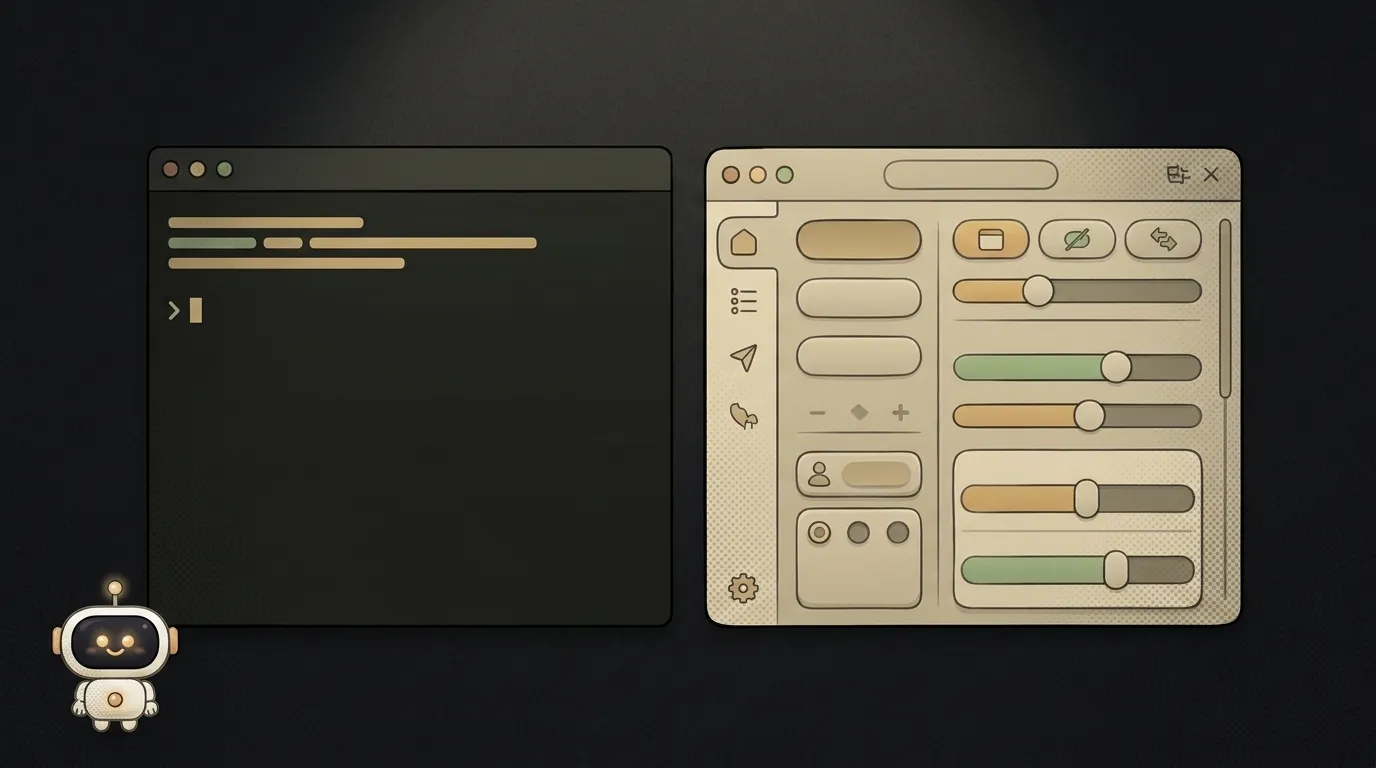
You decide to run an AI model locally, right on your laptop with no internet — and you immediately hit two names: Ollama and LM Studio. Here's what matters before choosing: they share the same engine under the hood (llama.cpp), so on raw speed they're near twins. The difference isn't who's faster, it's how you talk to them and what you pick them for. Let's break it down.
In a nutshell: terminal vs window
- Ollama — a command-line tool. You type
ollama run llama3and chat with the model right in the terminal. Open source (MIT license), spins up a local server with an API, plays well with Docker. Built for people who embed AI into their project. - LM Studio — a desktop app with a nice window. You browse a model catalog with the mouse, download, tweak sliders, chat. Closed source, but free to use. Built for people who explore and try out models.
Table: Ollama vs LM Studio
| Criterion | Ollama | LM Studio | |-----------|--------|-----------| | Interface | Terminal, commands | Window with buttons | | Learning curve | Steeper: needs the console | Gentler: download and click | | License | Open source (MIT) | Closed, but free | | Local API/server | Yes, out of the box | Yes, has a server mode | | Docker, servers | Yes | No, desktop only | | Model catalog | Via commands | Visual, with search | | Response speed | Nearly identical (same engine) | Nearly identical (same engine) | | Who it's for | Developer, integration | Beginner, experiments |
Look at two rows — "interface" and "who it's for." That's the whole choice.
When to pick Ollama
Pick it if you're going to embed the model in your project or run it on a server:
- You want to call the model from code — Ollama spins up a local API (compatible with the OpenAI format), and your backend talks to it like any ordinary service.
- You need Docker, server deployment, automation — here Ollama has a monopoly.
- You're comfortable in the terminal and want everything scriptable.
When to pick LM Studio
Pick it if you want to look at and feel out models without wrestling the console:
- You're a beginner and just want to chat with a local model — download the app, pick a model with the mouse, go.
- You like comparing models visually, tweaking settings with sliders, seeing how much memory each one eats.
- You need to give local AI to a non-technical teammate — a window is clearer than a terminal.
Who each is for (the verdict)
No fence-sitting:
- First time running a local model, just to play → LM Studio. Less pain, no commands to learn.
- Building a project where the model is called from code → Ollama. The API and Docker settle it.
- Working on a remote, screenless server → Ollama; LM Studio has nothing to do there.
- Don't know which to pick → install both, they don't conflict. Poke around in LM Studio, and when it comes to embedding in a project, move to Ollama.
And remember: local isn't always the best call. When the cloud is cheaper and when your own machine wins — we cover that in local AI vs cloud.
Both free? So what's the catch?
Yes, both are free for you. Ollama is fully open source. LM Studio is a closed but free program (the company earns from enterprise customers). The real "price" of local AI isn't the license, it's the hardware: the model eats RAM and leans on your graphics card. A weak laptop will only manage small models.
Do I need a powerful graphics card?
For small models — no, an ordinary laptop works, just slower. For big ones — yes, you'll hit the limit of your card's memory. To fit a model on modest hardware, it gets squeezed — the trick is called quantization; both Ollama and LM Studio download already-squeezed versions by default.
Short story-lessons, an agent simulator and daily practice — in our mobile app. Free.
Read next

Claude Code or Codex — and why price is the worst way to choose

Word blocklist vs AI moderation — what to filter user content with

ChatGPT subscription or the API — two different products, and here's which one you need

npm vs pnpm vs yarn — which package manager to pick as a beginner

OpenAI API vs OpenRouter — which one to plug into your project