VS Code or Cursor — which to pick as a beginner in 2026
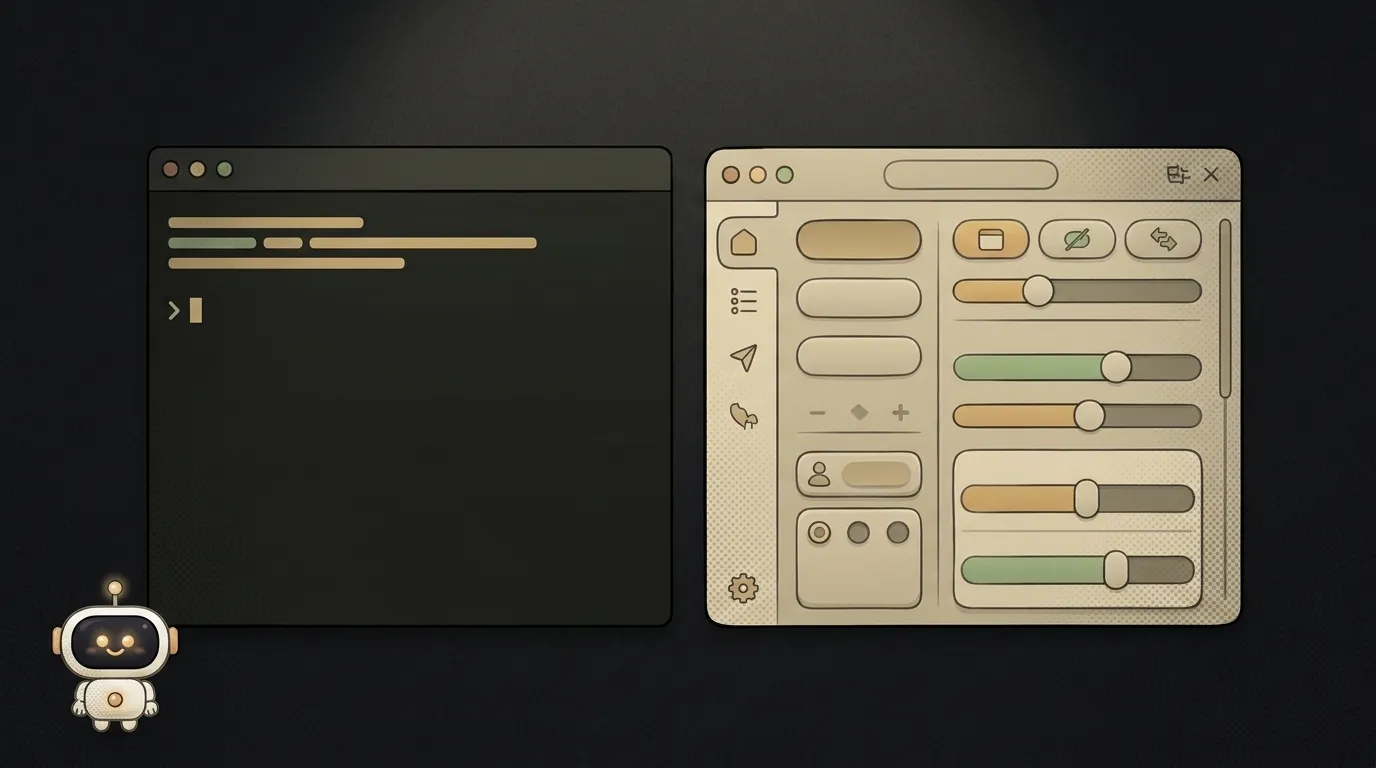
You set out to write code and froze on the very first step: what do you even write in? Everyone recommends either VS Code or Cursor. And both look the same.
Let's sort it honestly. Spoiler: the real question isn't "which is better," but whether you want AI right inside the editor.
Short version: what's the difference
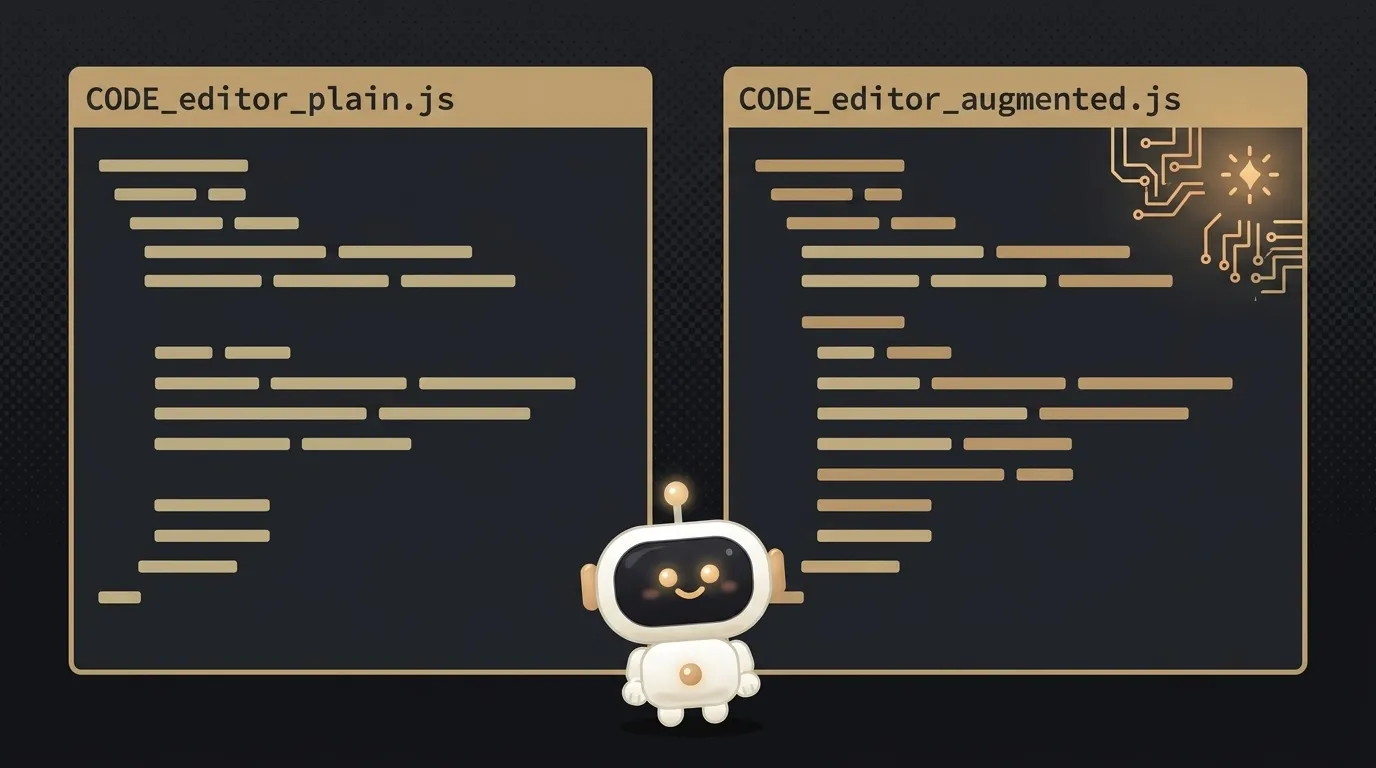
VS Code is a free code editor half the world writes in. Flexible, lightweight, thousands of extensions. It has AI too — but you bolt it on with a plugin (like Copilot).
Cursor is a fork of VS Code. Meaning they took it and built on top: same interface, same hotkeys, but the AI is woven into the core. It doesn't just finish a line — its agent can edit several files at once on your request. It's the classic tool for vibe coding.
Table on the axes that matter
| Criterion | VS Code | Cursor | |-----------|---------|--------| | Price | Free, always | Free tier + Pro $20/mo | | AI inside | Via extensions (Copilot, etc.) | Built in, agent edits several files | | Learning curve | A bit more setup to taste | Almost like VS Code — a fork, AI out of the box | | Best for | Any code, maximum control | Fast start, vibe coding | | Weight | Lighter, leaner | Heavier (fork + AI on board) | | Ecosystem | Huge, mature | Inherits VS Code extensions |
Cursor's free tier (called Hobby) lets you try it: a couple thousand completions and a bit of "smart" requests a month. Hit the limit and you take Pro for $20.
Who should pick what
I'll say it straight, no "it depends."
Take VS Code if: you're just learning and want to understand what's going on; a free, limit-free start matters to you; or you're on a weak laptop — it's lighter. Plus it's the industry standard, so the skill carries anywhere.
Take Cursor if: you came specifically for vibe coding — building projects while chatting a lot with AI right in the editor; you're fine paying $20 for an agent that edits code from your words; you value speed of starting over saving money.
The rule is simple: not sure — start with free VS Code. Want more AI later — Cursor installs in five minutes, and everything familiar is right there. And if you're choosing among the "smart" tools, glance at the neighboring breakdowns: Cursor or Windsurf and Claude Code or Cursor.
Is Cursor a separate editor or a plugin?
A separate editor. You download and install it as its own program. But since it's a fork of VS Code, everything inside is familiar: the same panels, the same keys, even VS Code extensions mostly get picked up. Moving over barely hurts.
Can I get the same AI on VS Code?
Partly — yes, via extensions like Copilot or Claude Code. You'll get completion and chat. But the deep integration where the agent walks your project files on its own is done "out of the box" in Cursor and runs smoother. Want to compare AI editors more broadly — there's a roundup: AI code editors compared.
Short story-lessons, an agent simulator and daily practice — in our mobile app. Free.
Read next

Claude Code or Codex — and why price is the worst way to choose

Word blocklist vs AI moderation — what to filter user content with

ChatGPT subscription or the API — two different products, and here's which one you need

npm vs pnpm vs yarn — which package manager to pick as a beginner

OpenAI API vs OpenRouter — which one to plug into your project