Claude Code or Cursor — what should a beginner choose in 2026
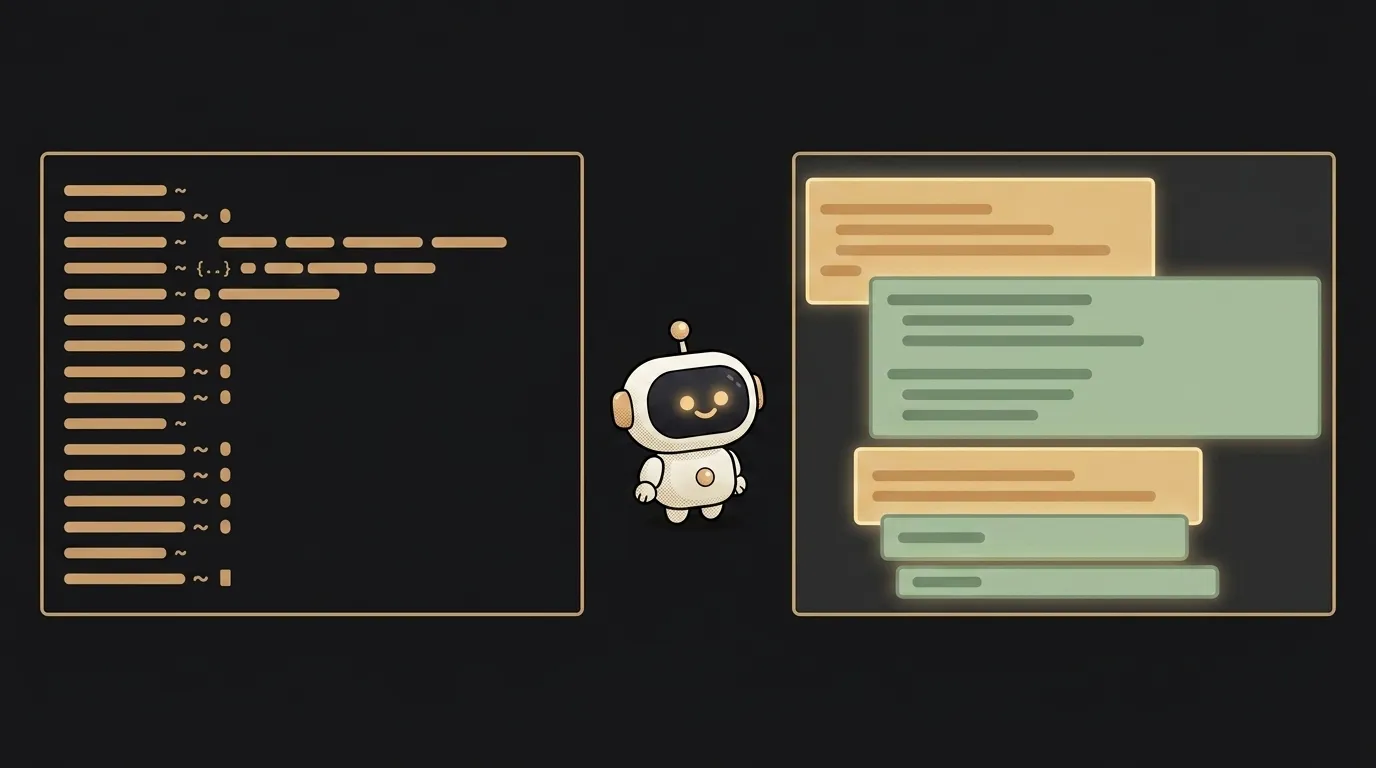
The two most talked-about AI coding tools of 2026 are Claude Code and Cursor. They get pitted against each other as if you must pick one. In reality they're different genres: one lives in the terminal and works as an autonomous agent, the other is a familiar editor with AI on hand. Let's see how they actually differ and which to grab.
The core difference
- Cursor is a code editor (a VS Code fork) with AI inside. You see the files, you type, and the model suggests as you go, finishes lines, and answers in a side chat. Visually like a normal editor — just smarter.
- Claude Code is an agent in the terminal. You don't edit files by hand; you state the task in words ("add email login"), and it walks the project, edits the right files, and runs commands itself. Less "typing code," more "setting a goal."
Roughly: Cursor helps you write code line by line. Claude Code does the work itself, and you review the result.
A practical comparison
| Criterion | Claude Code | Cursor | |---|---|---| | Format | agent in the terminal | visual editor (VS Code fork) | | Learning curve | steeper — you need to be comfy in a terminal | gentler — looks like a normal editor | | Strong suit | big project-wide edits, autonomy | line-by-line writing, autocomplete, chat alongside | | Cost to start | included in a Claude subscription (Pro $20/mo) | has a free tier; Pro $20/mo | | Control | you set the goal, review the outcome | you see and edit every step | | Who it fits | people who think in tasks and trust the agent | people who think in code and want to see it all |
Pricing and versions in this space change monthly — check Anthropic's and Cursor's sites before you pay. These are ballpark figures, not a price list.
Who should pick what
Take Cursor if you're a beginner who wants to see what's happening. Familiar editor interface, a free tier to start, AI that finishes and explains right next to your code. It's the gentlest on-ramp into AI coding — you never lose the feeling of control. If you're just trying to build your first project, start here.
Take Claude Code if the terminal doesn't scare you and you want to delegate. It shines when you need to plow through many files at once or carry a task from a sentence to a finished result. It's a tool for people who already grasp the basics and want to go faster by setting goals rather than typing lines.
The honest truth is that many people in 2026 run both: Cursor for surgical edits and when they want to see every line, Claude Code when a task can be handed off whole. It's not an "either/or" for life; start with one and add the other when you hit its limits. For wider context, see our AI code editors roundup and the Cursor vs Windsurf comparison.
Can I start completely free?
Yes. Cursor has a free tier — enough to find out whether you enjoy coding with AI. Claude Code comes with a Claude subscription, and Anthropic also offers free access to Claude itself so you can feel out the model. Paying makes sense once a tool becomes part of your daily work, not for a trial.
Which should I learn first?
Cursor, if in doubt. It doesn't make you break habits: open it, see your files, type — and the AI helps. A terminal agent like Claude Code is more powerful but asks for a different mindset (set tasks, not steer a cursor), and it's more comfortable to move to once you have the basics down.
Short story-lessons, an agent simulator and daily practice — in our mobile app. Free.
Read next

ChatGPT subscription or the API — two different products, and here's which one you need

npm vs pnpm vs yarn — which package manager to pick as a beginner

OpenAI API vs OpenRouter — which one to plug into your project
Ollama vs LM Studio — which to pick for running AI locally

Gemini or Claude — which model to pick for code and beyond (2026)