Cursor or Windsurf — which AI editor should a beginner pick in 2026
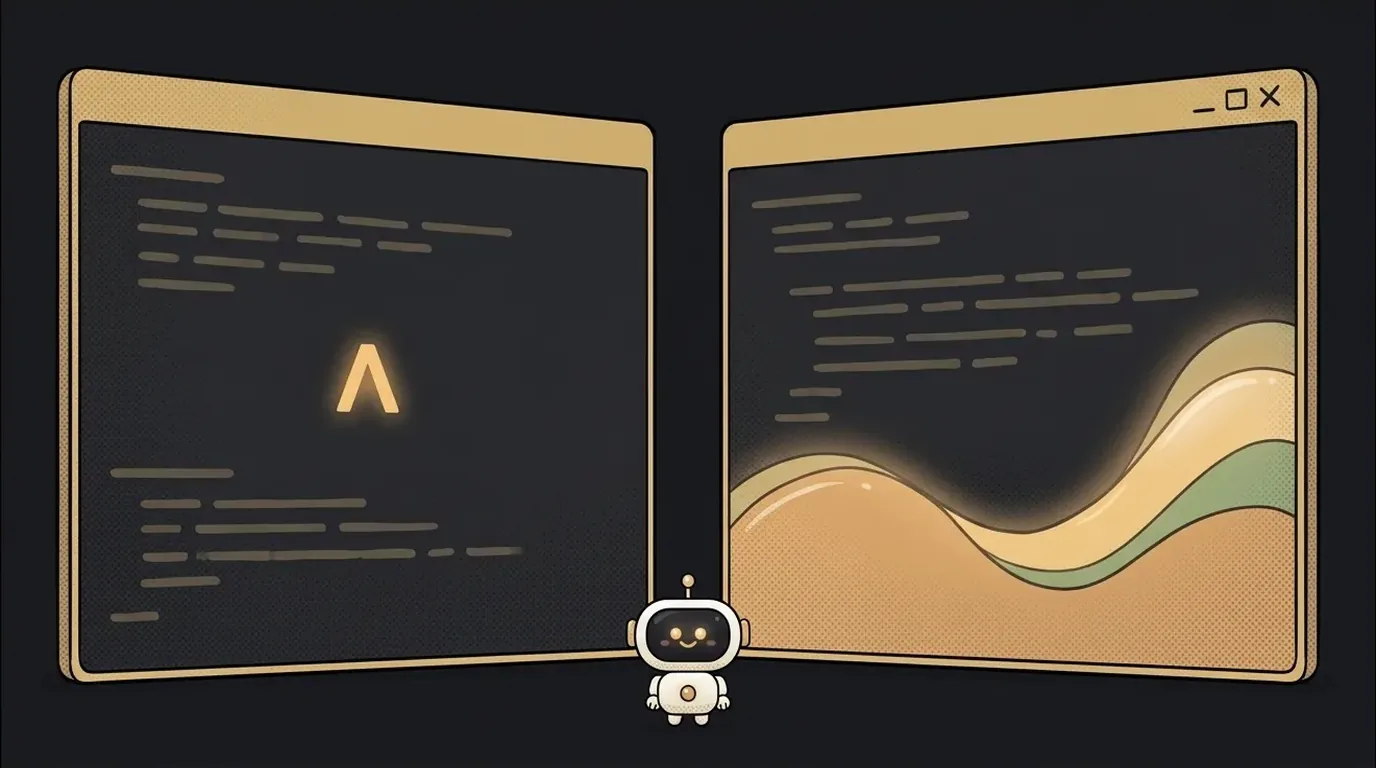
People keep telling you "use Cursor" or "use Windsurf," and it sounds like two completely different worlds. Surprise: under the hood they're the same editor — VS Code, the one half the world codes in. Both just built AI inside. So the choice isn't about the "engine," it's about character: how much initiative the editor takes on itself.
Let's get at the real difference, and who each one is for.
What these even are
Both are AI code editors: you write inside your files, not in a chat, with the AI sitting beside you. It completes lines, edits from your description, and can walk across several files on its own.
- Cursor (by Anysphere) made its name on the industry's best autocomplete: it predicts your next edit so precisely you often just hit Tab.
- Windsurf (by Codeium) bet on agency: its assistant Cascade is more eager to take a whole task and drive it step by step itself.
If you want the wider view of this class of tools, there's a separate breakdown of AI code editors. Here it's these two, head to head.
The comparison that matters
| Criterion | Cursor | Windsurf | |-----------|--------|----------| | Base | VS Code fork | VS Code fork | | Strength | autocomplete, precise edits | autonomous agent, drives the task | | Learning curve | a few more buttons and modes | cleaner, simpler to start | | Control | you drive, AI suggests | AI drives, you check | | Price | free tier + paid ~$20/mo | free tier + paid, cheaper entry | | Best fit | people who already code and want speed | people just starting who want "it does it" |
Prices and limits change often — check the sites and confirm current plans before paying. Both free tiers are generous enough to try.
How the difference feels in practice
Do the same task in both and you'll feel the character.
In Cursor, you write a line and it instantly suggests the next — a "you drive, it suggests" rhythm. For a big change, you call the agent explicitly. That gives a sense of control: little happens without your keystroke.
In Windsurf, you describe the goal in words, and Cascade decides which files to open and what to change. Less micro-control, more "describe it, get it." Beginners often find this nicer — you don't need to know where everything lives. But there are more surprises, so reread what it did.
Both demand one skill: writing clear prompts. The smartest editor is helpless against a vague task.
Who each one is for
No fence-sitting:
- Pick Cursor if you already write a little code and want speed without losing control. Its autocomplete is the best out there and saves hours.
- Pick Windsurf if you're a total beginner and want the editor to do as much as possible itself while you steer with words. Gentler start.
And the key bit: both are free to download, both can import your VS Code settings. Install both over a weekend, build one small project in each — and within an hour you'll know your own taste better than any review. Half an hour that saves months of dithering.
Can I switch from one to the other later?
Yes, easily. Both are VS Code forks, so your extensions, themes, and shortcuts carry over. There's almost no lock-in — you'll switch in an evening.
Are they paid?
Both have a free tier with AI-request limits — enough to learn on and build your first projects. The paid plan matters once you hit the limits and want beefier models. Start free.
Short story-lessons, an agent simulator and daily practice — in our mobile app. Free.
Read next

ChatGPT subscription or the API — two different products, and here's which one you need

npm vs pnpm vs yarn — which package manager to pick as a beginner

OpenAI API vs OpenRouter — which one to plug into your project
Ollama vs LM Studio — which to pick for running AI locally

Gemini or Claude — which model to pick for code and beyond (2026)