TypeScript or JavaScript — what a beginner should pick, and the real difference
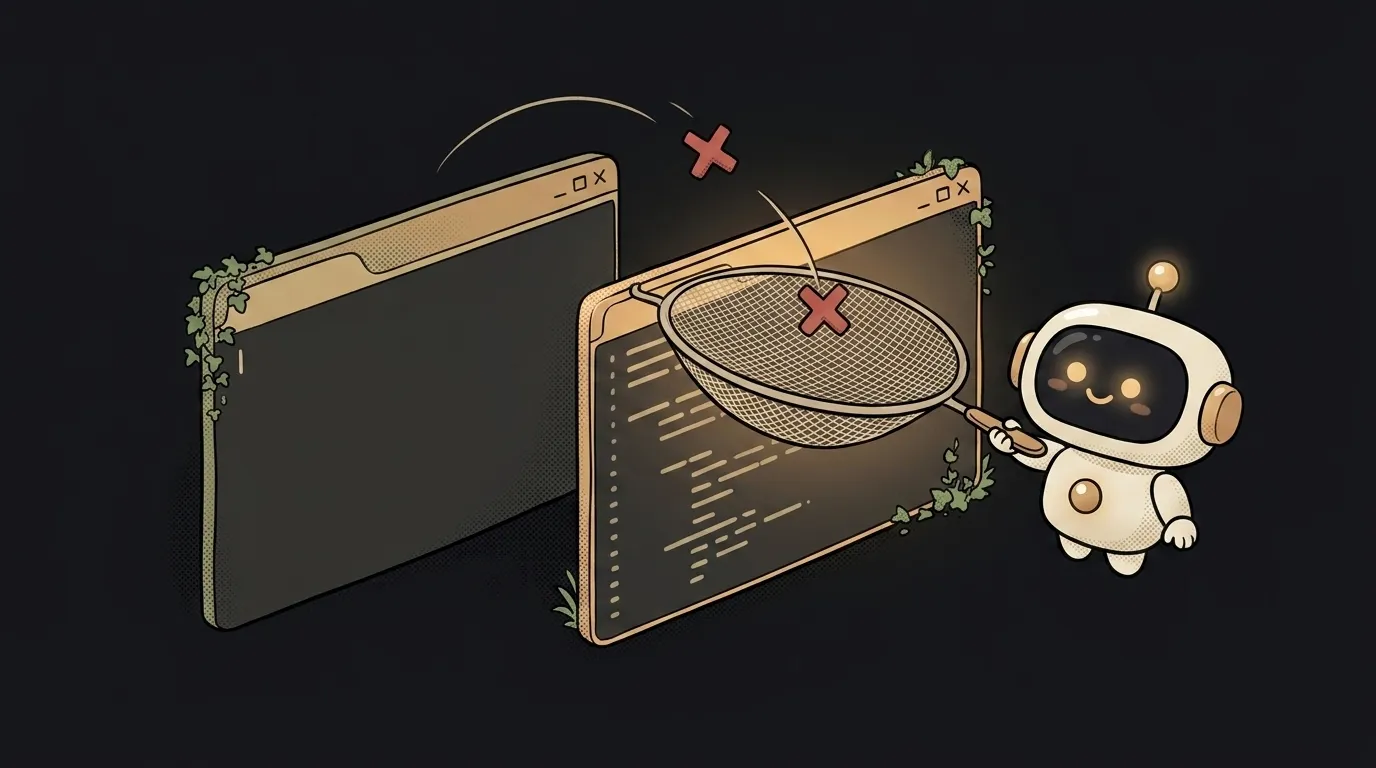
Here's what surprises a beginner: TypeScript is not a separate language. It's JavaScript with type-checking bolted on. Any working JavaScript code is already valid TypeScript. So the choice "TS or JS" isn't "Python or Rust" — it's more like "a car without seatbelts or with them."
And the main difference is this: JavaScript learns about a typo only once the code has already run and crashed for a user. TypeScript catches that same typo in the editor, before you run it — it underlines it in red as you type. Let's unpack what that means in practice and what to take if you're just starting.
What the difference actually is
JavaScript (JS) is the language nearly the whole web runs on. Browsers understand it directly. It's flexible: a variable can be a number today and a string tomorrow — the language doesn't object. That flexibility is both handy and dangerous: "5" + 3 gives "53", not 8, and nobody stops you.
TypeScript (TS) adds types — labels for what lives where: this is a number, this is a string, this is a user with name and email fields. With types, the editor knows in advance what's allowed and what isn't, and complains about nonsense before you run.
The key detail: the browser doesn't understand TypeScript. Before running, TS is "compiled" (translated) back into ordinary JavaScript, and the types are erased in the process — they're not in the finished code. So TypeScript only works while you're writing: it's your insurer, not part of what runs for the user.
Table: JavaScript vs TypeScript
| Criterion | JavaScript | TypeScript | |-----------|------------|------------| | What it is | the base language of the web | JS + type-checking | | Entry curve | lower, start right away | a bit higher: you also learn types | | When it catches errors | at runtime, for the user | in the editor, before running | | How much code | less, shorter | more: types have to be described | | Needs a build step | no, the browser gets it | yes, compiles to JS | | Working with AI | less context | types = context, fewer hallucinations | | Where it shines | quick prototype, script | large project, team |
What it gives you in practice — and the cost
TypeScript's upside isn't felt right away, but once a project grows past a couple of files. Types become a map: hover over a variable and you see what's in it; use the wrong field and the editor flags it before you run. On a big project this saves hours of debugging, because half the bugs are caught while you're still typing.
A separate bonus in 2026 — working with AI. When AI writes code from your prompt, types give it precise context: it sees that a function expects a number, not "anything." Fewer guesses means less code that looks pretty but crashes.
The cost is honest: TypeScript is more writing (types have to be described) and a mandatory build step. For a tiny script or a first "hello world" that's dead weight. Which is why almost nobody writes a throwaway page in TS — there's no payoff there, only ceremony.
Who should pick what
No hedging:
- Total beginner, first weeks — start with plain JavaScript. Fewer concepts up front, faster first result. Types you don't understand yet only get in the way of the joy of running something. It's like choosing your first language: the basic feel for code first.
- Building something that will live and grow (an app, a React project, teamwork) — take TypeScript. It pays off with the first refactor and the first bug caught in the editor rather than in production.
- Writing a one-off script or a weekend prototype — JavaScript, no second thought. TS here is just extra ceremony.
The good news: the switch isn't abrupt. Learn JS and TypeScript builds on top, not from scratch. You can even add types to an existing JS project gradually, file by file.
FAQ
Do I need to learn JavaScript first to move to TypeScript?
Yes, and it's the sanest path. TypeScript is a layer over JS: the base language first, types on top. Jumping straight into TS without understanding JS means learning two things at once and mixing up which is which. Foundation first.
Does TypeScript run slower?
No. A finished app runs at the same speed: types are erased at compile time, and ordinary JavaScript runs for the user. "Slower" only happens during development — because of the build step — but that's about convenience, not the app's speed.
Can I mix TS and JS in one project?
Yes. TypeScript was deliberately designed so you can add types gradually: some files as .js, some as .ts. That's handy for migration — no need to rewrite the whole project in a day, you move one file at a time.
Short story-lessons, an agent simulator and daily practice — in our mobile app. Free.
Read next
Claude Code or Codex — and why price is the worst way to choose

Word blocklist vs AI moderation — what to filter user content with

ChatGPT subscription or the API — two different products, and here's which one you need
npm vs pnpm vs yarn — which package manager to pick as a beginner

OpenAI API vs OpenRouter — which one to plug into your project