What Is an IDE — and Why It Beats a Plain Text Editor for Code
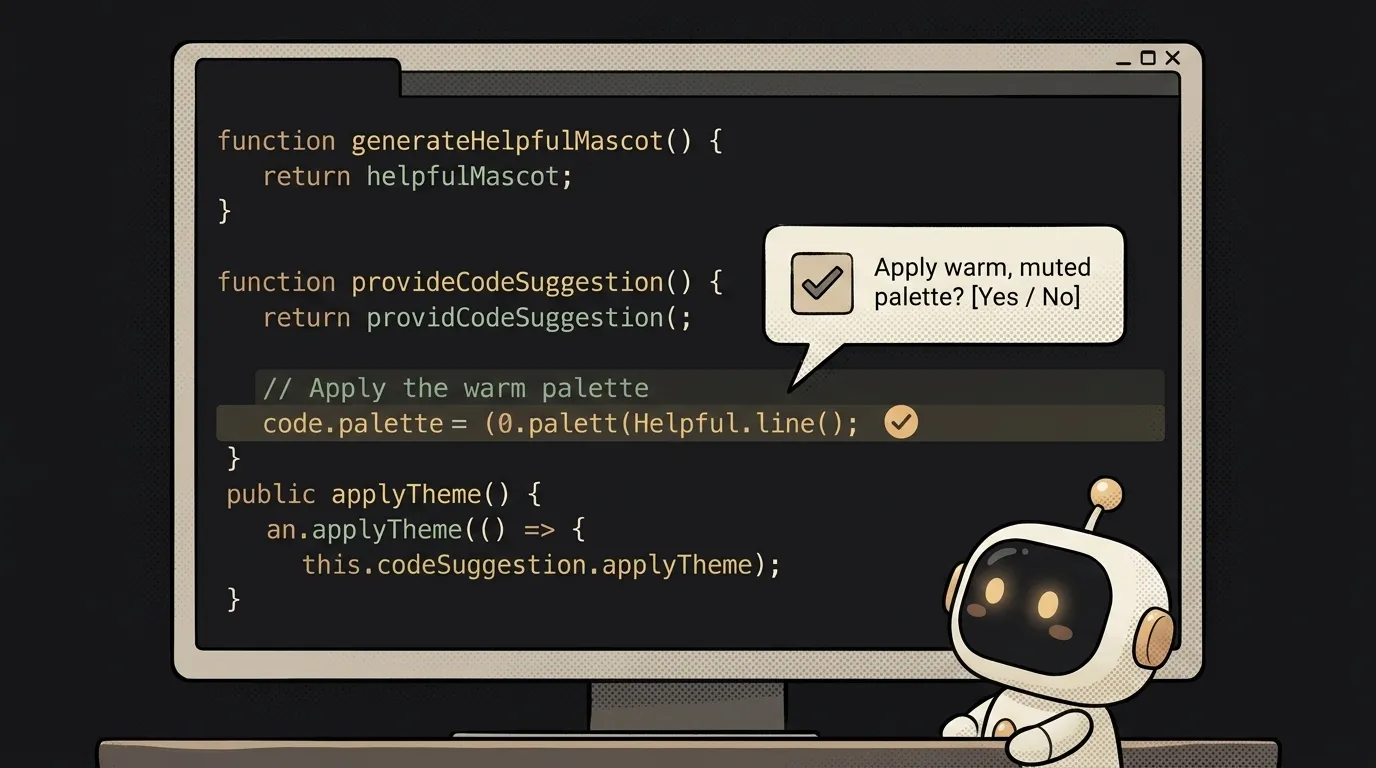
Code is just text. You could write it in Notepad. So why does nobody who writes code seriously actually use Notepad?
Because there's a tool that doesn't just store your text — it understands it. Suggests as you type, flags errors before you run anything, shows you where things are defined. It's called an IDE. And the fresh part: it now has AI living inside it, writing and fixing code right next to you. Let's unpack what it is and why it matters.
What is an IDE
An IDE (Integrated Development Environment) is a programmer's workspace in a single window. A code editor plus a set of tools around it that help you write, run, and fix a program without hopping between a dozen apps.
Analogy: Notepad is a blank sheet and a pen. An IDE is a desk with a lamp, a ruler, an eraser, and an assistant peering over your shoulder saying "typo right there." You can write on a blank sheet. But at a well-set desk you write faster and with fewer mistakes.
What it can do that a notepad can't
The difference isn't that an IDE is "prettier." It does things a bare text editor can't:
- Syntax highlighting — keywords, strings, and numbers in different colors. Your eye sees the structure instantly.
- Autocomplete — start typing and the IDE offers to finish it. Less typing, fewer typos.
- Errors caught before you run — miss a bracket or misspell a name, and the IDE underlines it in red right away, not after the program crashes.
- Jump to definition — click a function and you're teleported to where it's written. In a big project this saves hours.
- Run and debug — a "run" button right in the window, plus the ability to pause the program on any line and inspect what's inside.
Each little thing seems trivial alone. Together they're the difference between "miserable" and "fine." By the way, code usually runs right there, locally — what that means is covered in the piece on localhost.
The IDE today: the editor where AI lives
Here's what changed in the last couple of years and what makes this topic genuinely alive. An IDE used to just help you type. Now it has an AI agent built in that types for you.
You describe what you need in words, and the editor offers ready code, writes whole functions, finds and fixes bugs. The "over the shoulder" helper became a full-on partner. That's exactly what modern editors like Cursor and extensions like Copilot are built on: a classic IDE plus AI inside. It's the technical foundation of vibe coding — where you describe the task instead of hand-typing it.
Which one a beginner should pick
No long agonizing: take an editor with AI already built in, and don't overthink the rest.
- VS Code — free, lightweight, a huge library of extensions. The classic you can't go wrong with.
- Cursor — the same VS Code, but with an AI agent at its core. Great if you want to vibe-code from day one.
Which to pick among AI editors is covered separately: Cursor vs Windsurf and Claude Code vs Cursor. But the takeaway is simple: don't write code in a notepad. Any IDE with highlighting and suggestions will save you grief on the very first evening.
Are an IDE and a code editor the same thing?
Almost, and the line is often blurred. Strictly: a "code editor" is about text with highlighting and autocomplete. An "IDE" is the editor plus built-in running, debugging, and project tools. In practice VS Code gets called both — for a beginner the distinction doesn't matter; what matters is that both understand code.
Do I need an IDE if I'm vibe coding?
Yes, even more so. The AI generates code right in the editor — and you need to see it, run it, and occasionally fix it. An IDE with highlighting and built-in AI is exactly where vibe coding happens. Without one you'll be copy-pasting code back and forth and quickly lose the thread.
Short story-lessons, an agent simulator and daily practice — in our mobile app. Free.
Read next
Claude Code or Codex — and why price is the worst way to choose

Word blocklist vs AI moderation — what to filter user content with

ChatGPT subscription or the API — two different products, and here's which one you need

npm vs pnpm vs yarn — which package manager to pick as a beginner

OpenAI API vs OpenRouter — which one to plug into your project