Local AI or the cloud — where to run your model
Lots of people are sure AI only lives "somewhere in the cloud" and you can't reach it without the internet. Here's the surprise: a decent language model can run right on your laptop — free, offline, and not one of your requests leaves for someone else's server. But, as always, you pay for it in other ways. Let's honestly lay out how local AI differs from cloud AI, and at the end — a straight verdict on which to pick.
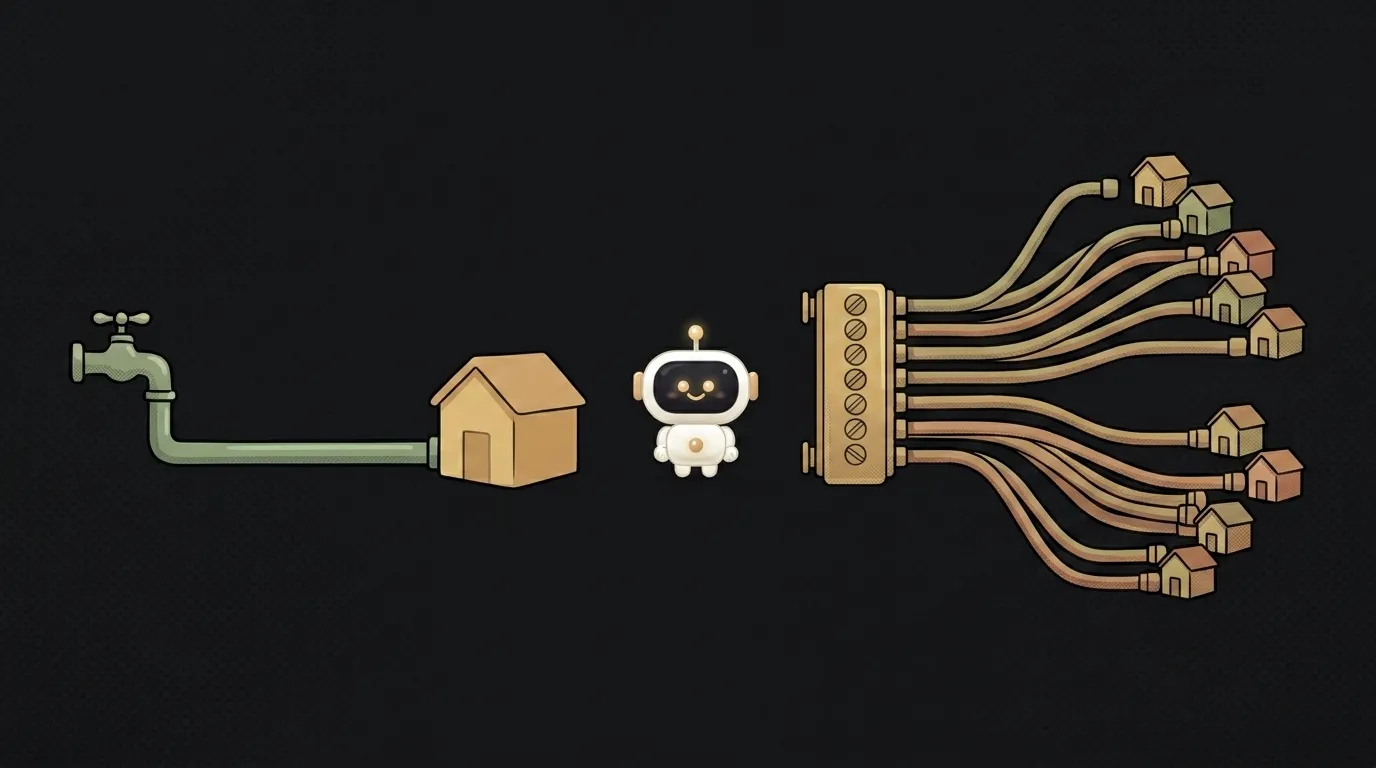
Two ways to run the same model
First, what we're even comparing.
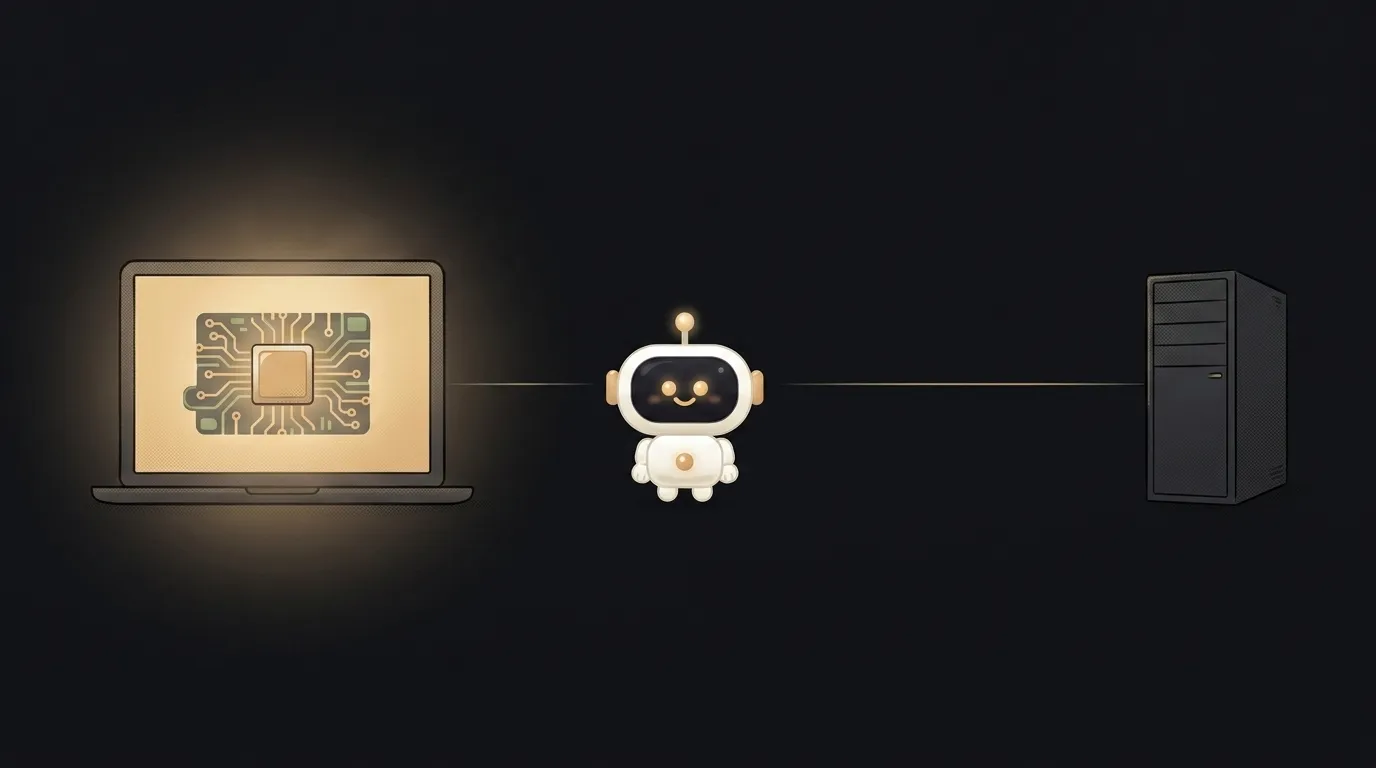
The cloud is the familiar route. You open a chatbot or call a model over an API, while the AI itself runs on powerful servers that aren't yours. That's how ChatGPT, Claude, and Gemini work.
Local means the model is downloaded and runs on your computer. You install a program like Ollama or LM Studio, download a model, and it answers straight from your disk, no internet. You can only run models with open weights this way — like Llama, Gemma, or Mistral; closed ones (GPT, say) are cloud-only.
Difference table — by what matters to a beginner
| criterion | Local (your own hardware) | Cloud (chat or API) | |-----------|---------------------------|---------------------| | Privacy | data never leaves your computer | the request goes to someone's server | | Cost | free after setup | you pay per token or a subscription | | Answer quality | more modest, capped by hardware | top-tier, the strongest models | | Speed | depends on your computer | fast, on powerful GPUs | | Works offline | yes, no internet needed | no, useless without a network | | Ease of start | install a program, download a model | sign up and you're ready |
The core trade-off is obvious right away: local is private and free, but weaker and picky about hardware; the cloud is powerful and easy, but paid and sees everything.
Why the local model is weaker — and how it's squeezed to fit anyway
Top cloud models are huge; they need server GPUs worth tens of thousands of dollars. One of those won't fit on a laptop. So for local use people take smaller models and, on top of that, compress them — this is called quantization. The model is squeezed to fit in an ordinary computer's memory, at the cost of a small loss in accuracy.
Hence the rule: the stronger your GPU and the more RAM you have, the smarter a model you can run locally. A weak laptop only runs the little ones — they handle simple stuff but fall apart on a hard task.
Which one fits you — a straight verdict
No hedging.
Go cloud if you're a beginner, you need the best quality, or you just want to start today with no fuss. Sign up, get to work. For most vibe-coding tasks it's the right default: a strong model matters more than the privacy of a draft of your code.
Go local if you work with sensitive data that can't go outside (medical, personal, trade secrets); you're often stuck without decent internet; you want to experiment with no token bill; or it's a matter of principle that nothing leaves your machine.
And for many, a hybrid fits. Run the routine and private stuff on a local model, hand the hard stuff to the cloud. It's not "either/or" but two tools for different jobs. And local models are getting smart fast — Gemma already runs right on a laptop, and the gap with the cloud keeps shrinking.
Is a local model really free?
The model and running it — yes, no money asked. But "free" is in quotes: you pay in hardware (you need a decent computer) and electricity, and a powerful GPU costs about a year of a cloud subscription. If you already have a suitable computer — then yes, free. If not, work out whether it's actually cheaper than the cloud for your volume.
Is it hard to set up a model yourself?
Not anymore. Programs like Ollama or LM Studio have reduced it to "download, install, pick a model from a list." It's noticeably simpler than it sounds — about like installing any app. The hard part isn't launching but choosing a model to match your hardware: small — fast but simpler; large — smarter but needs a powerful machine.
Short story-lessons, an agent simulator and daily practice — in our mobile app. Free.
Read next
Claude Code or Codex — and why price is the worst way to choose

Word blocklist vs AI moderation — what to filter user content with

ChatGPT subscription or the API — two different products, and here's which one you need
npm vs pnpm vs yarn — which package manager to pick as a beginner
OpenAI API vs OpenRouter — which one to plug into your project