What is a Git commit — why it's a snapshot of the whole project, not a file save
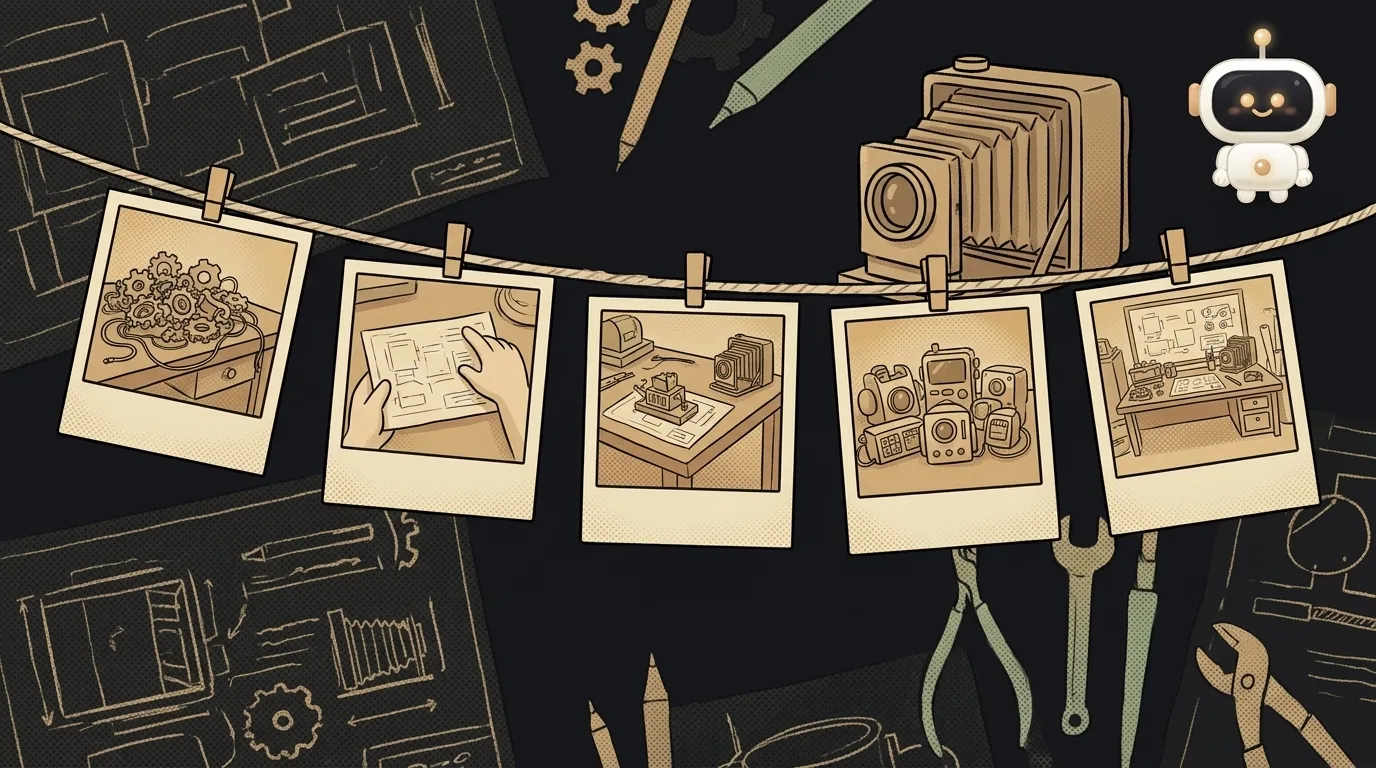
The first thing you hear about Git: "commit often." It sounds like "save often," so a commit feels like Ctrl+S. Here's the surprise: a commit saves not a file, but your whole project at once — a snapshot of every file in one second, with a note on why you took it. And such a snapshot is almost impossible to lose. Let's unpack what it's made of.
What a commit is, in plain words
A commit is a fixed point in your project's history. You did some work, decided "I want to remember this state" — you commit. Git records how every file looked at that moment and tags it: who, when, and why.
Analogy: you're not saving one sheet of paper, you're photographing the whole desk with all the papers laid out. A week later you've rearranged everything — but the old photo is intact, and any time you can go back to that exact layout.
What a commit is made of
Three things:
- A snapshot of all files — not "what changed," but the full picture of the project at that moment. (Git cleverly doesn't duplicate what hasn't changed, but to you it looks like a whole snapshot.)
- A message — a short note on why: "added the login button." You write this yourself.
- A parent — a link to the previous commit. That's how snapshots line up into a chain — a history you can walk back through.
Plus every commit has a unique hash — a long code like a3f8c1. It's the commit's fingerprint: with it you'll always find that exact snapshot.
Why a commit is two steps, not one
git add and git commit — beginners trip over why it can't be a single command.
git add— you put changes on the "table" (the staging area). You tell Git: "this goes into the snapshot."git commit -m "..."— you press the shutter. Only what's on the table gets photographed.
Why like this? So you can gather into one commit not everything at once, but a meaningful chunk. Fixed two unrelated things — make two separate commits with different messages. A snapshot isn't "everything that piled up," it's what you deliberately put on it.
Why a commit is hard to lose — and this is the point
Here's what it's all for. Since every commit is a whole snapshot in the chain, any of them is a point you can return to. Made a mess in the last hour? Go back to this morning's commit, and the project is exactly as it was. Nothing got "overwritten."
More than that: a commit you've made is almost impossible to erase by accident. Even if it seems you "deleted" it — Git keeps it by hash for a while, and it can be dug back up. So "commit often" isn't nagging, it's insurance: every commit is a save point with a road back. How to walk that road when you need to — see how to undo a commit.
Where you'll meet this
The moment you set up Git in a project, commits become your rhythm: do some work, commit. From there commits live on branches (those are movable bookmarks pointing at the latest commit) and travel up to GitHub with git push. The whole minimal set of commands is in the cheat sheet Git commands every beginner needs.
What should I write in a commit message?
Short and to the point: what changed and why, in past tense — "added dark mode," "fixed Google login." Not "edits" and not "asdf." A month from now you'll be scanning the history with your eyes — and a good message saves you half an hour of searching. One idea per commit: if the word "and" creeps into the message, it might be two commits.
How is a commit different from saving a file?
Saving (Ctrl+S) overwrites the file — the old version is gone. A commit adds a new snapshot to the history without erasing the previous ones. That's why you can return to any commit, but not to "the file's version five saves ago." Git keeps all snapshots, not just the latest.
Do I need to commit each file separately?
No. One commit usually gathers all the changes that belong to a single task — even across ten files. It's not about the number of files, it's about the snapshot being logically whole: "added login" is one commit, even if it touched five files.
Short story-lessons, an agent simulator and daily practice — in our mobile app. Free.